 Pricing Pro
The Elementor pricing table widget that sells
An Elementor pricing table widget with eight layouts, a billing toggle and WooCommerce checkout.
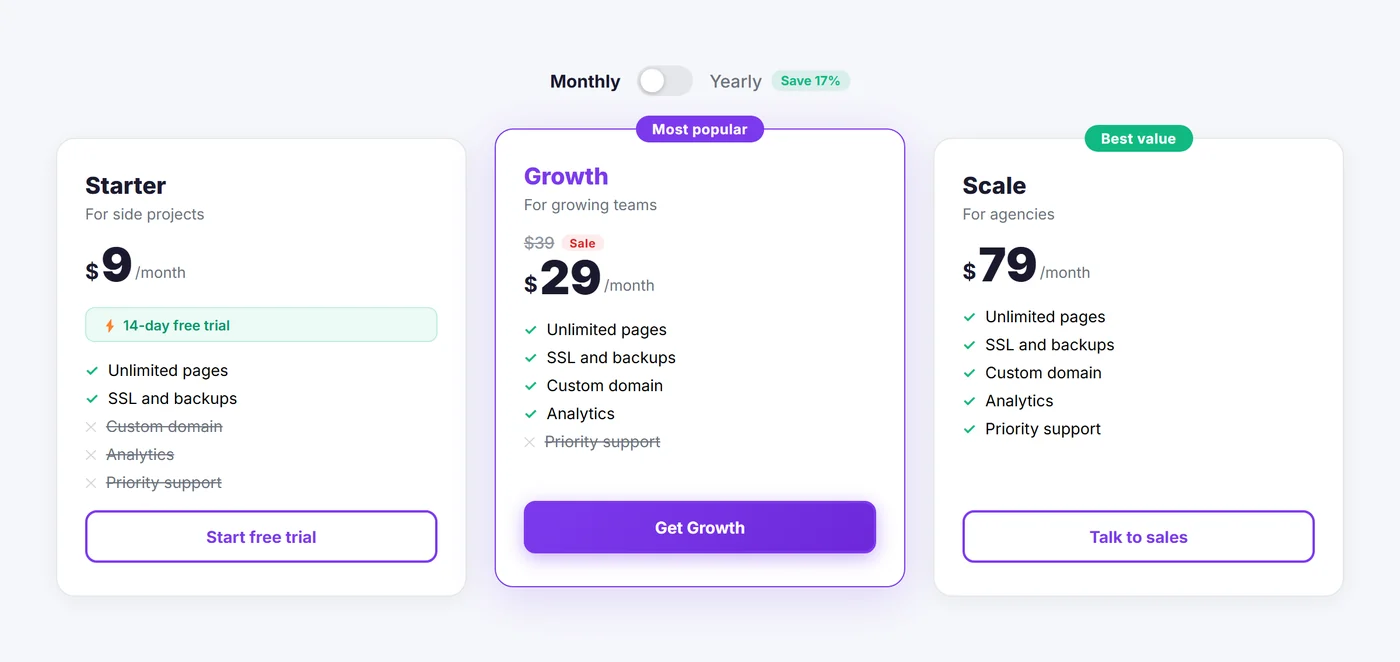
Eight layouts. One Elementor pricing table widget.
Switch the look, keep your plans
Change the layout any time. Plans, prices and features stay exactly as you set them.
- Classic
- Horizontal
- Comparison
- Magazine
- Spotlight
- Minimal
- Neon Glass
- Bold Slab
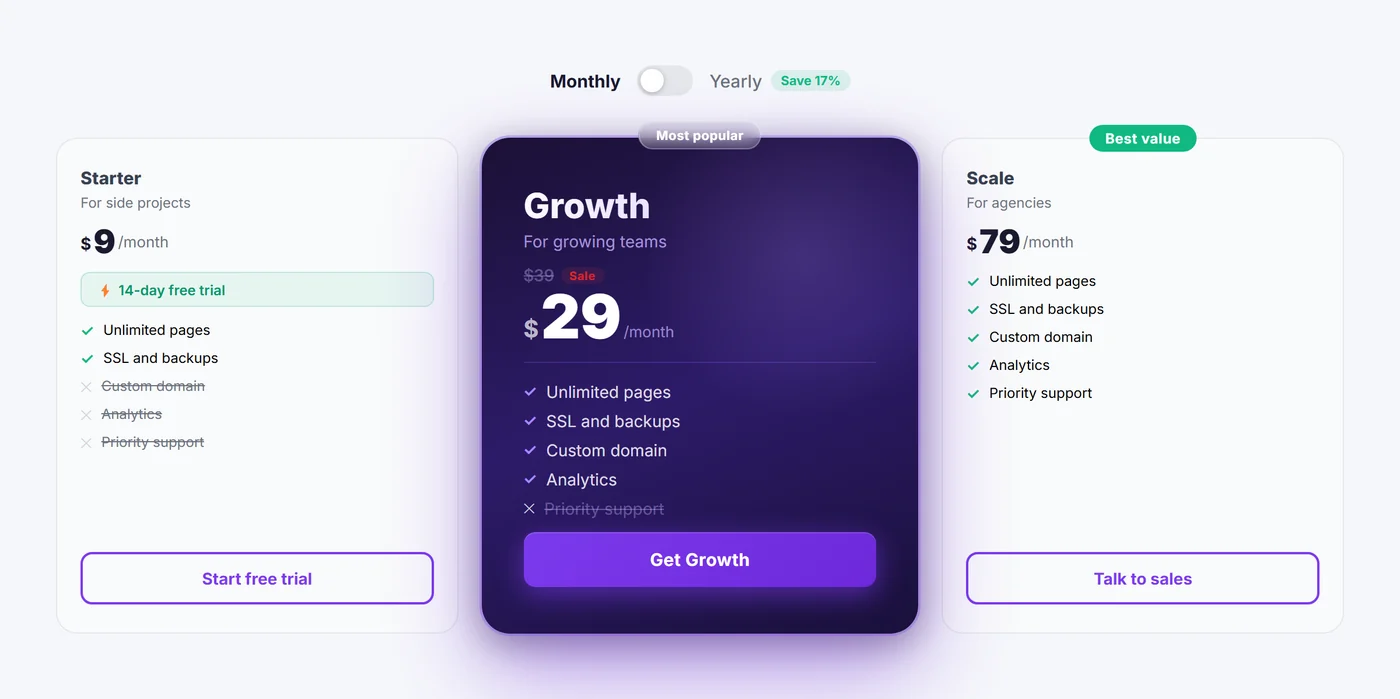
A monthly/yearly pricing toggle
Any two periods, a save badge, and crossed-out sale prices that follow the toggle.
- Per day
- Per week
- Per month
- Every X months
- Per year
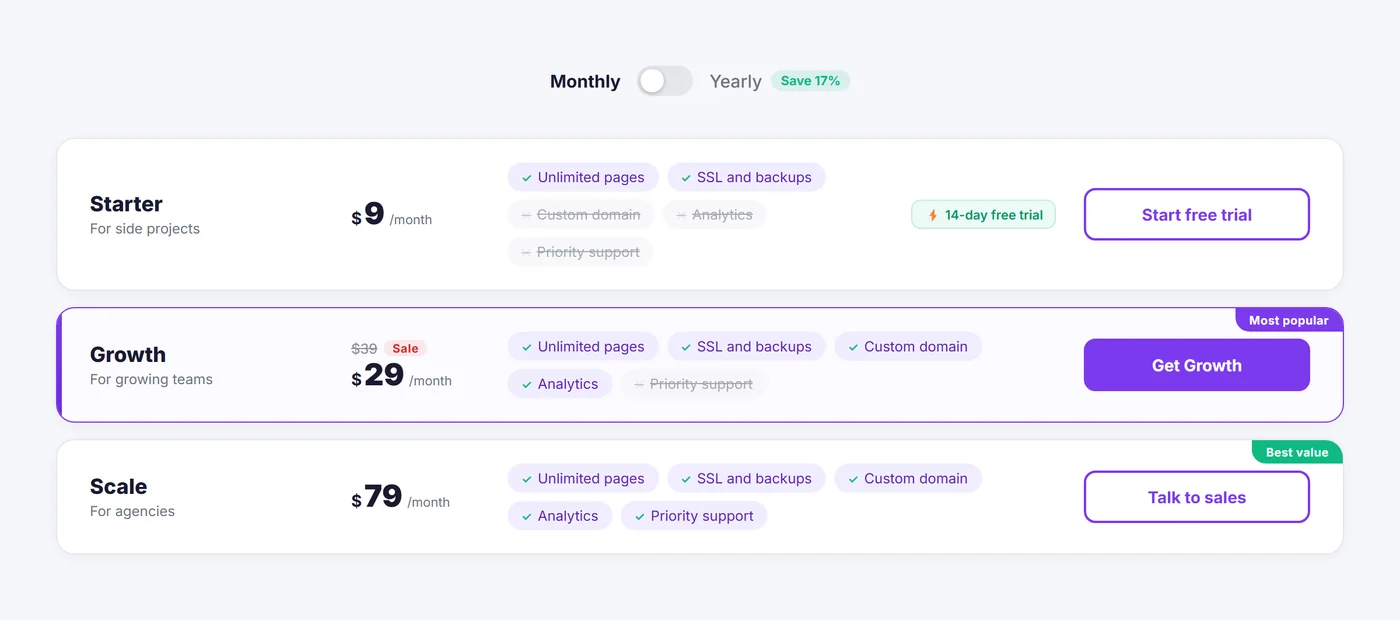
An Elementor comparison table, built for you
Every feature from every plan, lined up in rows. Prices update with the toggle.
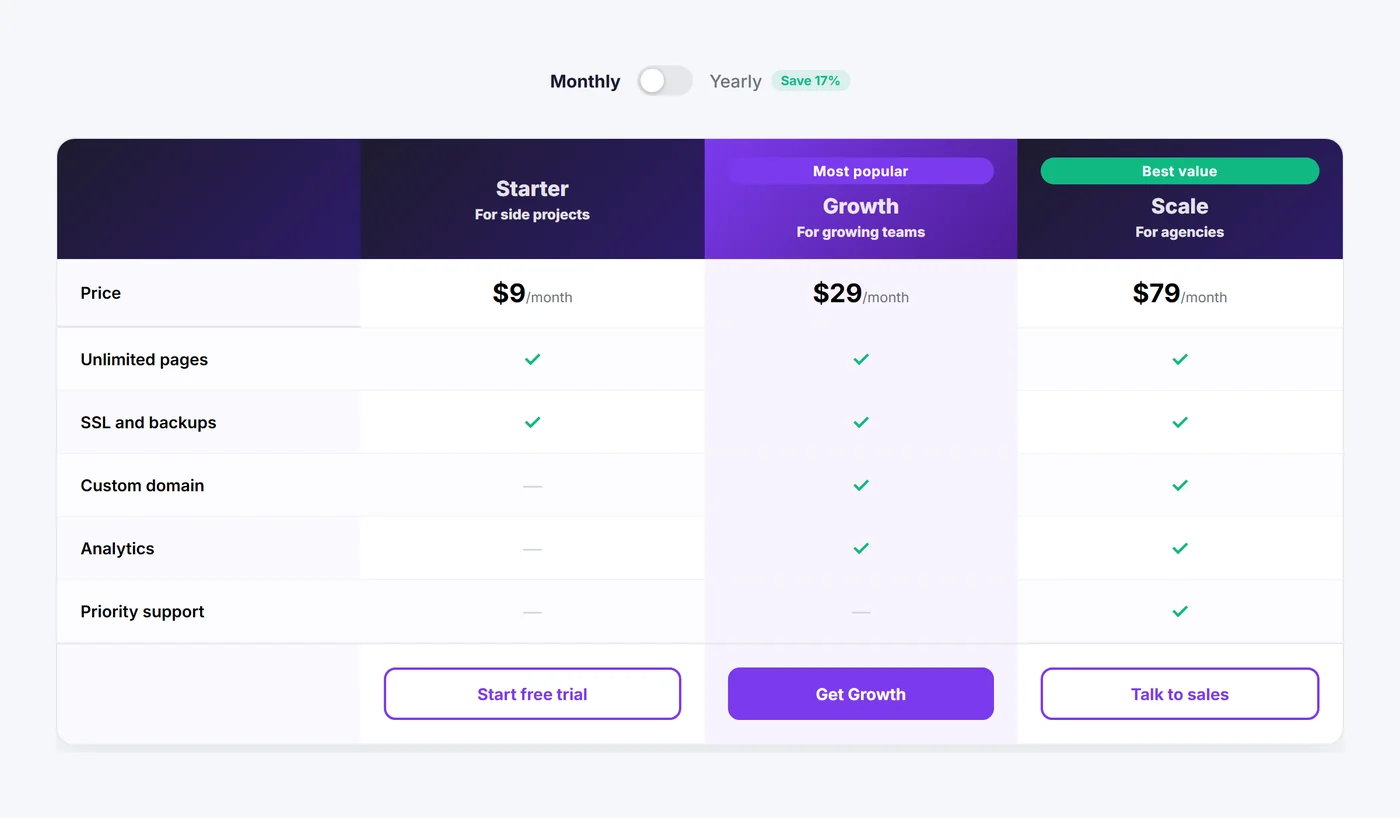
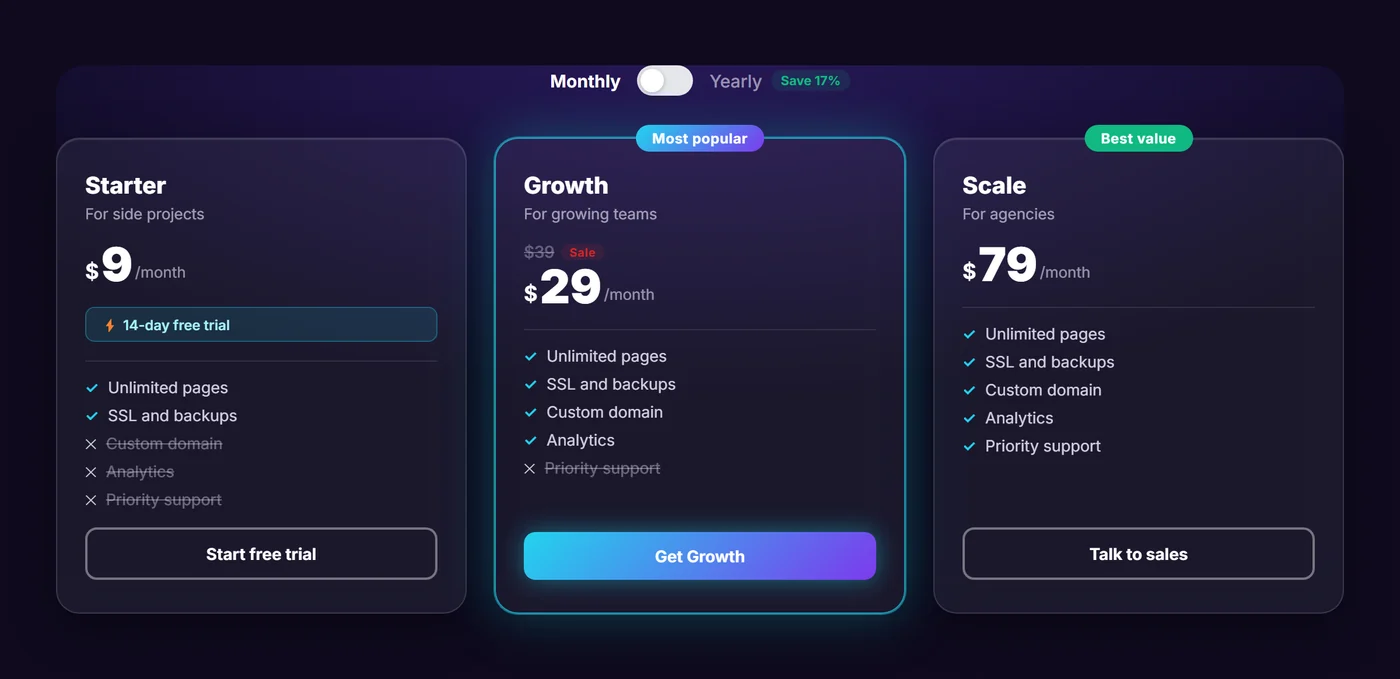
Made for dark pages, too
Glass cards and a glowing featured plan.
A WooCommerce pricing table, too
Add to cart
Buttons add a WooCommerce product, then go to cart or checkout.
One plan in cart
Optionally empty the cart first, so only the chosen plan stays.
Free trials
A trial badge on any plan.
Featured plan
Raise one plan and badge it in six colours, or your own.
Free plans
Show “Free forever” instead of a price.
Full style controls
Accent, cards, typography, shadows and radius in Elementor’s Style tab.
Free, under the MIT licence
- All eight layouts
- Billing toggle and sale prices
- Comparison table
- WooCommerce buttons
Questions
Does Pricing Pro need Elementor Pro?
No. It works with the free Elementor, version 3.0 or later.
How do I add a pricing table in Elementor?
Activate the plugin, open a page in Elementor, search the widget panel for Pricing Pro and drag it onto the page.
Does it work without WooCommerce?
Yes. WooCommerce is optional. Without it, buttons link to any URL or a section on the page.
Can I switch layouts after adding my plans?
Yes. The layout is one setting, and your plans, prices and features are kept.
Can the toggle show monthly and yearly prices?
Yes. Choose any two periods (day, week, month, every X months or year) and add a save badge.
Is there a free version?
Pricing Pro is free, under the MIT licence.