 Dynamic Local Network Access
Access a local WordPress site from another device
Access a local WordPress site from another device on your Wi-Fi. Links, styles and images follow the address you typed.
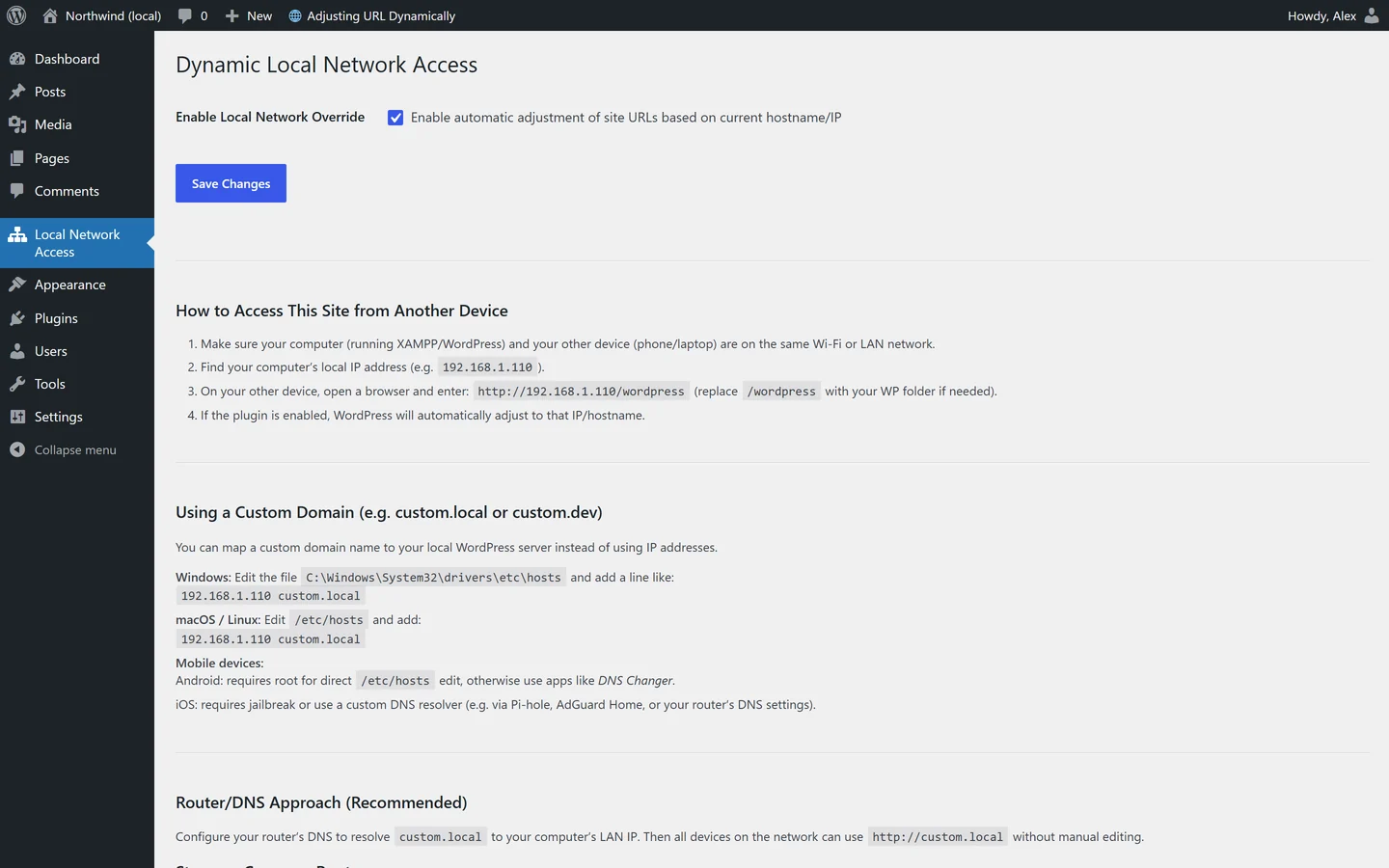
Open localhost WordPress on your phone
One switch, every URL
Home, site, content, plugin, theme and REST URLs, plus redirects, all use the host you’re on.
- localhost
- 127.0.0.1
- 192.168.x.x
- custom.local
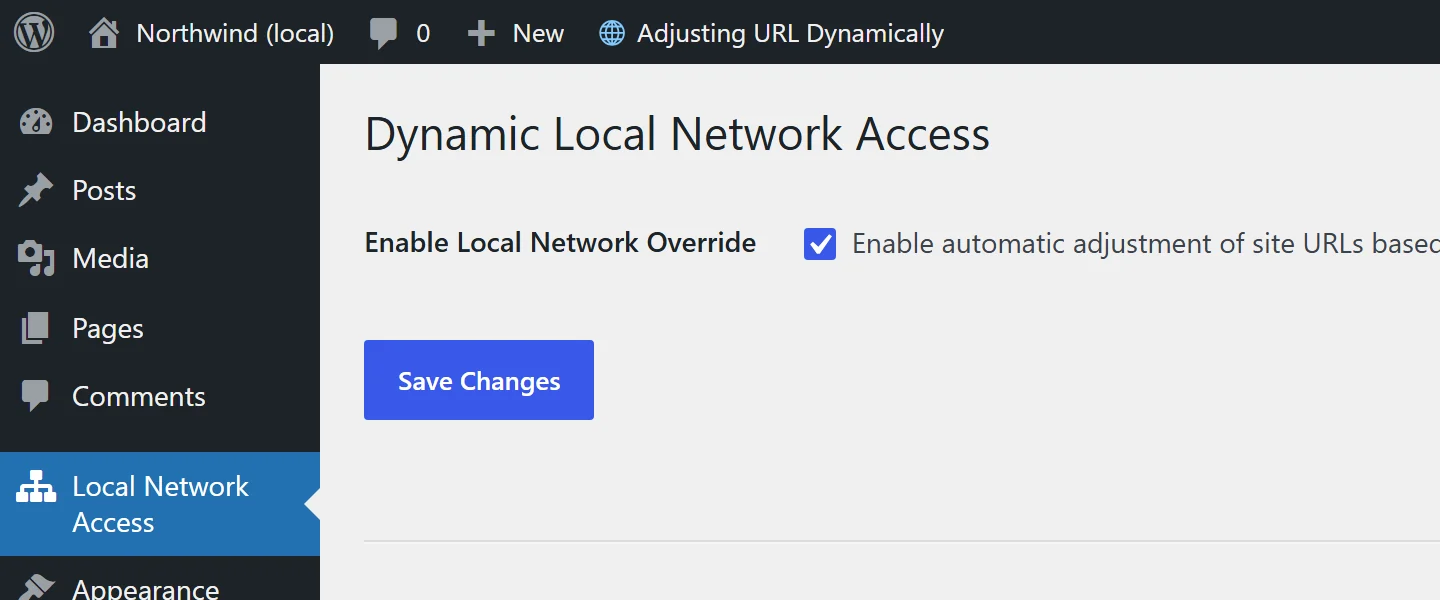
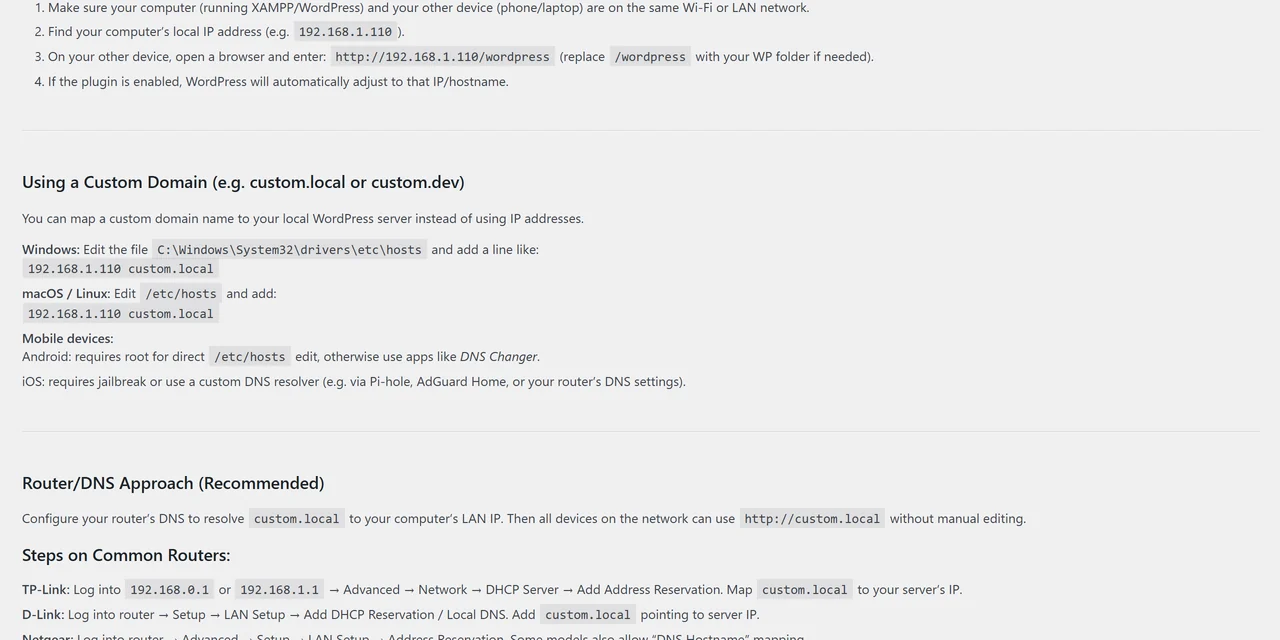
Use a WordPress custom local domain
Point custom.local at your machine in hosts or your router. The setup steps are built in.
- Windows hosts
- macOS / Linux
- Router DNS
- .local or .test
Made for XAMPP WordPress on a local network
Database untouched
URLs are rewritten as pages load. Nothing stored changes.
On / off
One checkbox in its own admin screen.
Any device
Phones, tablets and other computers on the same network.
Starts early
Hooks in as plugins load, before anything builds a link.
Admin bar notice
A reminder while URLs are being adjusted.
One file
No settings to tune, no database tables.
Free
- Automatic URL rewriting
- On / off switch
- Admin bar notice
- Built-in setup guide
Questions
How do I open my local WordPress site on my phone?
Put both on the same Wi-Fi, then open your computer’s local IP on the phone, for example http://192.168.1.110/wordpress. With the plugin on, the site works at that address.
Does it change the URLs in my database?
No. The site and home URLs are adjusted as each page loads, so turning it off puts everything back.
Does it work with XAMPP, WAMP or Local?
It works with any local server, because it only reads the address in each request.
Can I use a custom domain like custom.local?
Yes. Map it to your computer’s IP in your hosts file or router; the plugin follows whatever host you visit.
Should I use it on a live site?
No. It trusts the address in each request, so keep it to local and test sites.