 White Label CMS
Brand
White label WordPress admin from two colours
Buttons, links, focus rings and charts follow your primary and accent. Text contrast is checked for you.
- Nightfall
- Aurora
- Harbour
- Carbon
- Terracotta
- Porcelain
- Obsidian
- Sage
- Cobalt
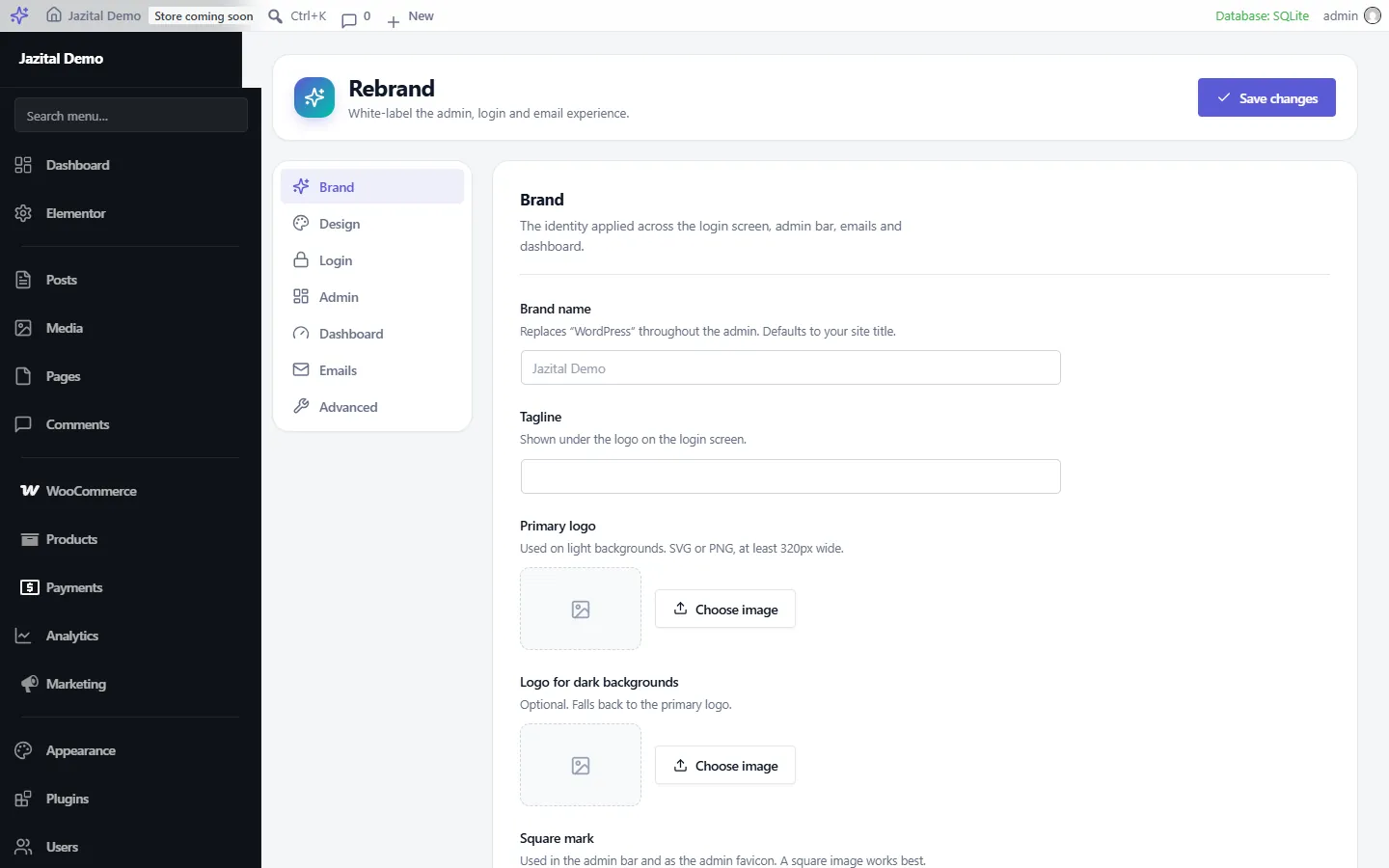
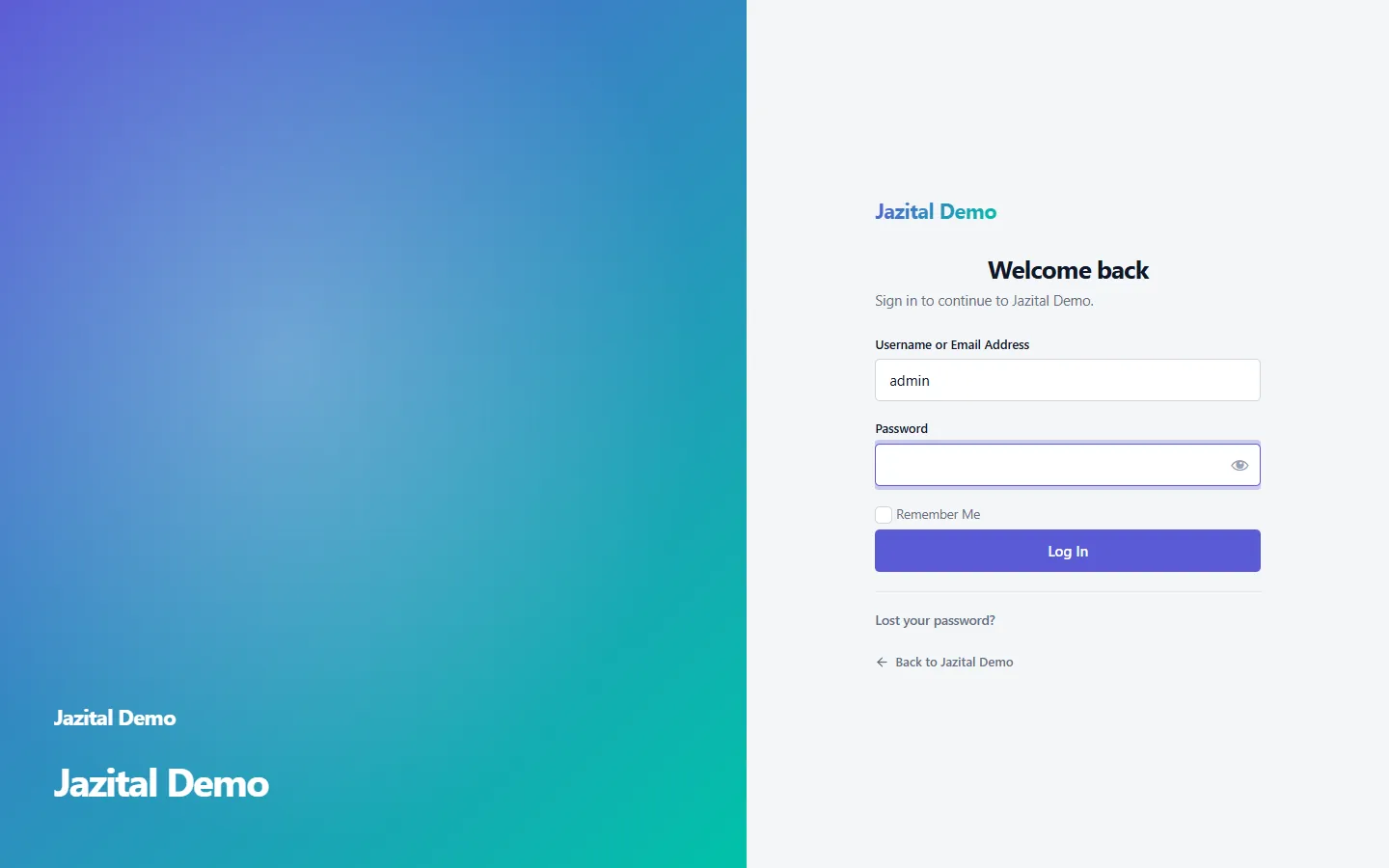
White label WordPress admin, login and email with your logo and two colours. Every screen your clients touch becomes yours.
WordPress 6.0+ · No external requests
Buttons, links, focus rings and charts follow your primary and accent. Text contrast is checked for you.
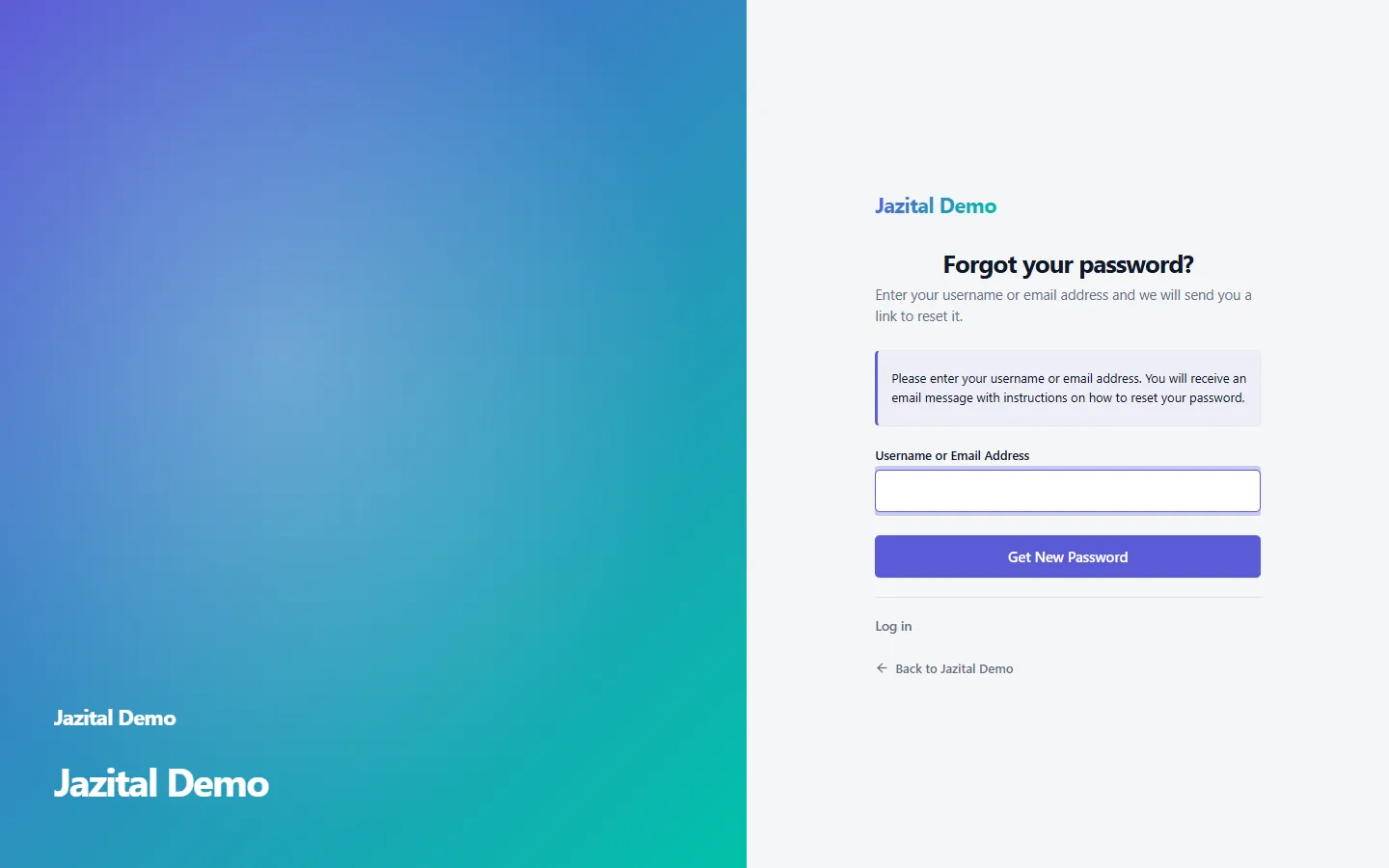
Sign in, register, lost and new password, confirmations and session-expired, in one of three layouts.
It changes how WordPress looks, never what it does.
Update notices, security warnings and Site Health are never hidden.
The block editor canvas keeps looking like your posts.
Skip links, screen-reader text and focus rings survive.
Icons are inlined and fonts are already on the device.
Site-wide or per user, with no flash on load.
Lucide icons replace Dashicons in the menu and toolbar.
Every message in an HTML template with your logo.
Choose which roles see the rebrand.
Move your branding, logos included, to another site.
Plugin banners grouped, opened for errors and warnings.
Yes. Everything on this page is in the free plugin.
Activate the plugin, open Rebrand in the admin menu, and set your brand name, logo and two colours.
No. Everything is presentational. Deactivating returns stock WordPress, with your settings kept.
Yes. Under Admin → Apply to roles, pick which roles see it, or leave all unchecked for everyone.
Yes. The editor chrome is themed, and the editing canvas is left alone so content looks as it will on the site.
No. Only the toolbar is restyled on the front end.
Yes, under Advanced. Every design token is a CSS custom property, such as var(--wpr-primary).