 File Manager
Settings
Your defaults, your permissions
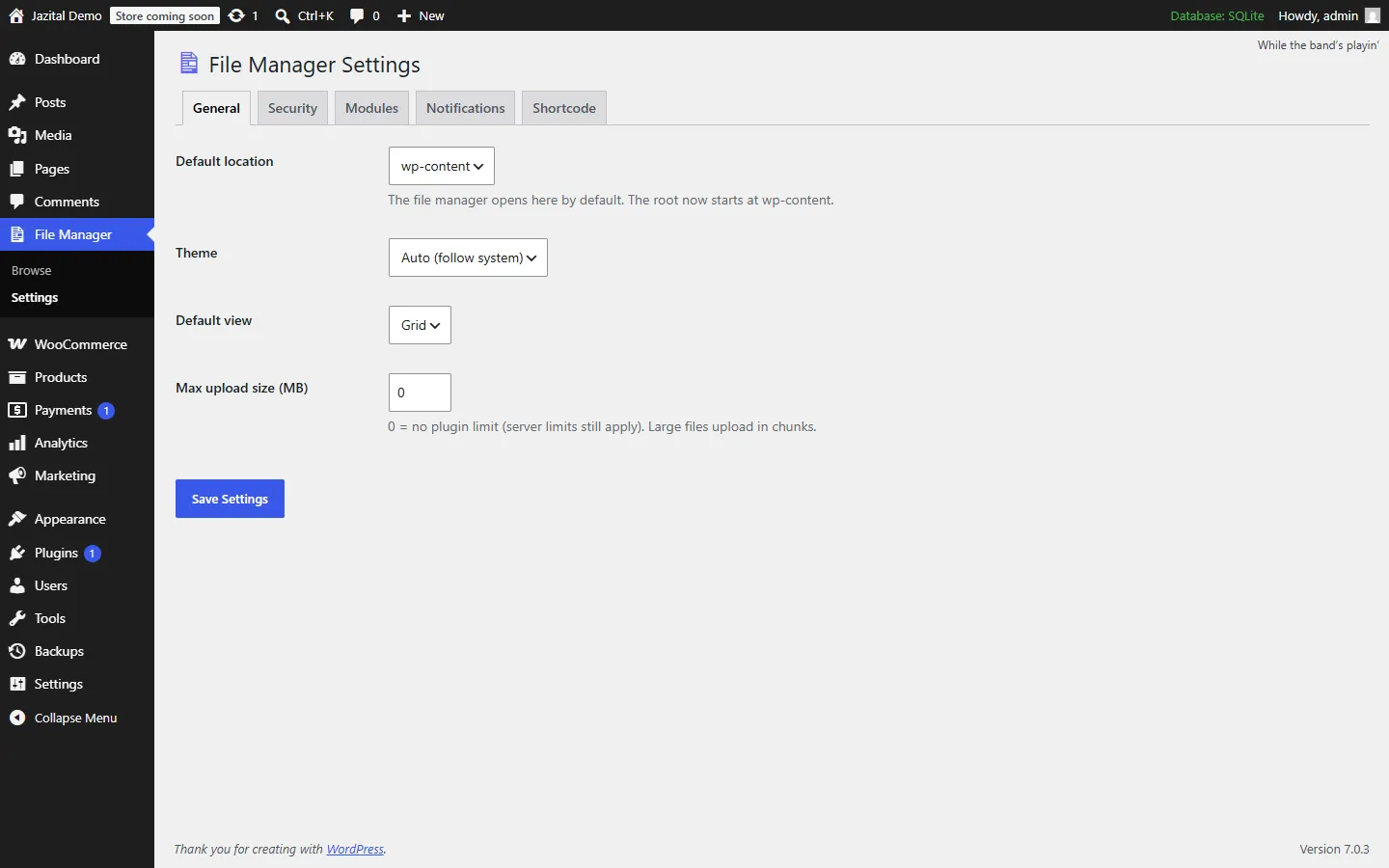
Default location, theme, view and upload size. Security, modules and a shortcode in their own tabs.
- General
- Security
- Modules
- Notifications
- Shortcode
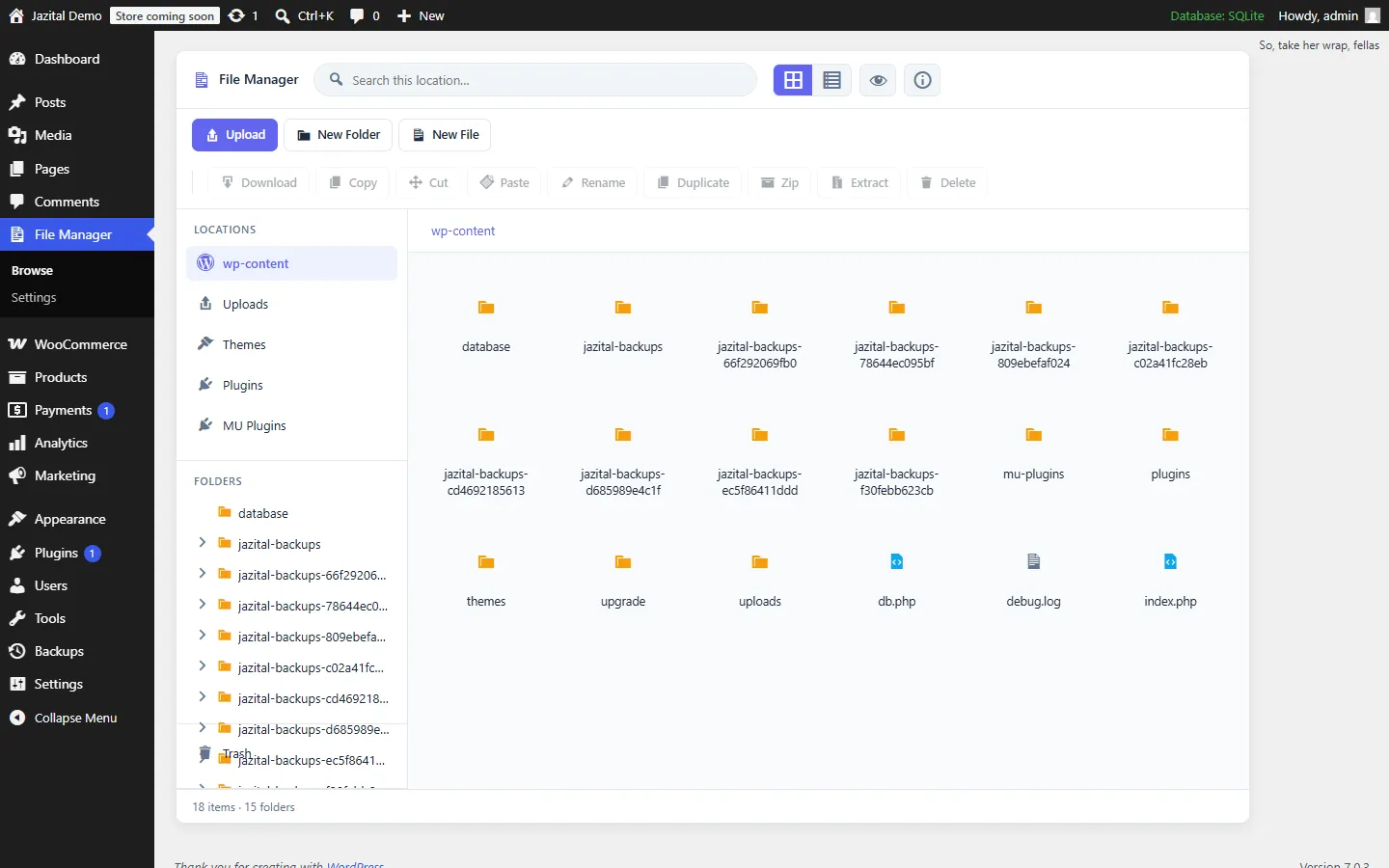
A WordPress file manager plugin with three panes, a code editor and a trash bin, plus folders for your Media Library.
WordPress 6.0+ · Admin-only by default
Default location, theme, view and upload size. Security, modules and a shortcode in their own tabs.
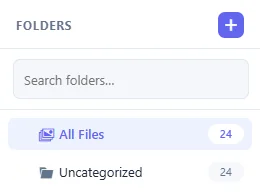
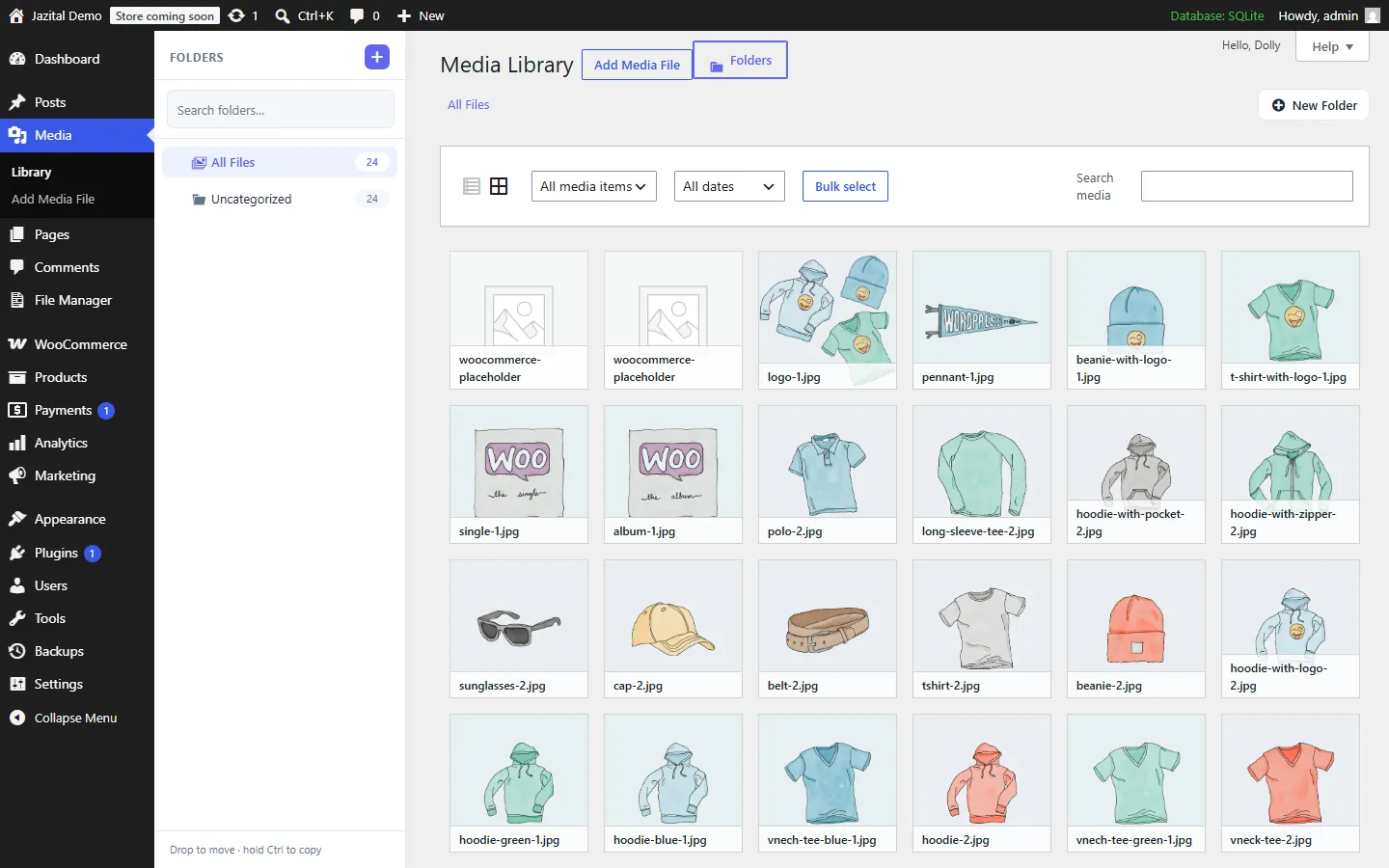
Nested folders beside your media. Drag to move, hold Ctrl to copy, filter by folder.
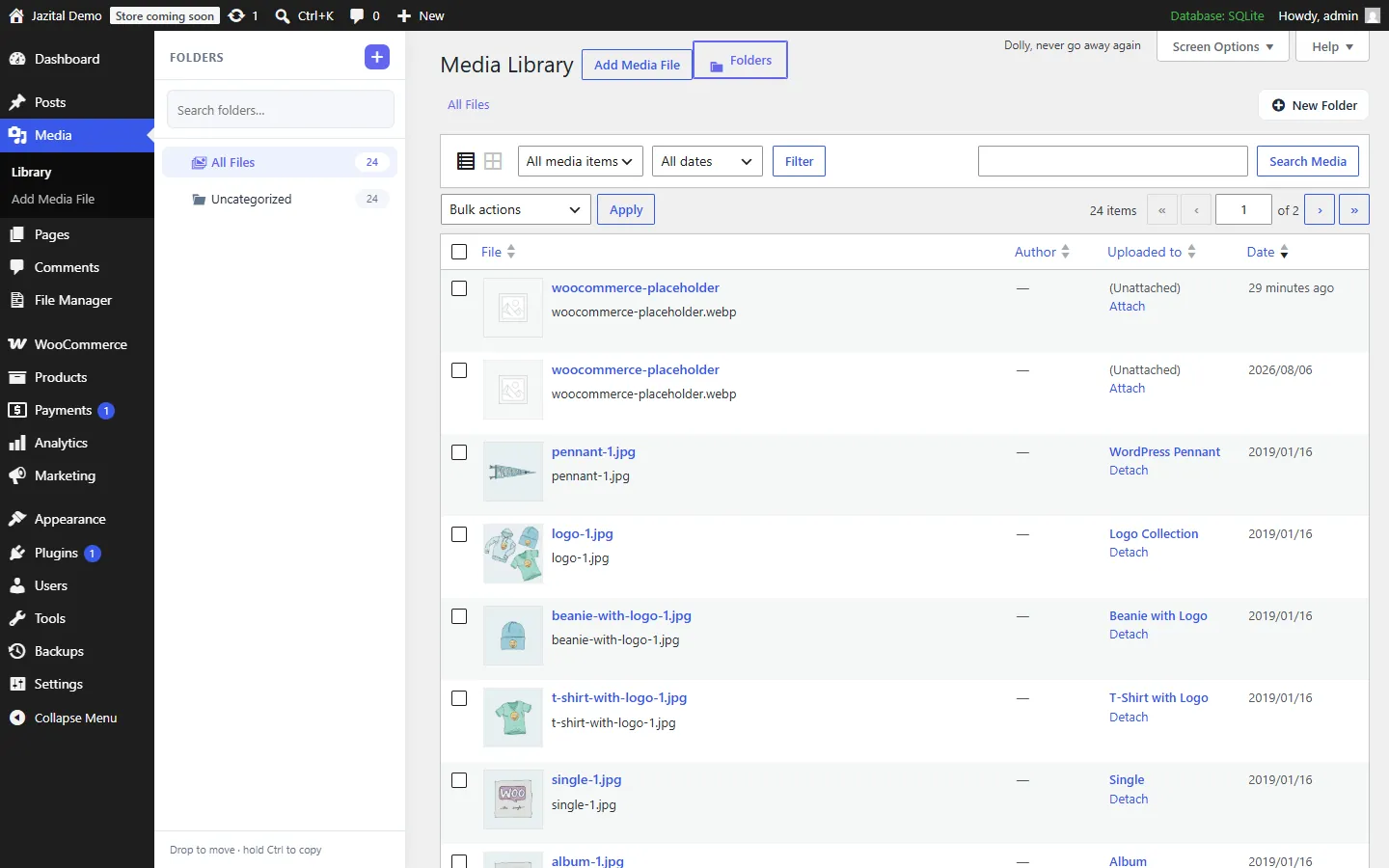
The same folders work in the Media Library grid.
Syntax-highlighted editing, plus an image lightbox.
Compress to ZIP; extract ZIP, TAR, GZ, TGZ and BZ2.
Deleted files can be restored.
Drag and drop, uploaded in chunks.
Find a file anywhere below the current folder.
Traversal protection, blocked extensions, nonce on every request.
Yes. Everything on this page is in the free plugin.
At wp-content by default. Switch to Uploads, Themes or Plugins from the sidebar, and change the default in Settings.
Yes. Deletions go to the Trash, where you can restore them or delete them for good.
Keep the Media Library Organizer module on in Settings → Modules, then create folders and drag files into them on the Media page.
Administrators by default. You can change the required capability under Settings → Security.
Yes. It extracts ZIP, TAR, GZ, TGZ and BZ2 archives, and compresses files to ZIP.