
WooCommerce My Account page customizerYour My Account page, rebuilt.
A WooCommerce My Account page customizer: build the menu, attach any content to any item, and pick from twelve layouts.
WordPress 6.0+ · WooCommerce 6.0+
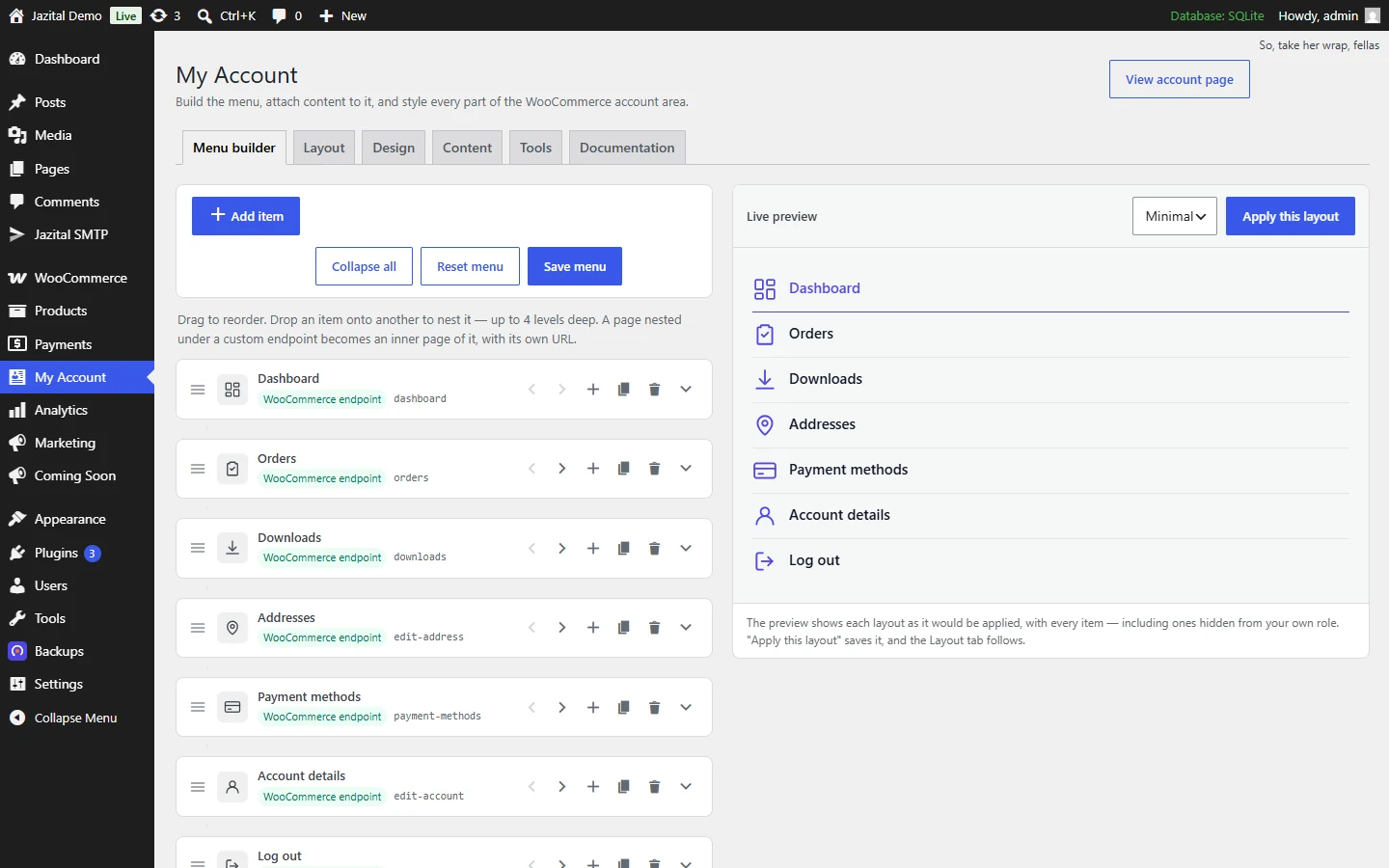
A My Account menu editor: drag, drop, nest
Up to four levels deep. A page nested under a custom endpoint gets its own URL.
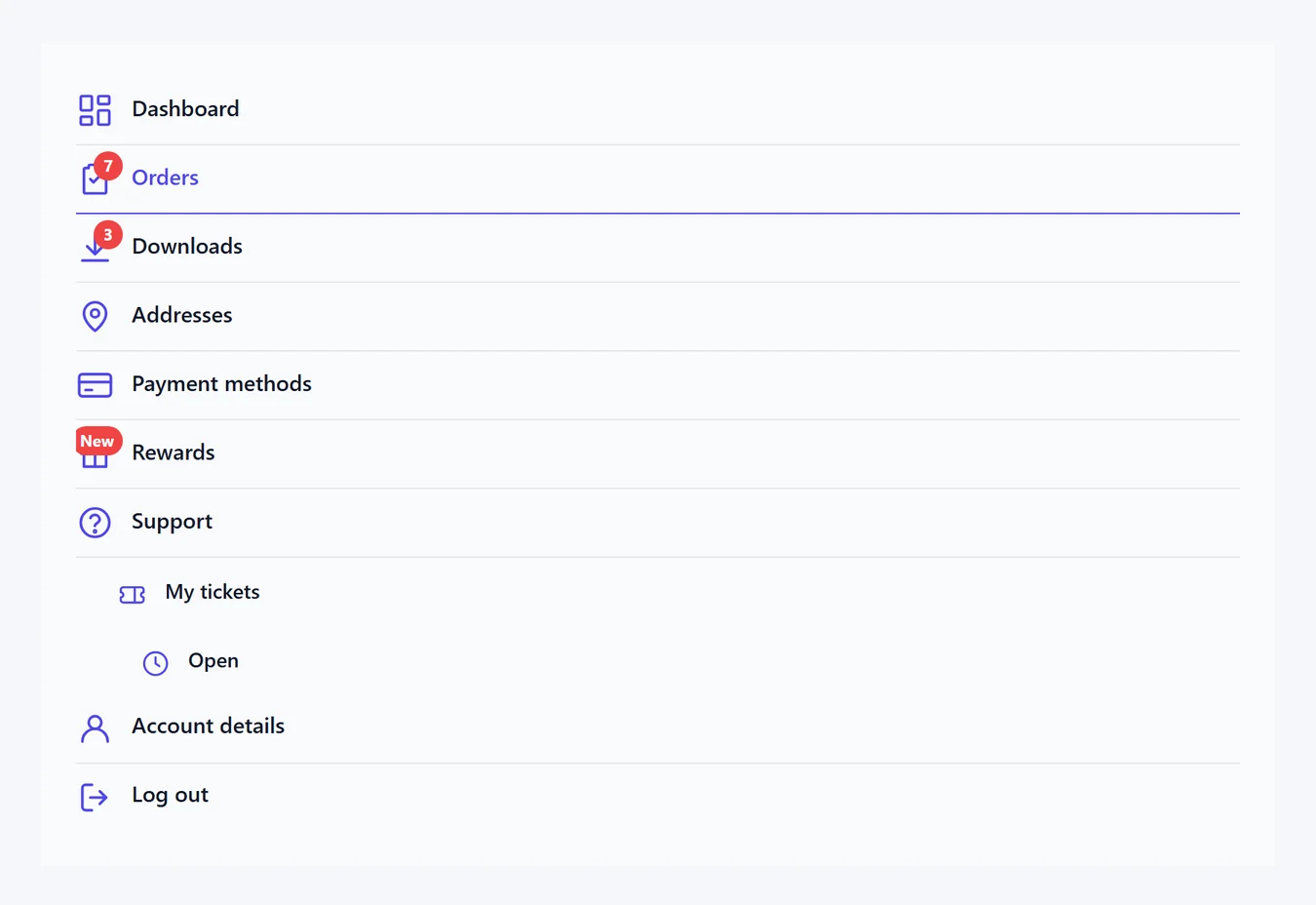
Anything behind any item
Before, after or instead of what WooCommerce shows — including the login screen and view order.
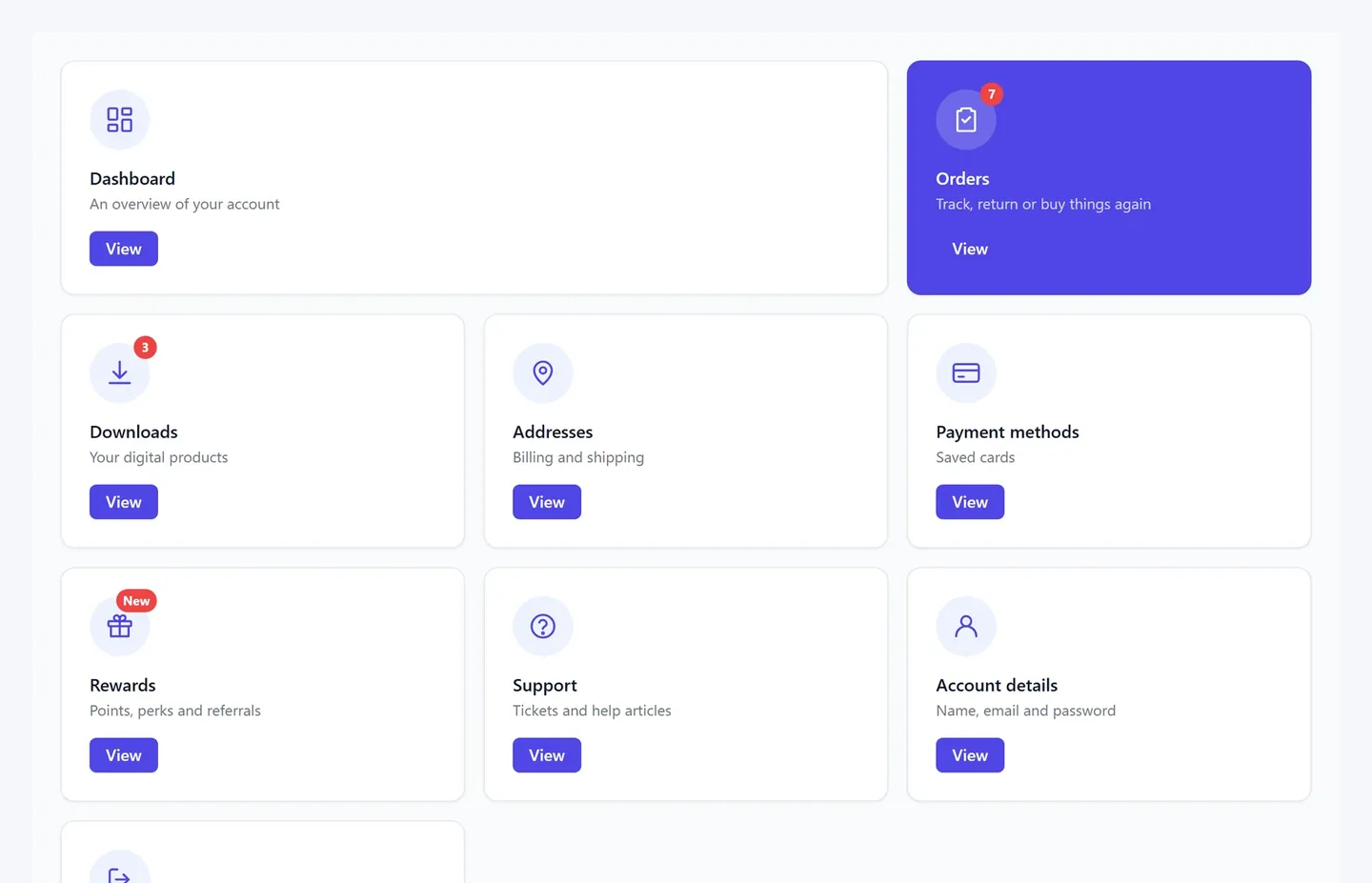
Style every part
Colours, borders, radius, shadows, type, icons and columns per breakpoint. Previewed live.
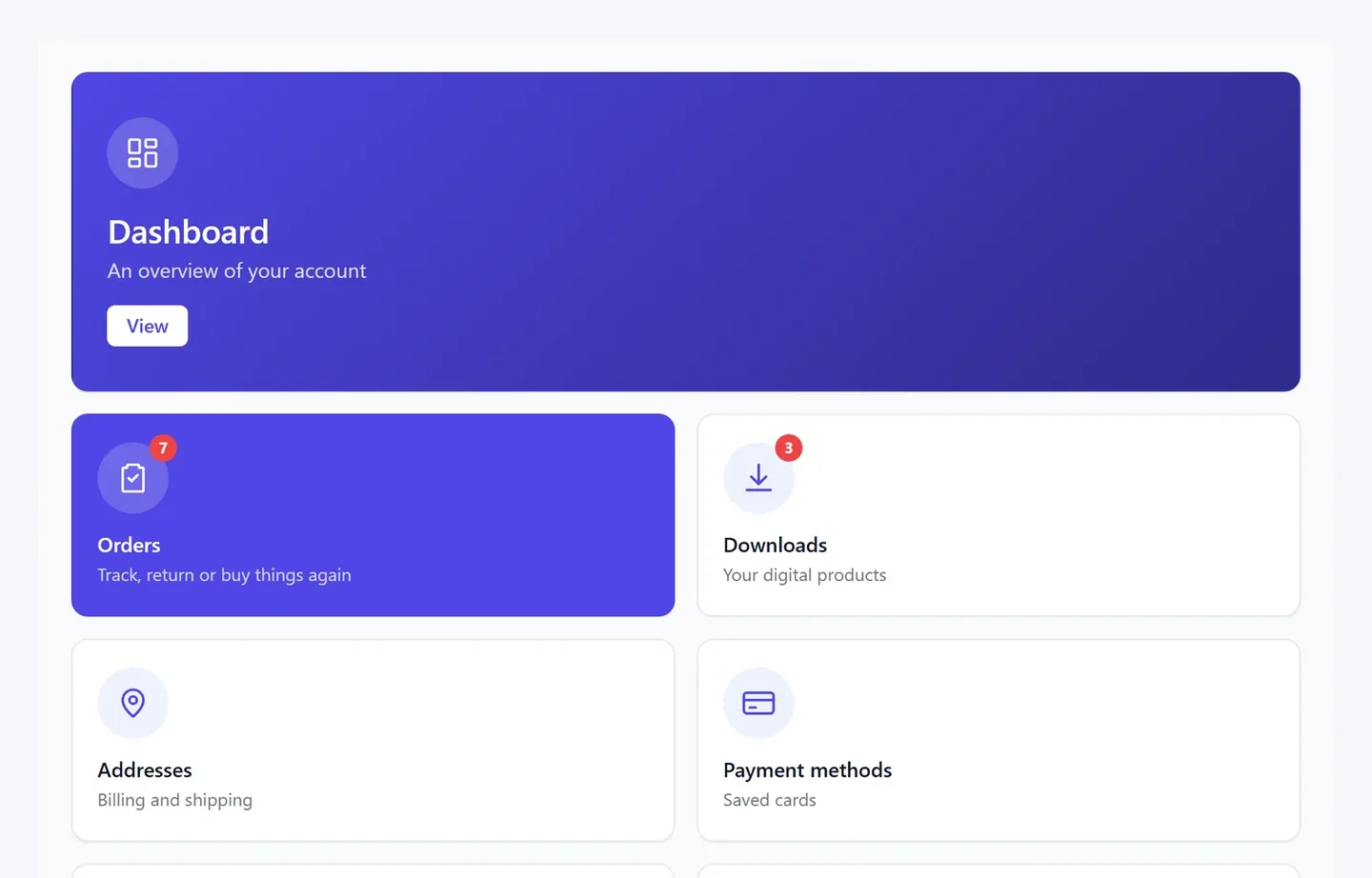
Twelve WooCommerce account layouts
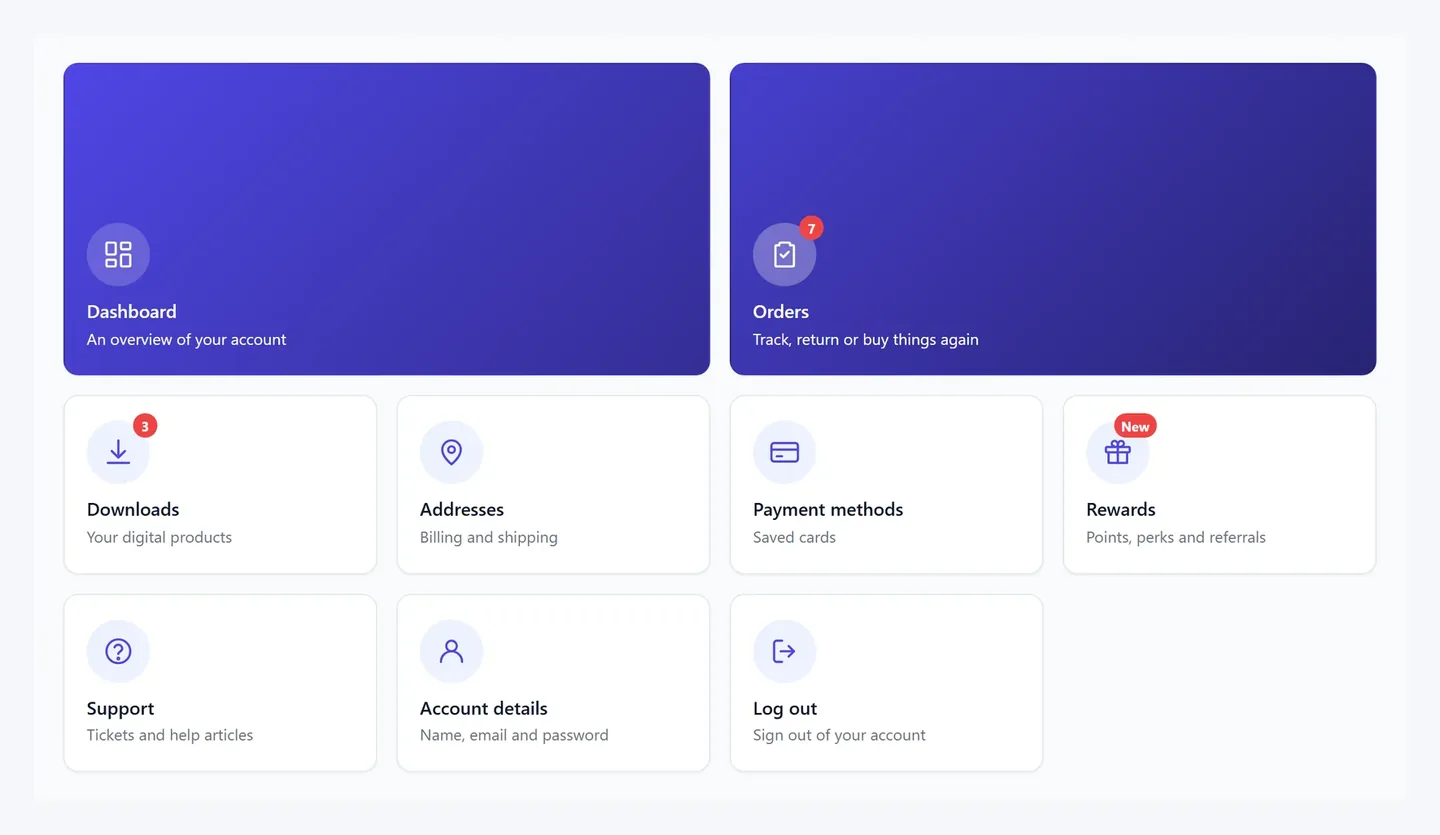
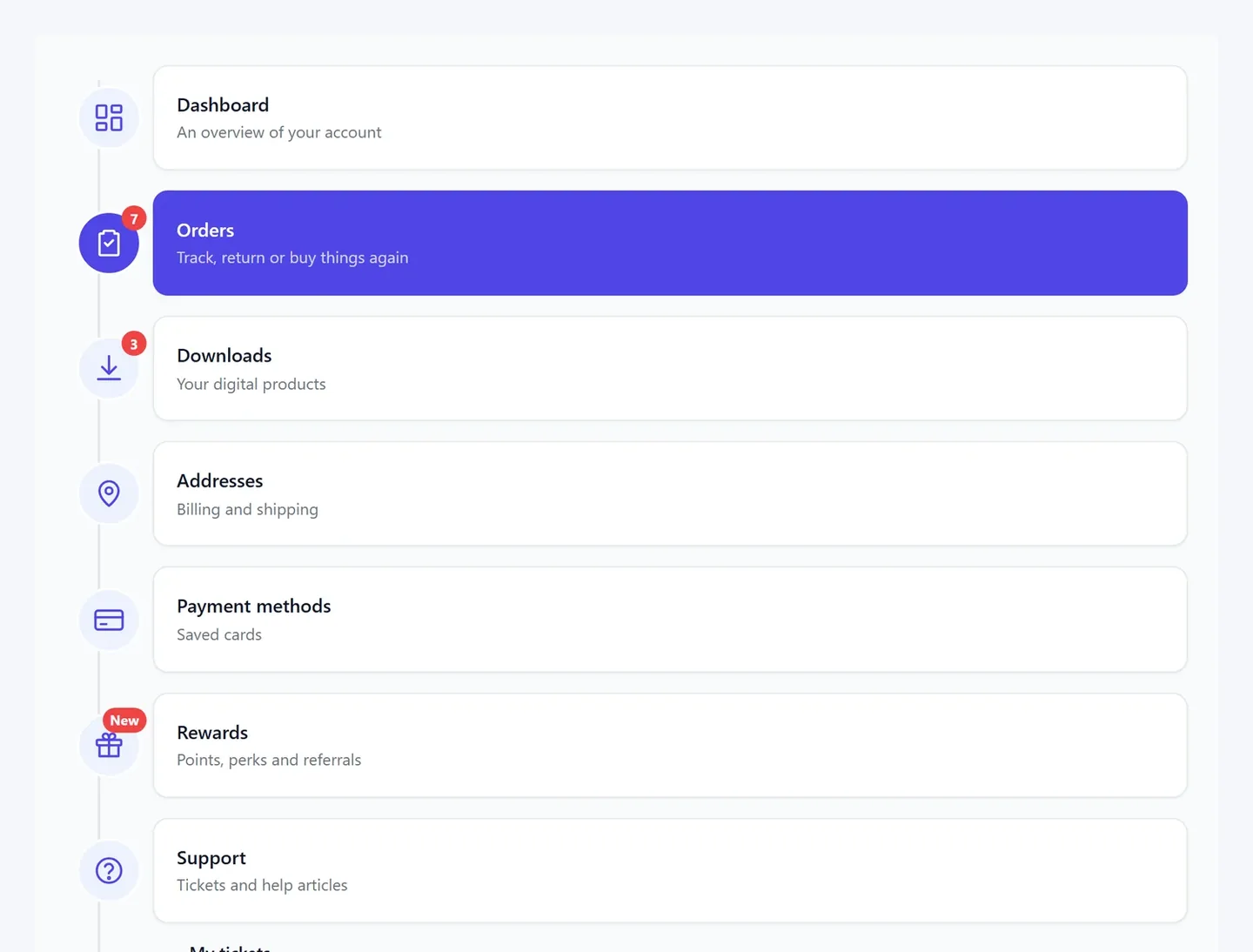
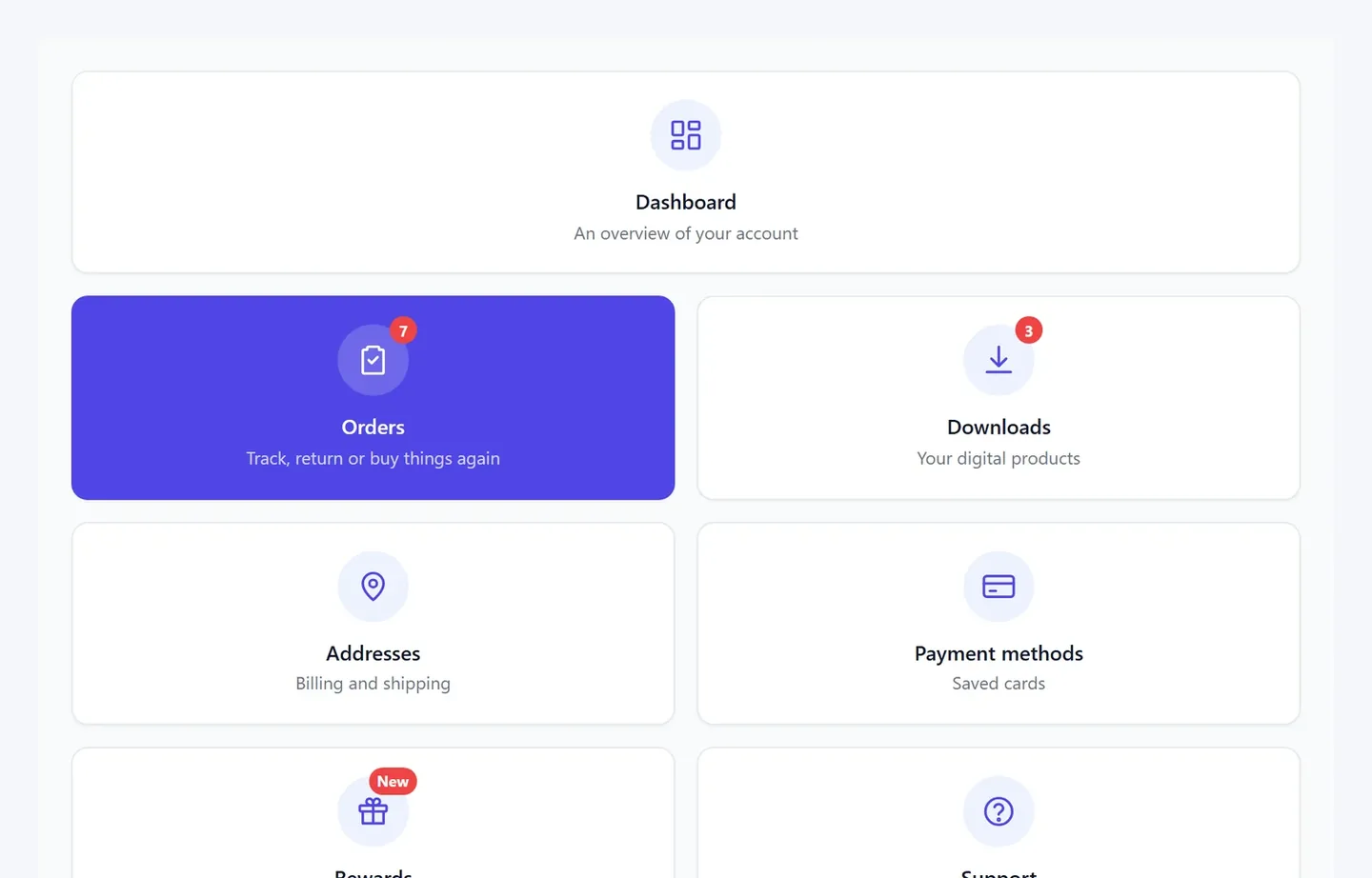
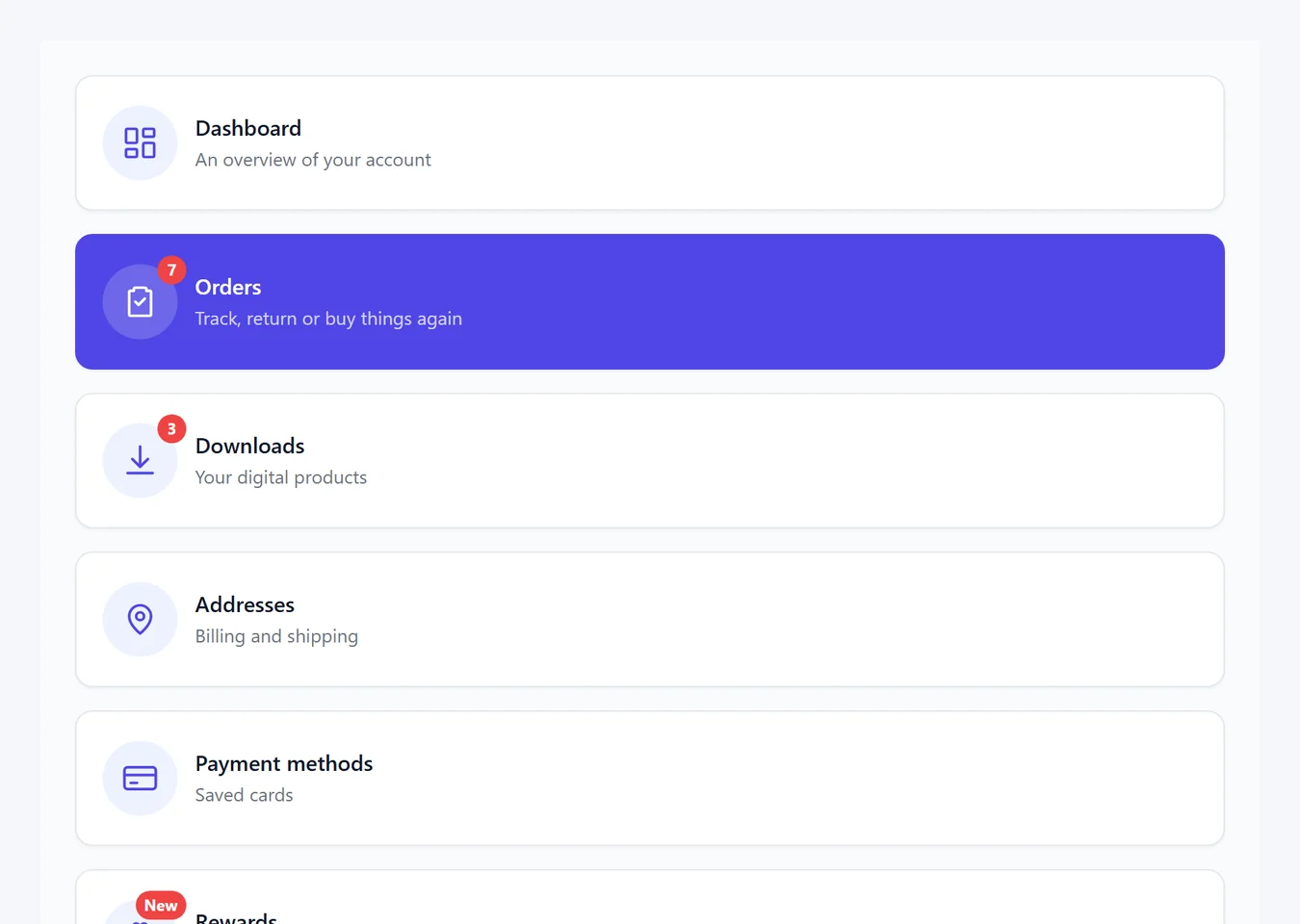
Everything you reach for
Placeholders
{display_name}, {order_count}, {email} and more, anywhere.
60 icons built in
Or Dashicons, an icon font, your own SVG, an image or an emoji.
Shortcodes
Place the menu anywhere, with every setting overridable.
Docs inside
Generated from the plugin itself. Works offline.
Theme-safe
Every WooCommerce hook and class kept. Templates overridable.
Profile pictures
Customers upload their own. Pro.
Free to start. Pro when you need it.
- Drag-and-drop menu builder
- Custom endpoints and nested pages
- Any content on any item
- Five layouts
- Full styling with live preview
- Everything in Free
- Seven more layouts
- Customer profile pictures
- Inline accordion content
- Import and export settings
WooCommerce My Account page customizer FAQ
Will it change my account page straight away?
No. The menu starts from your existing WooCommerce endpoints, so nothing changes until you edit it.
Will it work with my theme?
Yes. Every WooCommerce action and CSS class is kept. If your theme has its own account templates, turn off the navigation takeover and place the menu with [wcma_menu].
My custom endpoint shows a 404.
Permalinks are rebuilt when you save the menu. If it doesn't stick, open Settings → Permalinks and save.
Does it support HPOS?
Yes — High-Performance Order Storage and the block checkout are both declared compatible.
What happens to my data if I uninstall?
Everything it created is removed, unless you turn on “Keep settings when the plugin is deleted”.
Is there a free version?
Yes. Free includes the menu builder, custom endpoints, content on any item and five layouts. Pro adds seven more layouts, profile pictures, inline accordion content and settings import/export.
How do I install it?
Upload the zip under Plugins → Add New → Upload Plugin, activate it, then open WooCommerce → My Account.