
WooCommerce custom order numbersYour order numbers. Your statuses.
WooCommerce custom order numbers: sequential, with your prefix and padding. Plus statuses you can rename, colour, reorder and create.
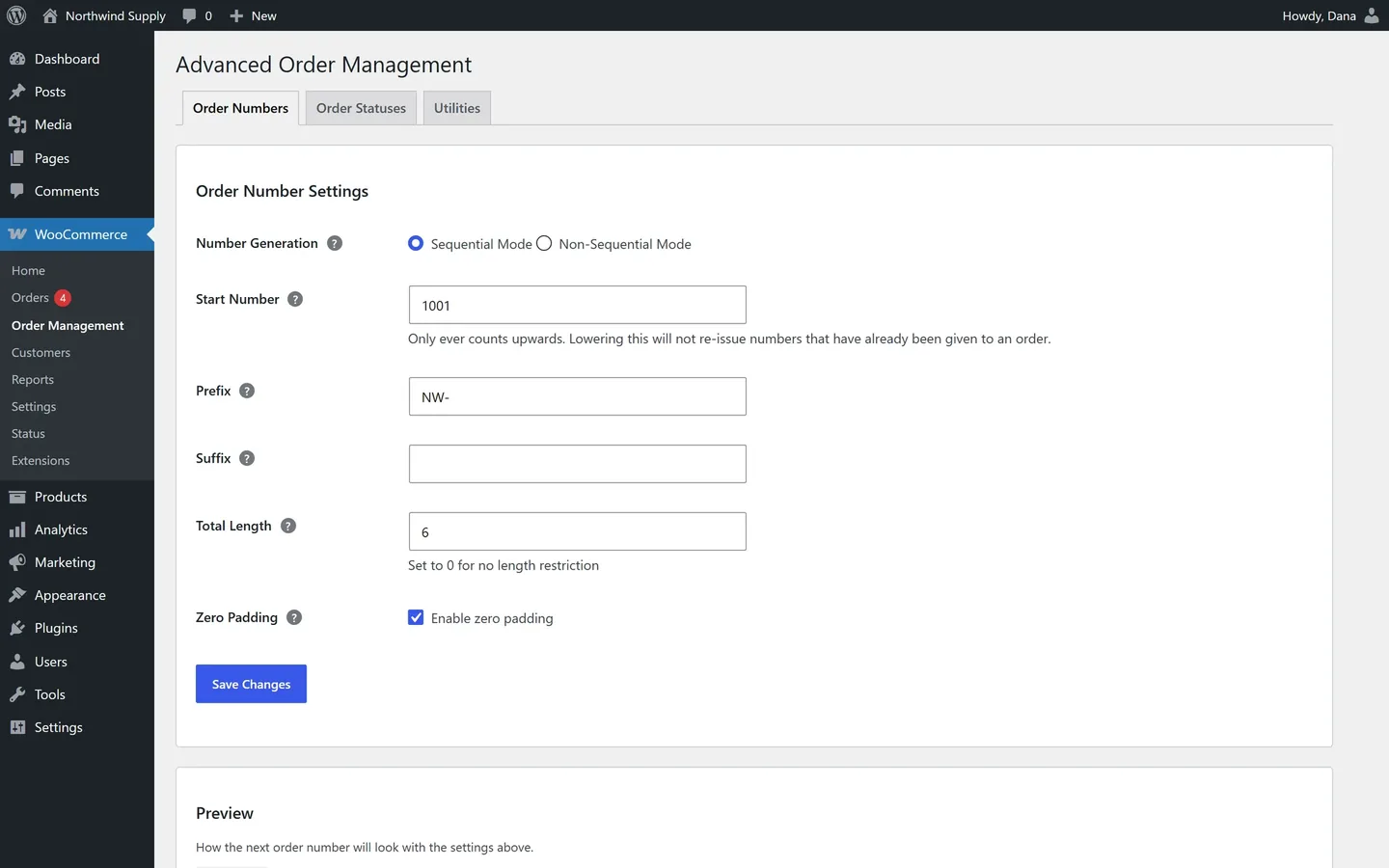
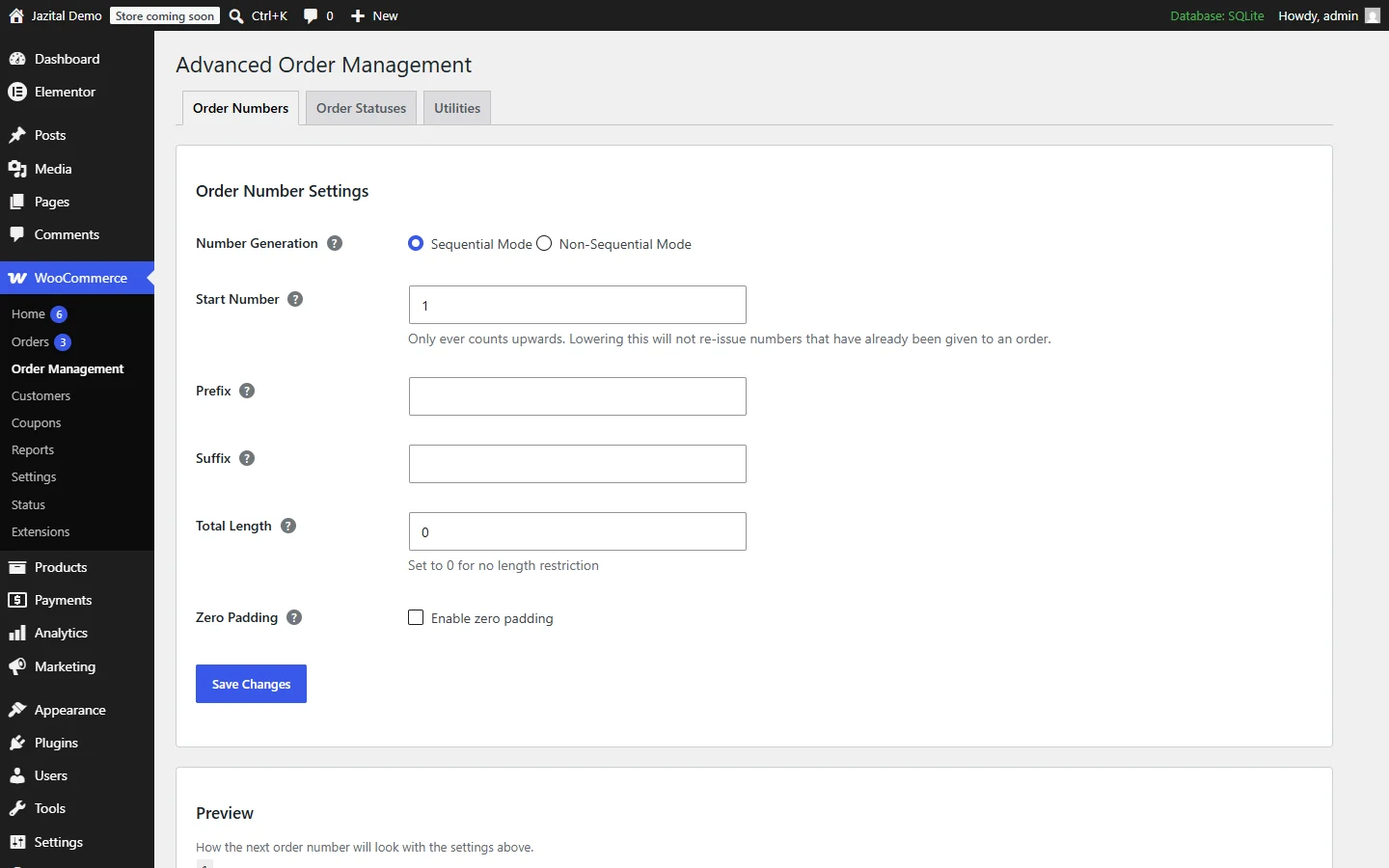
Sequential order numbers that only count up
Start anywhere. Add a prefix, a suffix, a fixed length. No duplicates, and abandoned checkouts don't burn a number.
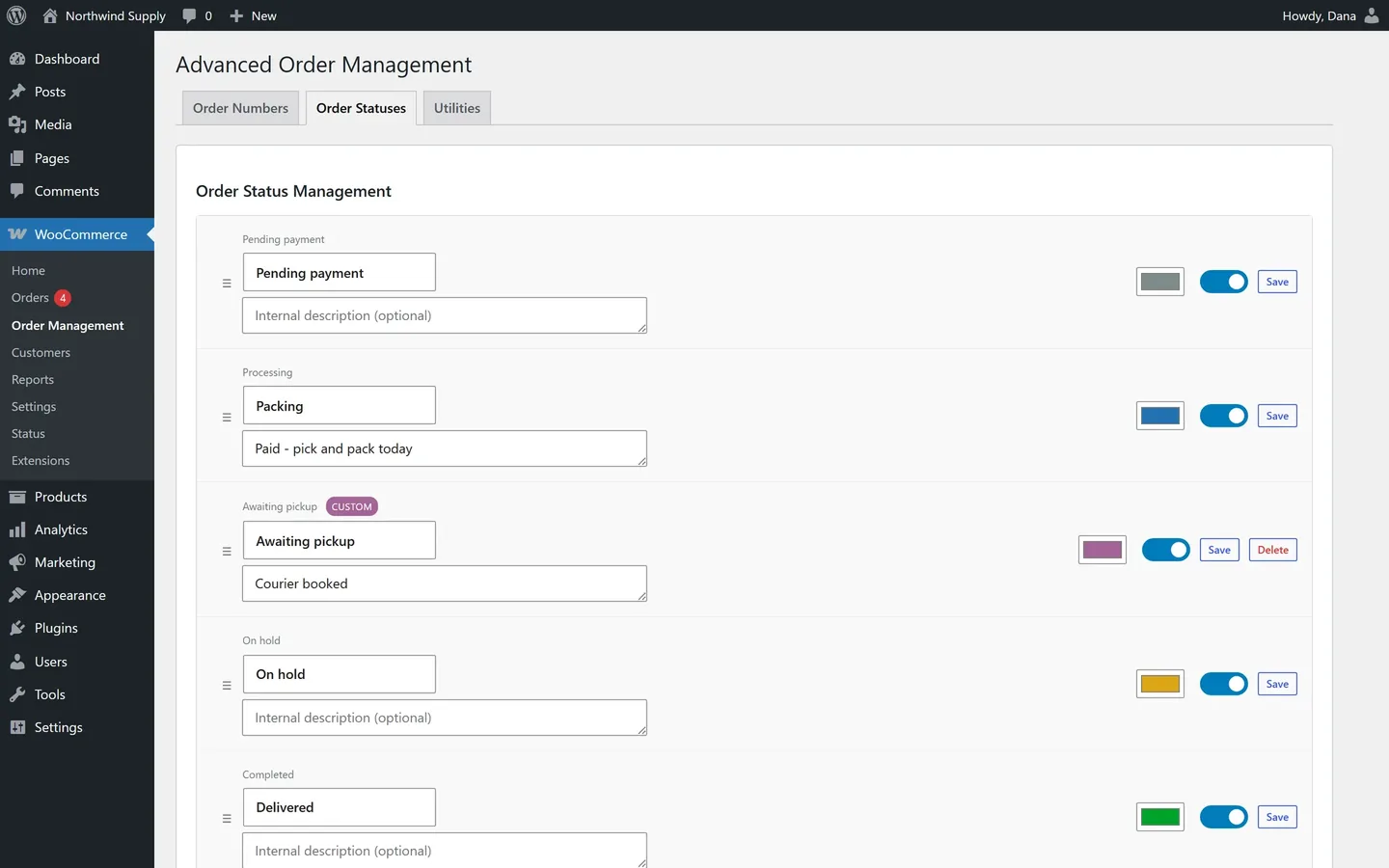
Custom order statuses that fit your flow
Rename the built-in ones, give each a colour, drag them into order, hide the ones you never use — or add your own.
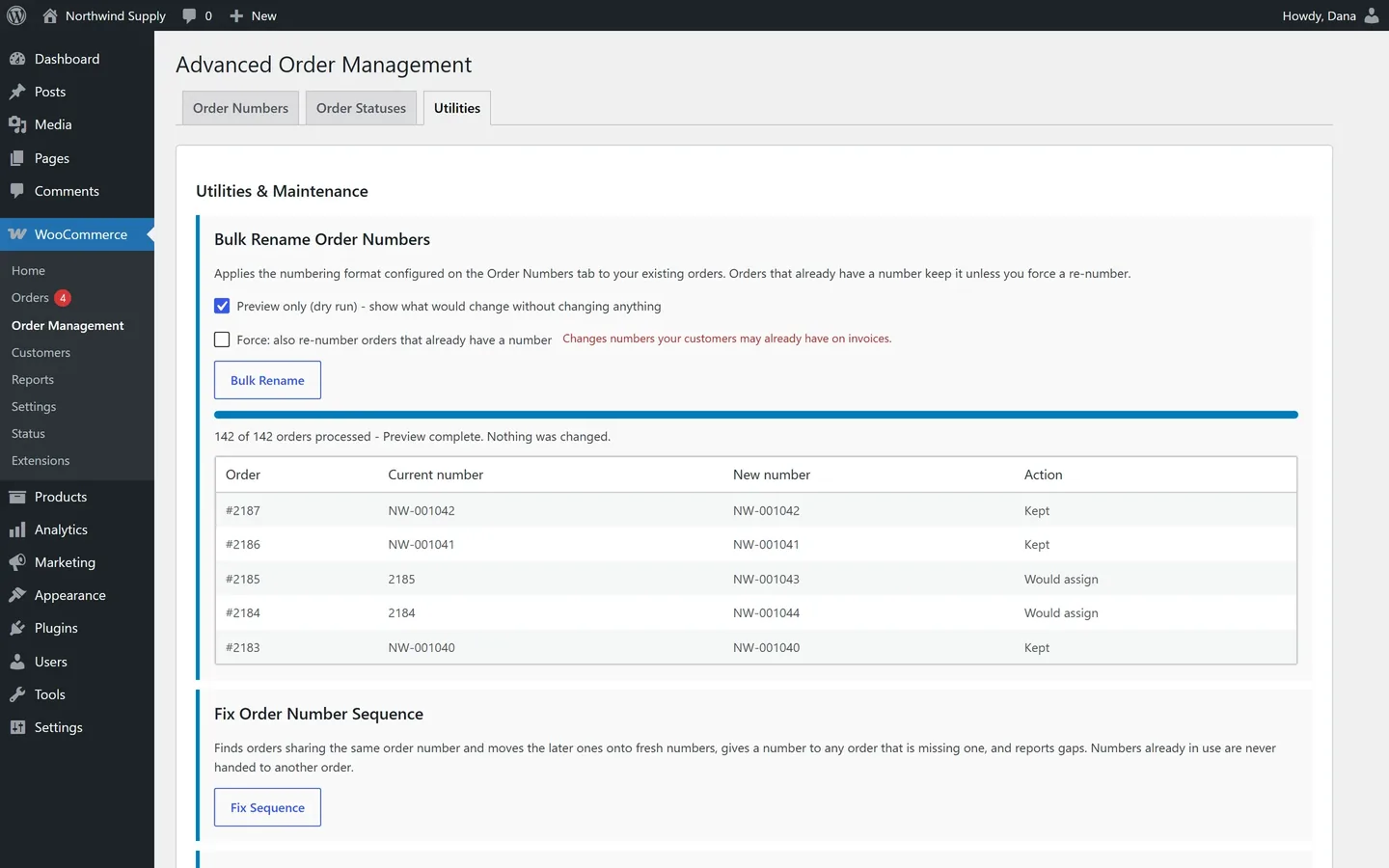
Fix old orders. Safely.
Preview every change before it's written. Tools run in batches, so big stores never time out.
One number per order. Always.
Every number is reserved before it's used, so two checkouts at once can never share one.
Built for real stores
HPOS ready
Works with High-Performance Order Storage and legacy storage.
Daily check
A scheduled check reports duplicates and gaps in the sequence.
Export
Every order number as CSV. Your settings as JSON.
Undo anytime
Reset returns every order to WooCommerce's own numbers.
Conflict warning
Warns you when another order-number plugin is active.
Instant preview
See the next order number as you type.
Free WooCommerce custom order numbers
- Sequential or non-sequential numbers
- Prefix, suffix and zero padding
- Rename, colour and reorder statuses
- Custom order statuses
- Fix sequence, bulk rename, export
Order numbers and statuses FAQ
Will my existing order numbers change?
No. New orders get the new format. Existing orders change only if you run Bulk Rename — and orders that already have a number keep it unless you choose Force.
Does it work with HPOS?
Yes. It works with High-Performance Order Storage and legacy post storage, and numbers survive switching between them.
Can I go back to WooCommerce's own numbers?
Yes. Utilities → Reset restores native numbering after a typed confirmation. Export first if you want a record.
What happens to orders with a deleted custom status?
They keep their status value. Nothing is lost.
What do I need?
WordPress 5.8+, PHP 7.4+ and WooCommerce 6.0+.
Is it free?
Yes. Every feature is free; there is no paid version.
How do I install it?
Upload the zip under Plugins → Add New → Upload Plugin, activate it, then open WooCommerce → Order Management.