 Multi-Currency
WooCommerce multi-currency pluginEvery product in its own currency.
A free WooCommerce multi-currency plugin: native prices, live exchange rates, and a checkout that blends or splits a mixed cart.
WordPress 6.5+ · WooCommerce 6.0+
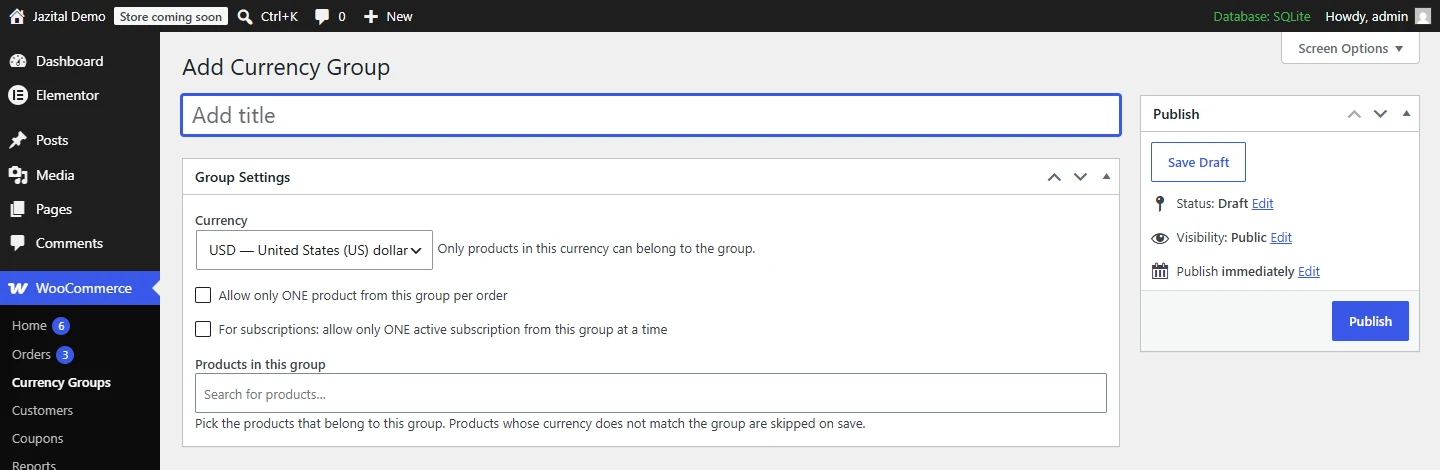
Rules per currency
Group products that share a currency. Allow one per order, or one active subscription at a time.
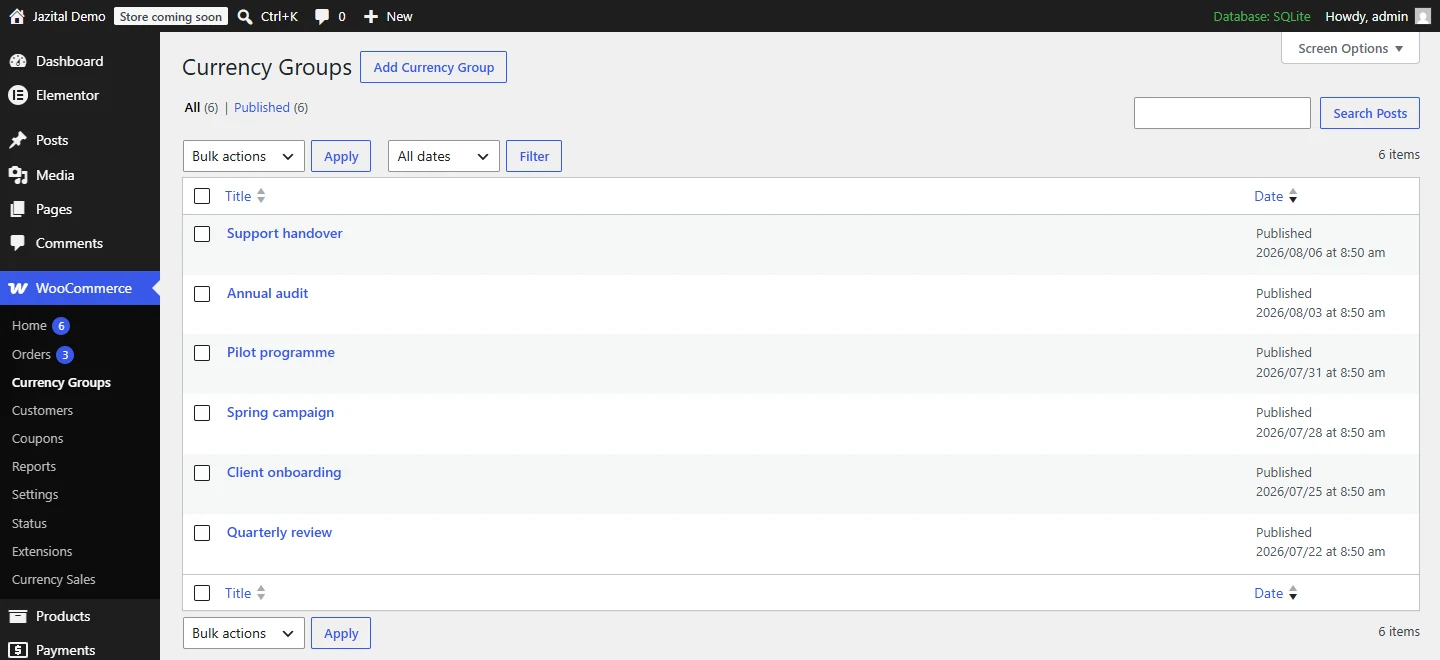
Each currency, on its own
Orders, gross, refunds and net per currency, for any date range. Never summed together.
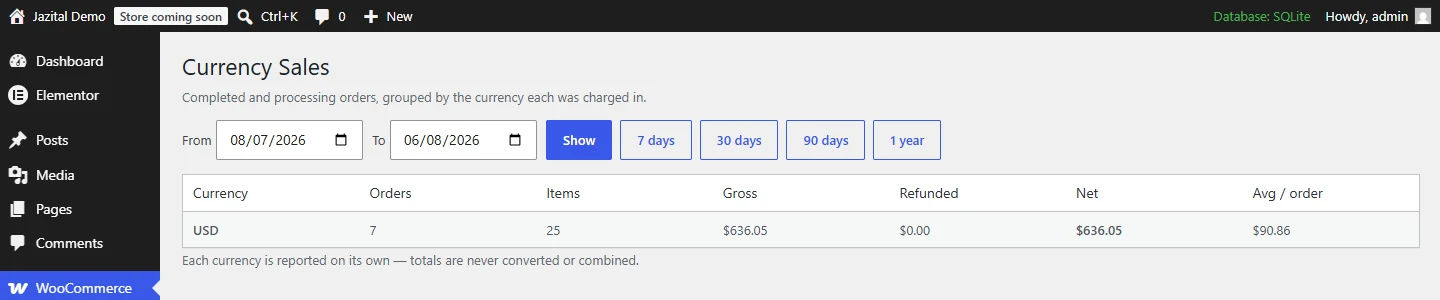
Multi-currency checkout: blend or split
Blend
Every line converted into one paying currency. One payment.
Split
One order per currency, paid one after another.
A currency switcher, and the rest
Currency switcher
Shortcode, widget or block. Dropdown or list, with flags.
Daily exchange rates
Automatic, or manual per currency, with an optional markup.
Dual prices
Native price plus the ≈ equivalent, from shop to checkout.
Gateway routing
Only gateways that take the paying currency are offered.
Cache-safe
Works with WP Rocket, LiteSpeed, W3 Total Cache and more.
Locked renewals
Subscriptions renew in the currency and amount agreed at sign-up.
Sell in multiple currencies, free
- Native price per product
- Blend or split checkout
- Currency switcher
- Daily exchange rates
- Currency groups and reports
WooCommerce multi-currency plugin FAQ
Are product prices converted from the base currency?
No. The price you enter is the real price in that product's currency. Rates are only used to blend a mixed cart and to show the ≈ equivalent.
What if a currency has no exchange rate?
Its price is shown and charged natively. The plugin never converts with a guessed rate.
How do I add the currency switcher?
Use the [jazital_currency_switcher] shortcode, the Currency Switcher widget, or the Currency Switcher block.
Does it work with page caching?
Yes. The choice lives in a cookie, never the URL. Shoppers who switch bypass the cache; everyone else gets the cached page.
Does it work with the block cart and checkout?
Yes — classic templates and the block Cart and Checkout.
Does it send data anywhere?
Only the store's base currency code, once a day, to a free public exchange-rate API. Set rates to Manual to stop it.
Is it free?
Yes. Every feature is free; there is no paid version.
How do I install it?
Upload the zip under Plugins → Add New → Upload Plugin and activate it. WooCommerce must be active.