Notification bar for WordPress
The WordPress notification bar that fits your header
A WordPress notification bar plugin with a live preview, call-to-action buttons and header-aware placement.
Design
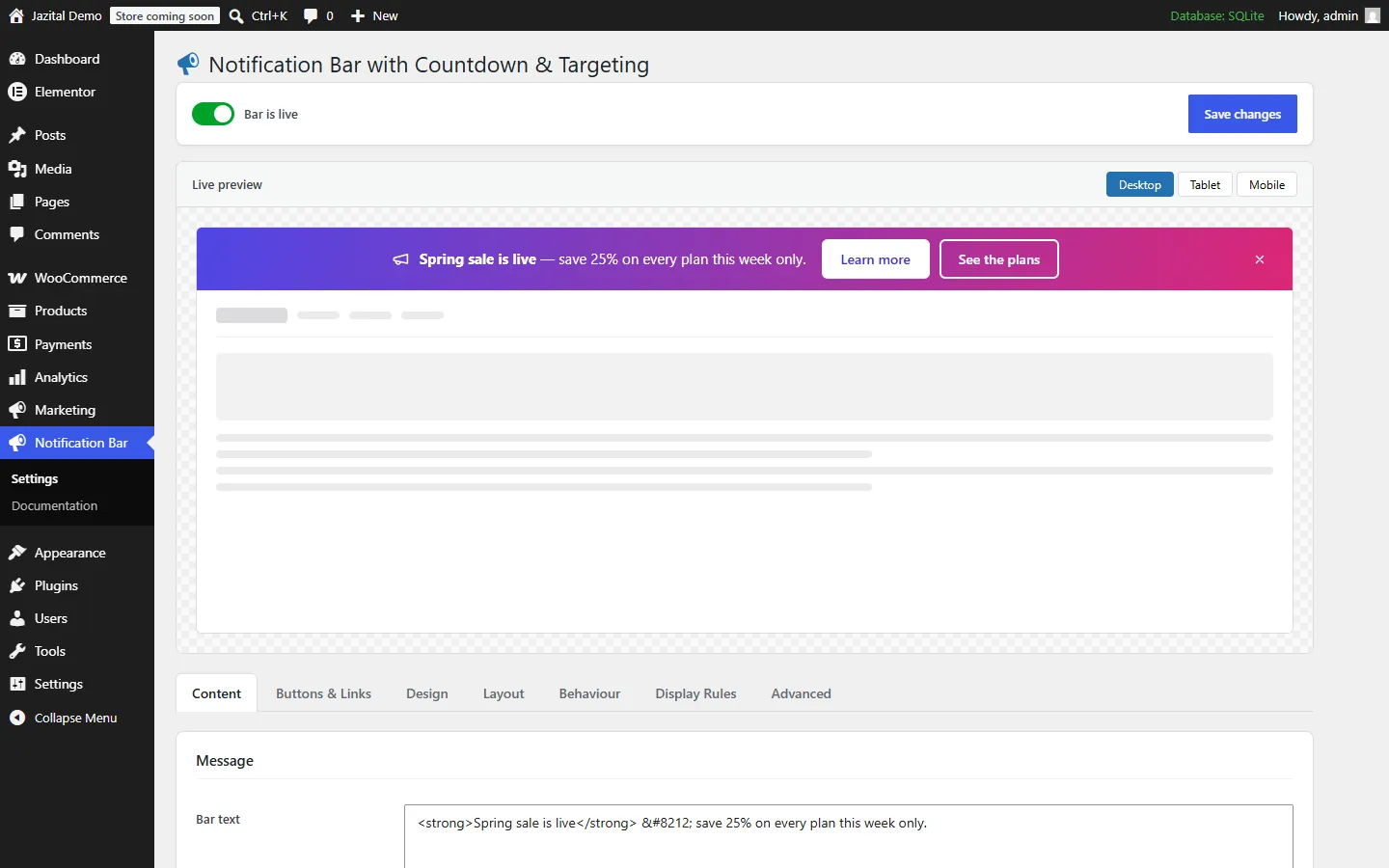
Colour presets, or every colour
Start from a preset, then set text, links, font and size. The live preview updates as you type.
Placement
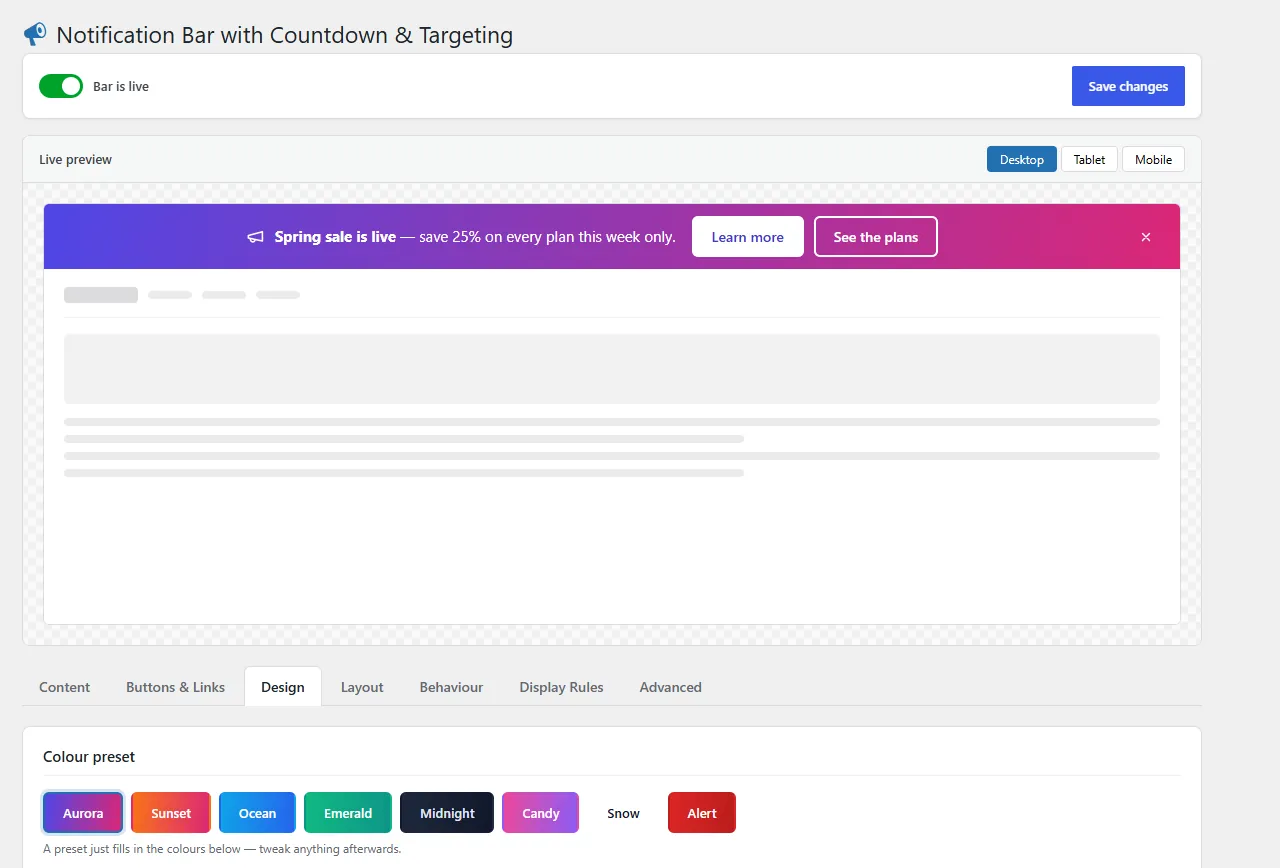
A sticky header bar that respects your theme
Top or bottom; static, sticky or fixed; above or below the theme header, sticky headers included.
Countdown & targeting
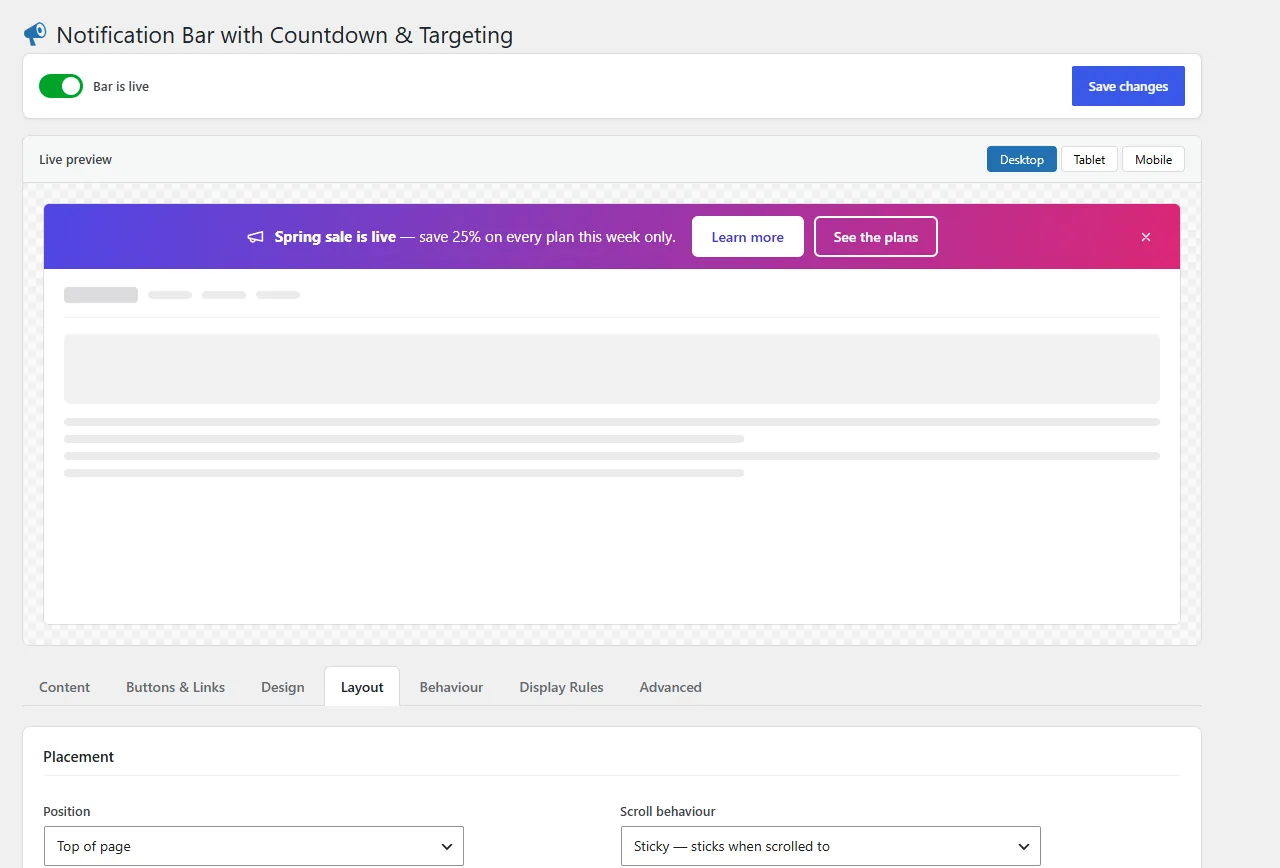
A countdown bar for the right people
Count down to a deadline, schedule between two dates, and target devices, roles, pages or URLs.
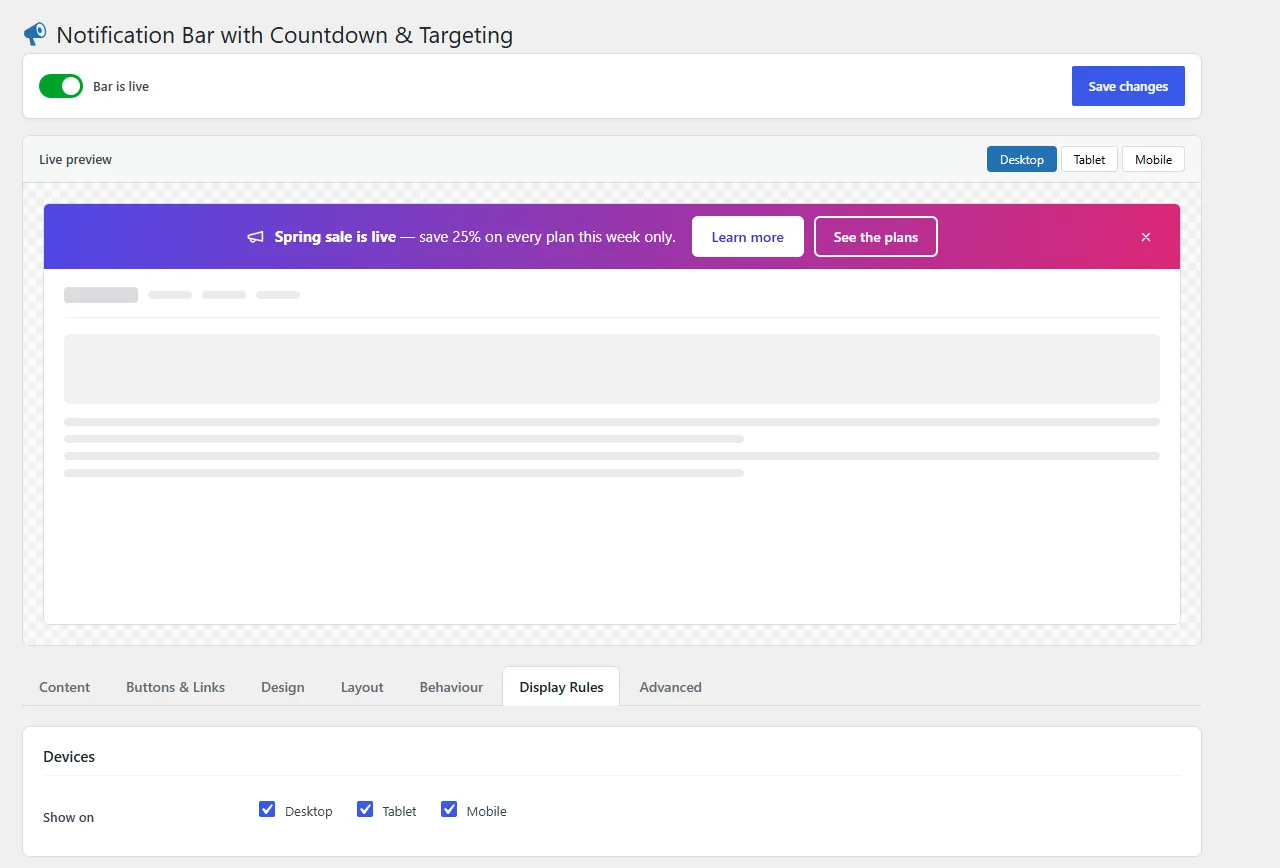
Inside the editor
Every setting on one screen
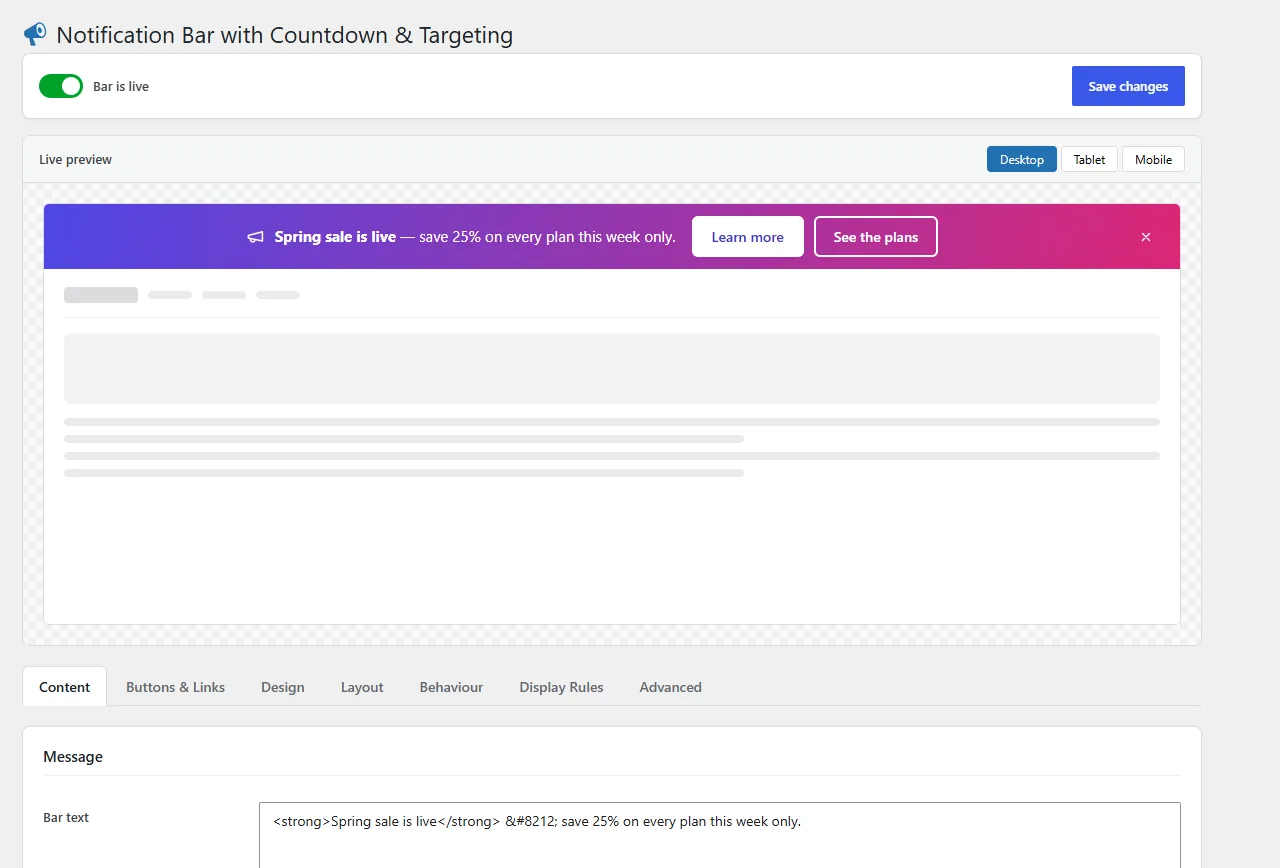
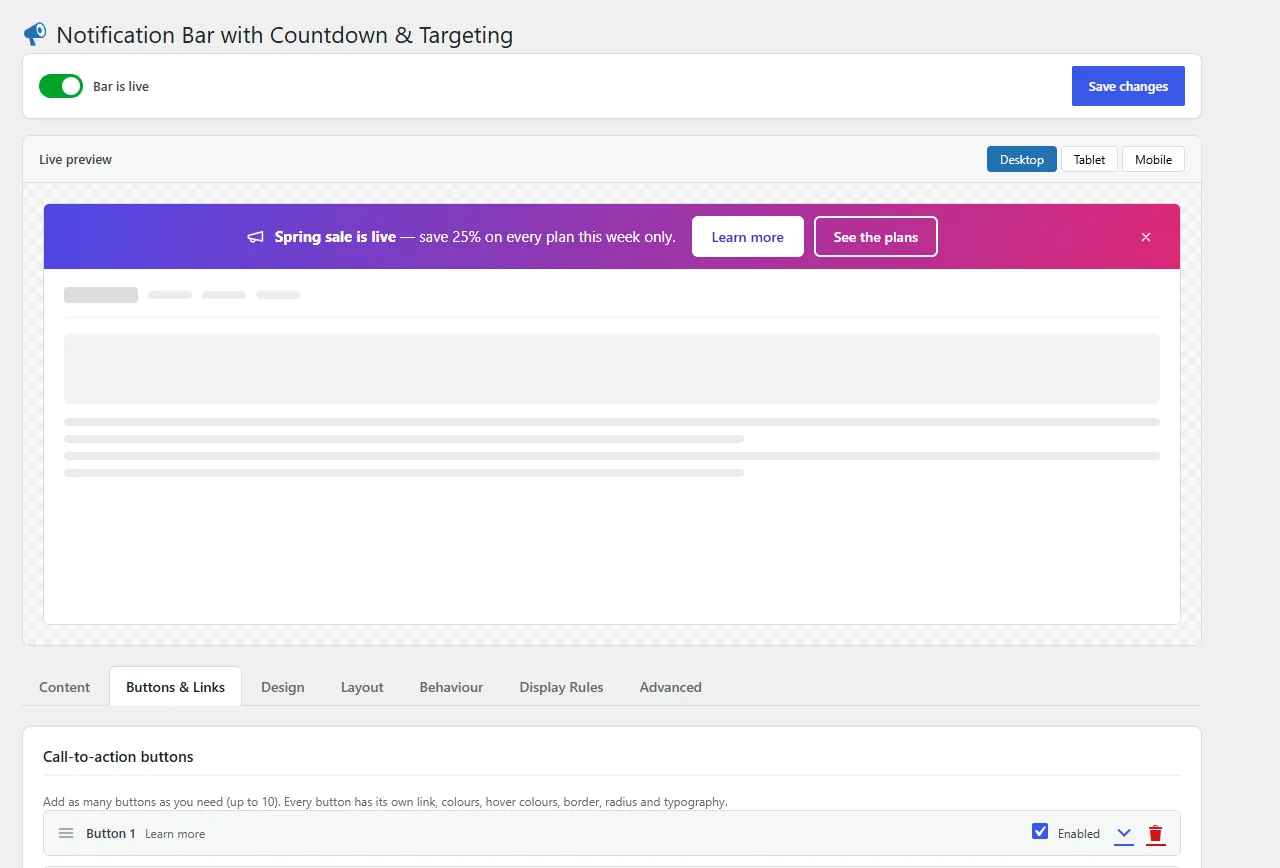
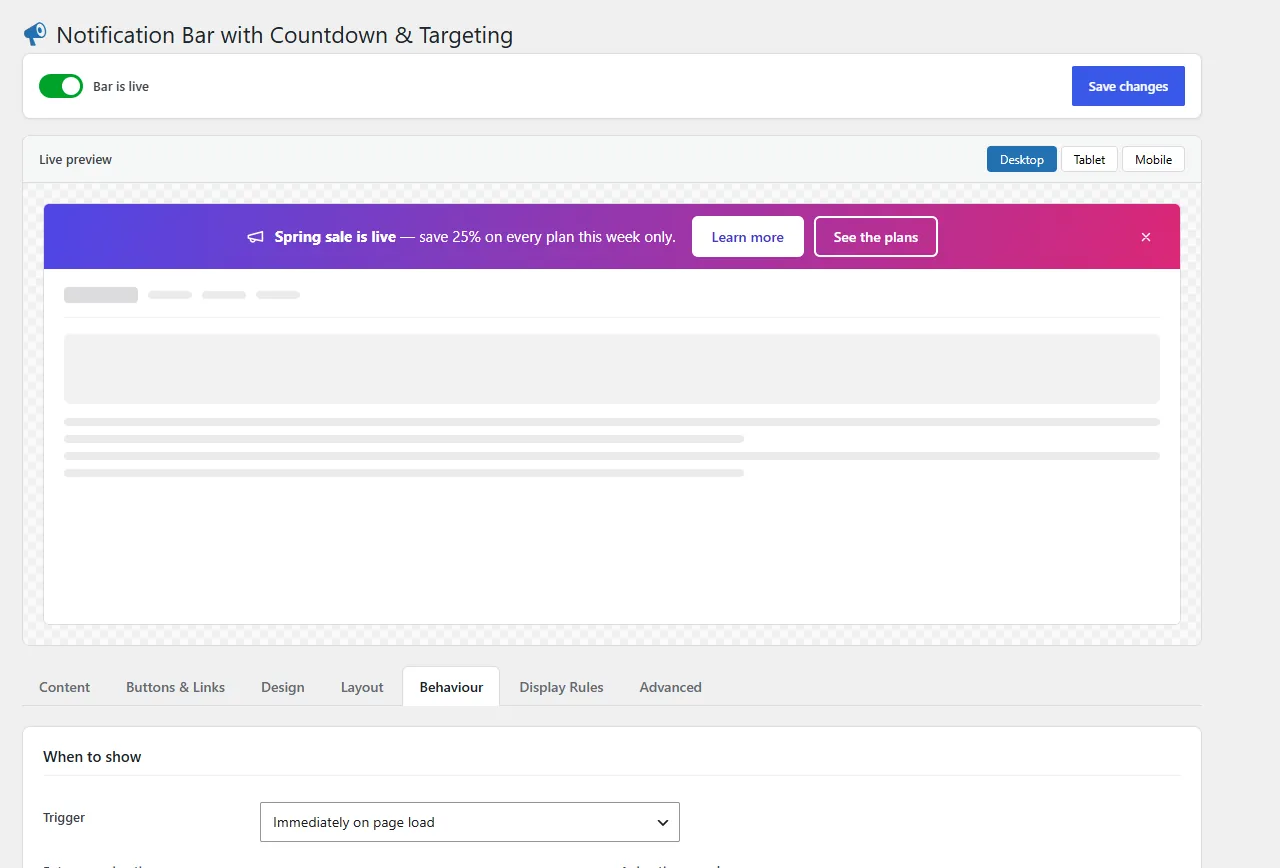
And the rest
A promo bar that behaves
Close it your way
Hide for the session or for good.
New message, shown again
Dismissals reset when the message changes.
No personal data
Dismissals stay in the visitor's own browser.
Entrance animations
Pick the motion and its speed.
Mobile friendly
Stacks cleanly on small screens.
Exit intent bar · Pro
Show after a delay, on scroll or on exit intent.
Pricing
Free to start. Pro when you need it.
Free
$0
- Message with links (colour, hover, underline)
- One notification bar
- Solid background colour and colour presets
- Mobile friendly
- One call-to-action button
- Top or bottom; static, sticky or fixed
ProMost popular
$139.99/year
- Everything in Free
- Countdown timer with expiry message
- Scheduling between two dates
- Targeting: devices, logged-in/out, user roles
- Targeting: pages, post types, archives, search, URL match
- Up to 10 buttons with icons, styles and hover colours
- Separate message and font sizes for mobile
- Show after a delay, on scroll or on exit intent
- Dismiss for N days, or collapse to a reopenable tab
- Custom CSS
- Priority support and all updates
FAQ
Notification bar questions
Does the bar cover my site header?
No. A top bar sits below the WordPress admin bar, and you choose whether it sits above or directly below your theme header, sticky and fixed headers included.
Will visitors who closed the bar see my new message?
Yes. Dismissals are tied to the bar's content, so changing the message or the buttons shows it again.
Does it collect personal data?
No. Dismissal state is kept in a first-party cookie or sessionStorage in the visitor's own browser. Nothing is sent anywhere.
Is the countdown bar in the free version?
No. The countdown, scheduling, targeting and exit-intent triggers are part of Pro. The free version has one bar with a button, presets and full placement control.
How many sites can I use Pro on?
One site, five sites or unlimited sites, billed monthly, yearly or once.
How do I install the notification bar plugin?
Upload the zip under Plugins → Add New → Upload Plugin, activate it, then open Notification Bar, switch the bar on and save.