Coming soon & maintenance mode
The WordPress coming soon plugin that looks designed
A WordPress coming soon plugin with designer templates, a live visual editor, a countdown and real 503 maintenance mode.
Templates
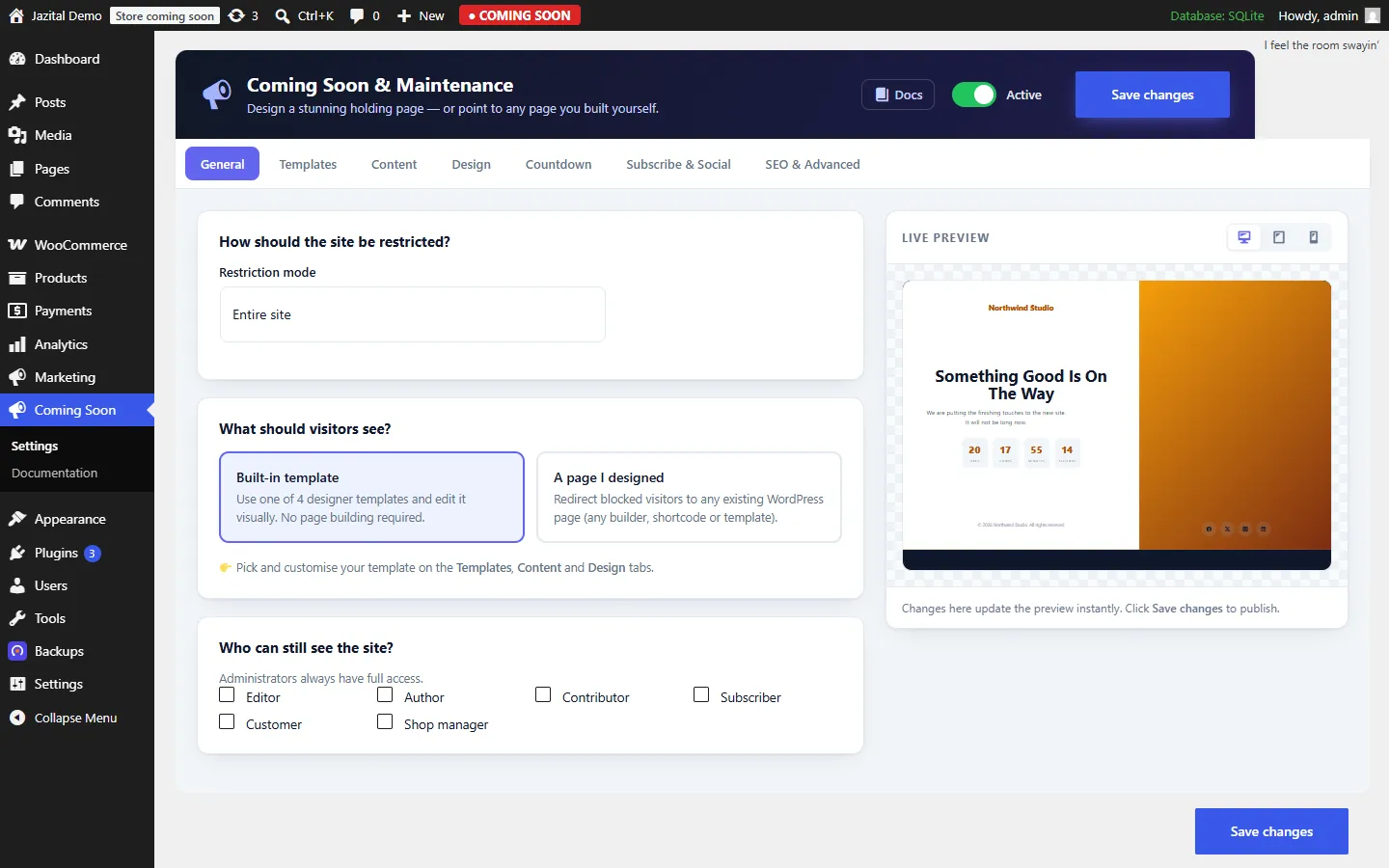
Designer templates, edited live
Pick a layout, then edit it in a two-pane editor with a desktop, tablet and mobile preview. No page builder.
Your brand
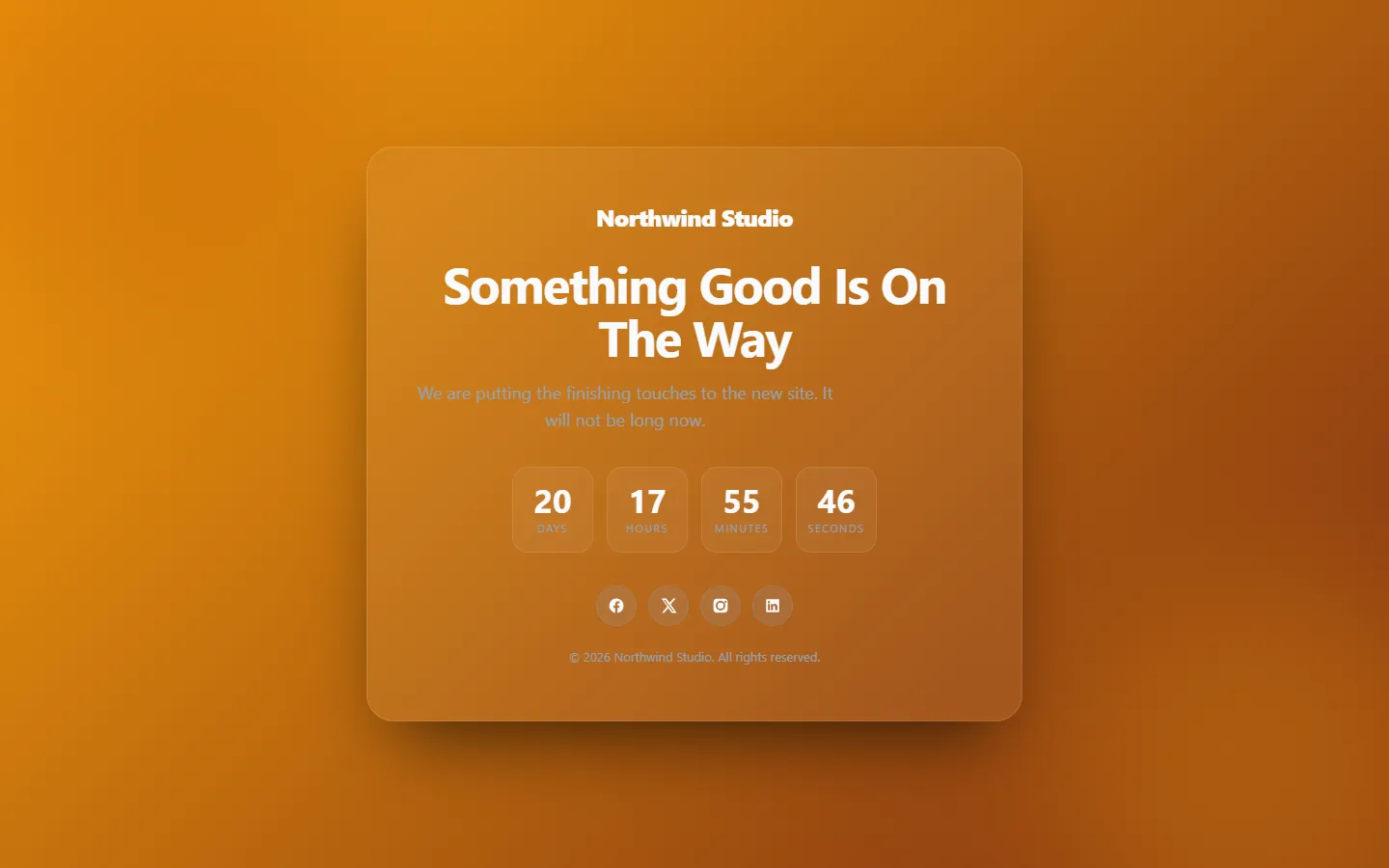
Every colour is yours
Solid, gradient or image backgrounds, your accent, your logo, and left, centre or right alignment.
Countdown
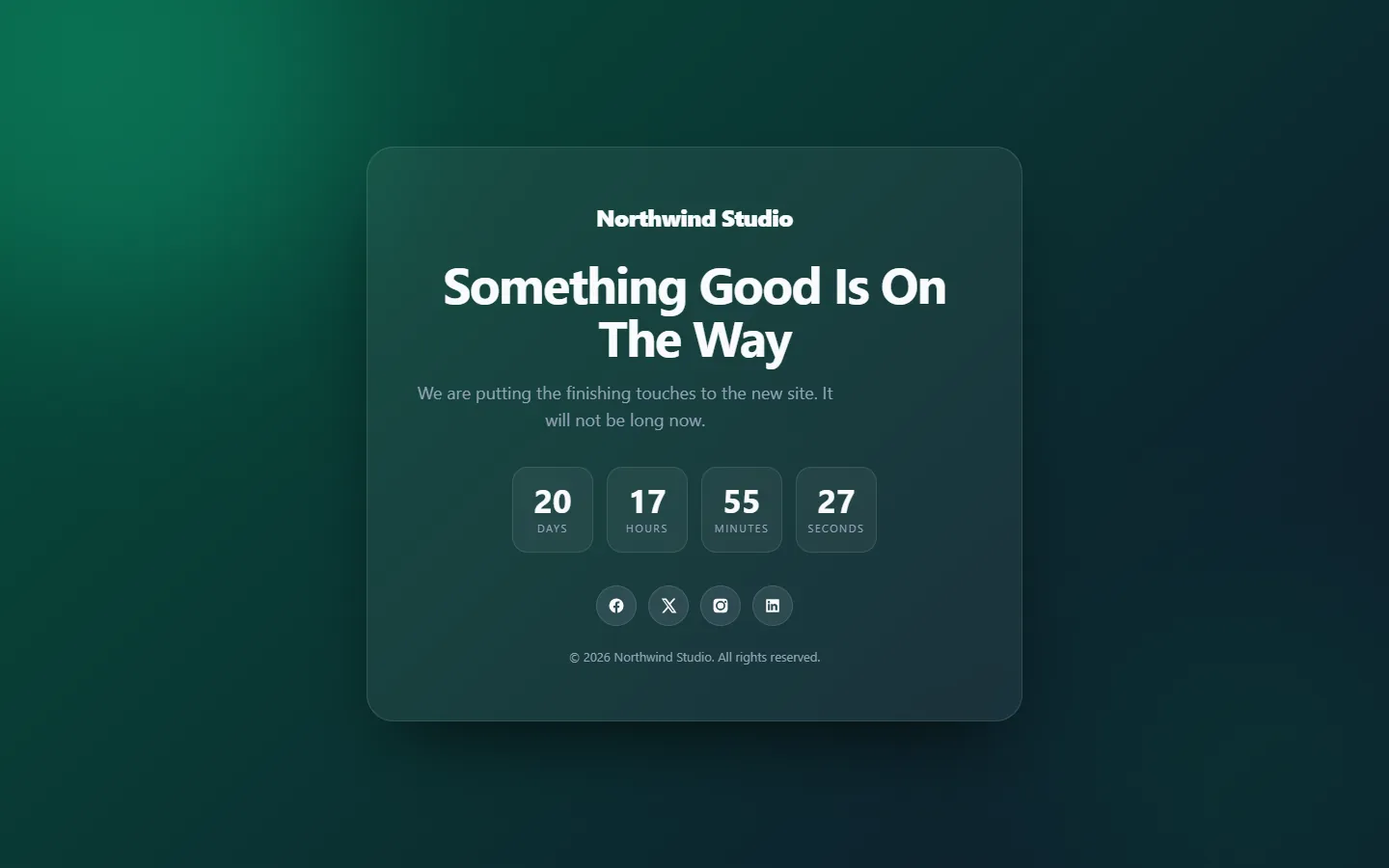
A coming soon page with a countdown that relaunches the site
When the timer reaches zero, the holding page can switch itself off and your site goes live.
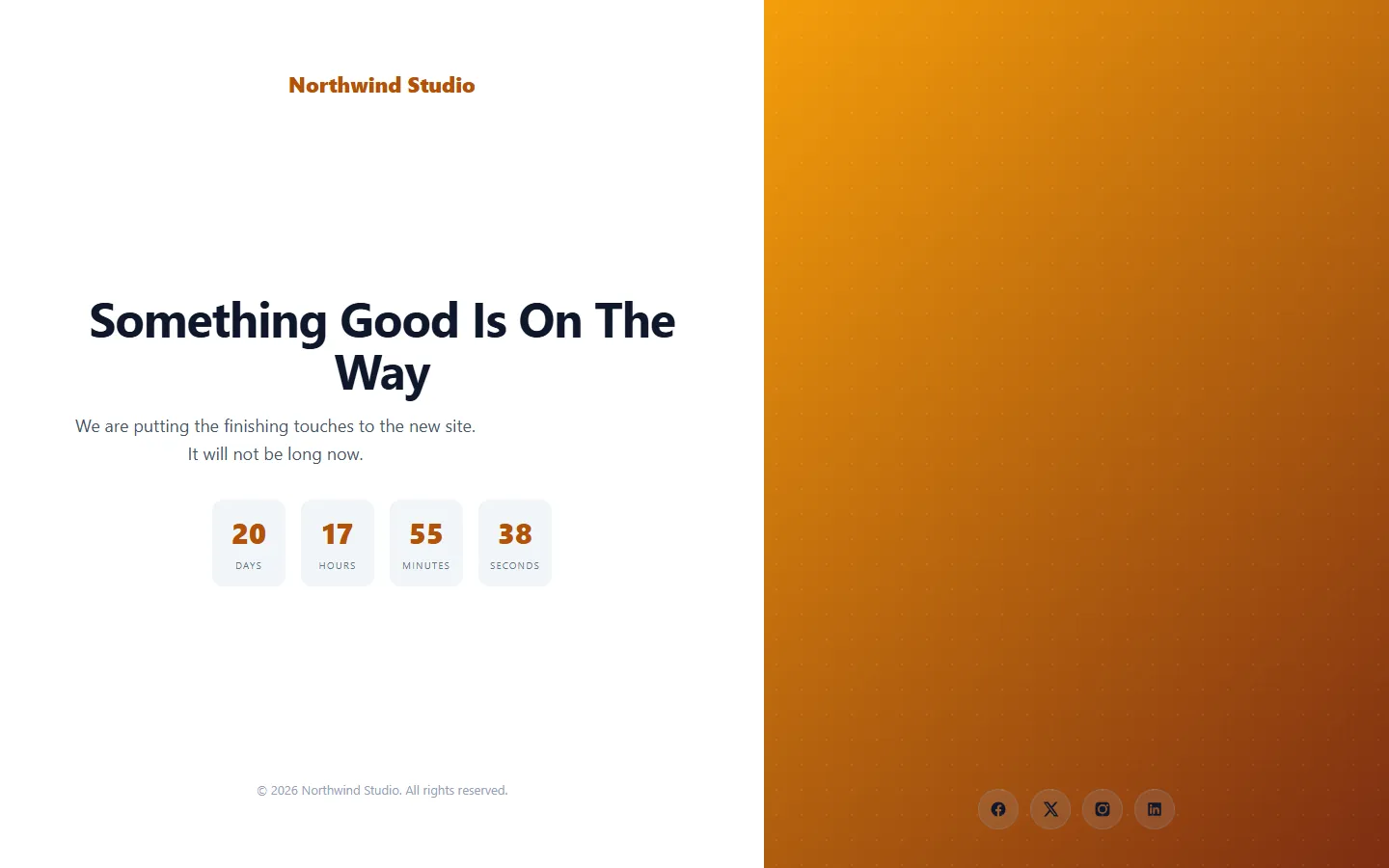
Templates
One click, a different look
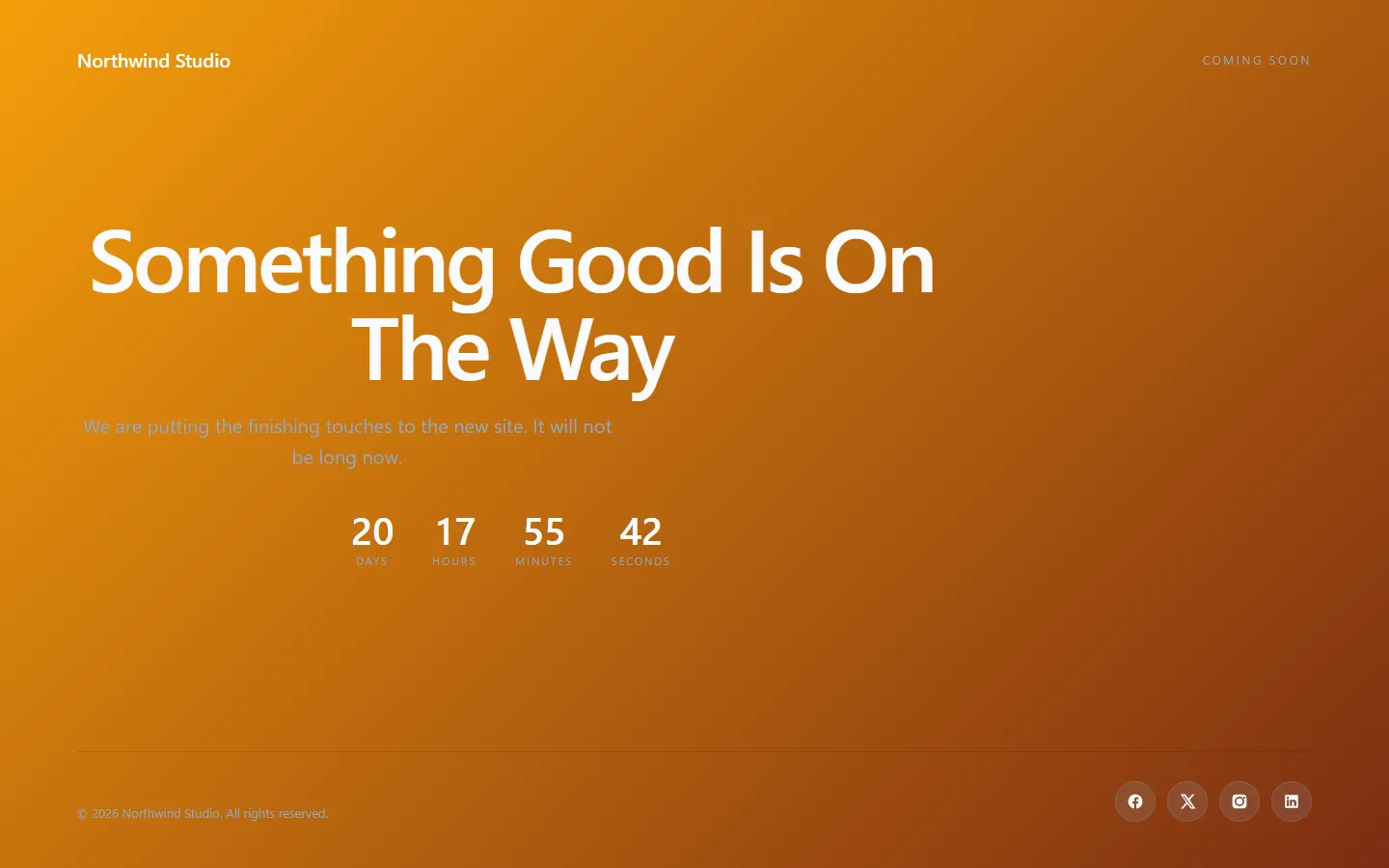
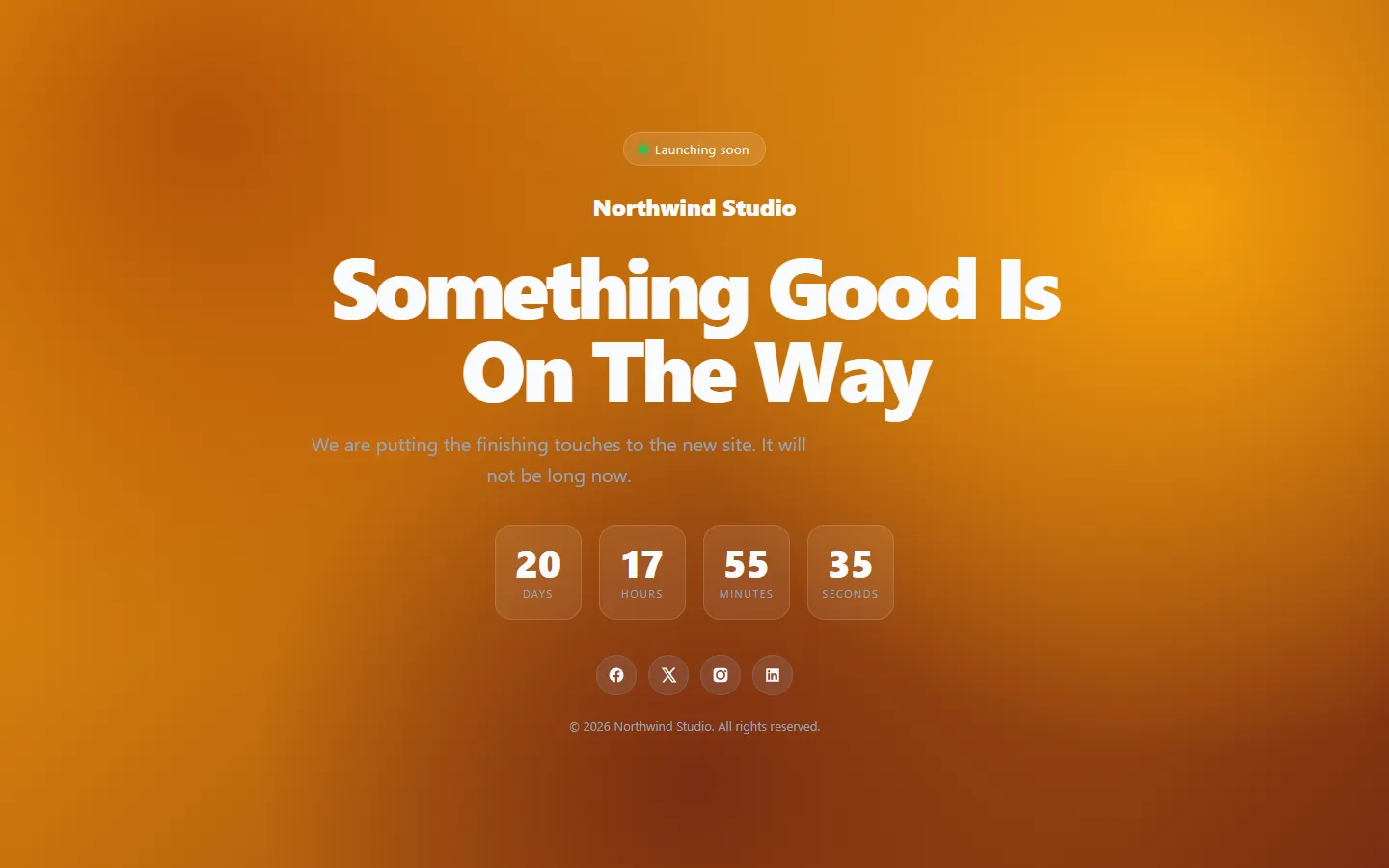
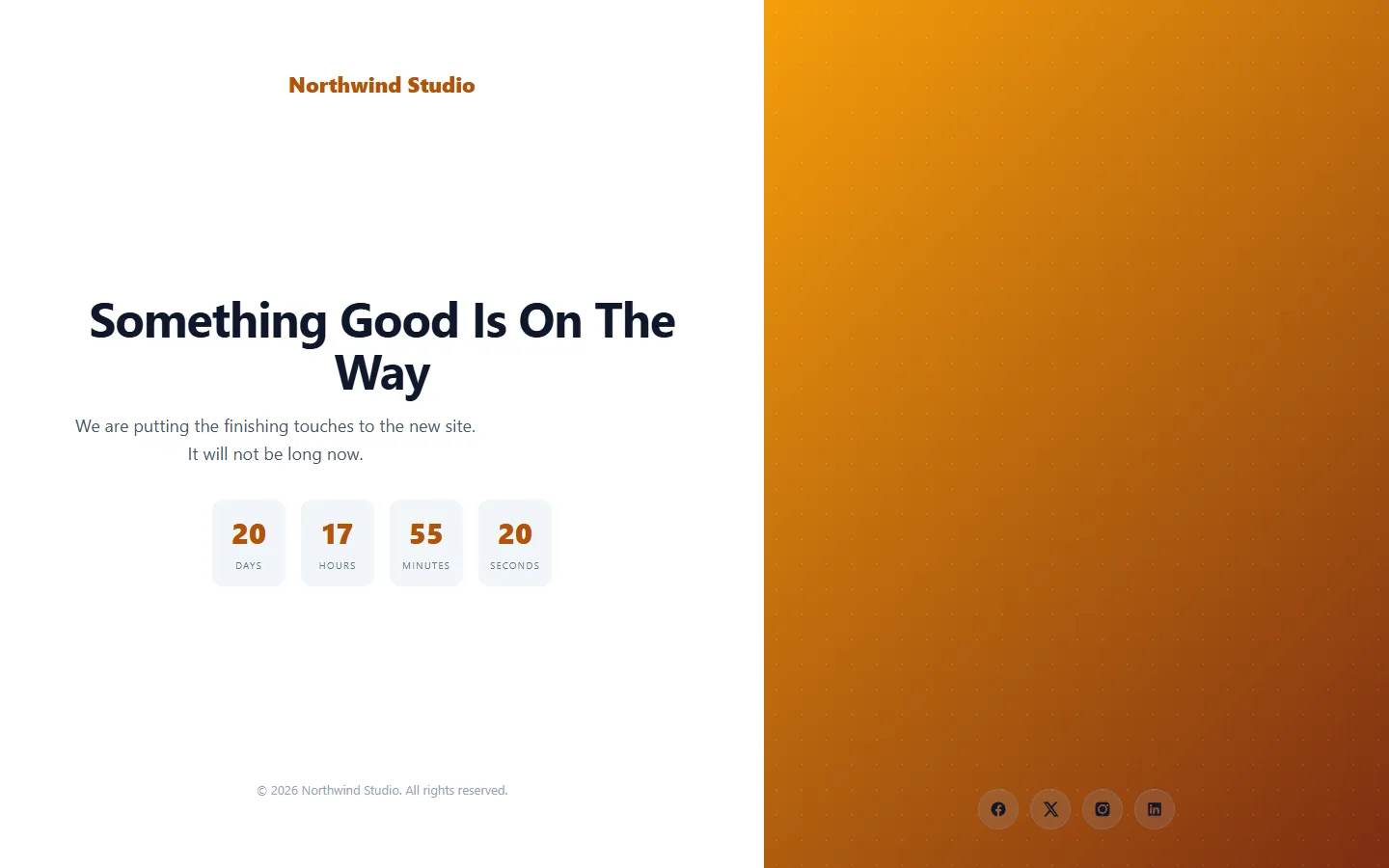
And the rest
Maintenance mode, done properly
SEO-safe 503
noindex, or HTTP 503 with Retry-After for real maintenance.
Use any page
Send visitors to a page built with any theme or builder.
Whole site or some pages
Everything, everything except, or only chosen pages.
Who gets in
Admins always pass. Choose which other roles do.
API and feeds closed
/wp-json/ and /feed/ answer 503 while the site is closed.
Docs built in
Full documentation inside wp-admin.
Pricing
Free to start. Pro when you need it.
Free
- Midnight, Minimal, Corporate and Startup templates
- Visual editor with live preview
- Countdown with auto-launch
- noindex or HTTP 503 + Retry-After
- Restriction modes and role bypass
- Logo, social links and footer
Pro
- Everything in Free
- 8 more designs, from Aurora to Portrait
- Email capture with CSV export
- Private access links
- Export and import your setup
- Custom CSS and header/footer scripts
FAQ
Coming soon and maintenance mode questions
Is there a free version?
Yes. The free plugin includes four templates, the visual editor, the countdown and full maintenance mode. Pro adds eight more designs, email capture, private access links, setup export and custom code.
Is maintenance mode bad for SEO?
Not when it sends the right signal. Choose HTTP 503 with Retry-After for maintenance, so search engines come back later instead of indexing the holding page.
Why do I still see my normal site?
You are logged in as an administrator, and administrators always get through. Check in a private window or another browser.
Can I use a page I built myself?
Yes. Redirect blocked visitors to any existing WordPress page, built with any theme, page builder, shortcode or template.
Does it close the REST API and RSS feeds too?
Yes. While the site is restricted, /wp-json/ and /feed/ return HTTP 503 to anyone who could not see the site, while the block editor, embeds and login keep working.
Does switching template lose my text?
No. Content and colours are shared across templates. Switching changes the layout and loads that template's suggested palette, which you can override.
How do I install the coming soon plugin?
Upload the zip under Plugins → Add New → Upload Plugin and activate it. Then open Coming Soon, switch it on, choose a template and save.