
Set up
Multiple featured images for WordPress, per post type
Name a slot and its panel appears in the editor, beside the featured image. No code.
PostsPagesCustom post typesWooCommerce productsUnlimited slots
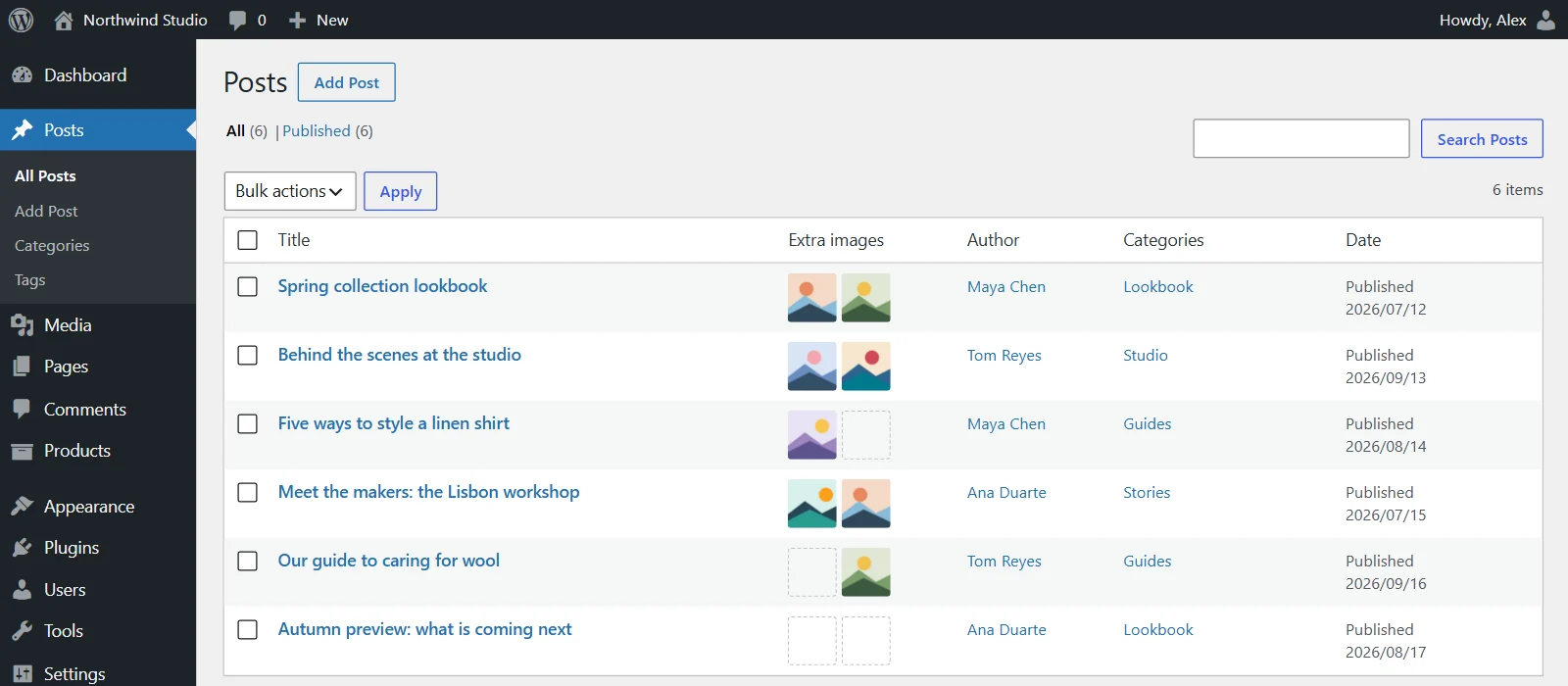
Multiple featured images for WordPress: give any post type extra image slots, each with its own editor panel, its own block and Query Loop support.
WordPress 6.5+ · PHP 7.4+
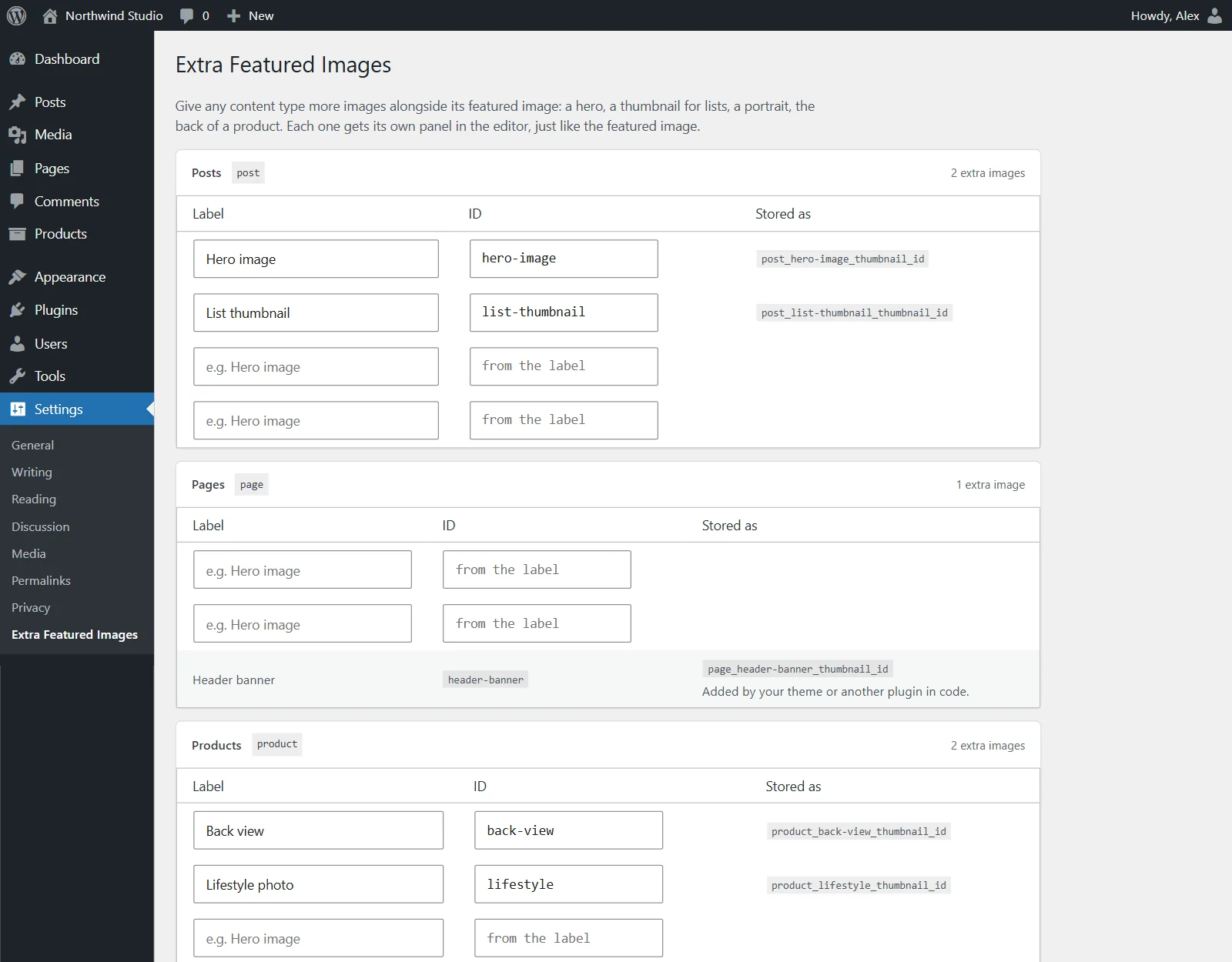
Name a slot and its panel appears in the editor, beside the featured image. No code.
Show any slot in a template or a Query Loop, where each post shows its own. Or bind it to a core Image block.
<!-- In a Query Loop: each post shows its own -->
<!-- wp:query -->
  <!-- wp:post-template -->
    <!-- wp:jazital-extra-featured-images/image
         {"slot":"list-thumbnail",
          "aspectRatio":"4/3",
          "isLink":true} /-->
    <!-- wp:post-title /-->
  <!-- /wp:post-template -->
<!-- /wp:query -->Themes built for Multiple Post Thumbnails or Multiple Featured Images keep working. Same functions, same saved images.
// Your theme, unchanged. It keeps working.
new MultiPostThumbnails( array(
    'label'     => 'Header banner',
    'id'        => 'header-banner',
    'post_type' => 'page',
) );

MultiPostThumbnails::the_post_thumbnail( 'page', 'header-banner' );

// Or the plugin's own functions and shortcode
jzxfi_the_image( 'hero-image', 'large' );
[jzxfi_image slot="hero-image" size="large"]Every slot is registered post meta, ready for headless sites.
jzxfi_the_image() and [jzxfi_image] anywhere.
A hover image in shop lists, and extra images in the gallery.
A matching box, with preview, replace and remove.
Deleted media is cleared from every slot that used it.
No external requests, no tracking, no tables.
Yes. Install it, then deactivate Multiple Post Thumbnails. Your theme keeps calling the same functions and your images stay where they are, with nothing to import.
Yes. Its template functions, filter and shortcode keep working with the images already saved, and each slot gains a block editor panel.
Up to 3 per content type in the free version, and unlimited in Pro. Slots a theme registers in code are never limited.
Yes. Add the Extra Featured Image block inside the Query Loop's post template, and each post shows its own image.
Yes. Products get slots like any other content type. Pro adds a hover image in shop lists and puts the extra images in the product gallery.
As post meta, one attachment ID per slot, under the same key Multiple Post Thumbnails used. Every slot is readable in the REST API.
Your images stay. Uninstalling removes only the plugin's settings.