 Staging Creator
One click
Create a staging site in one click
No FTP, no database details, no DNS. The copy lives on your server at its own address.
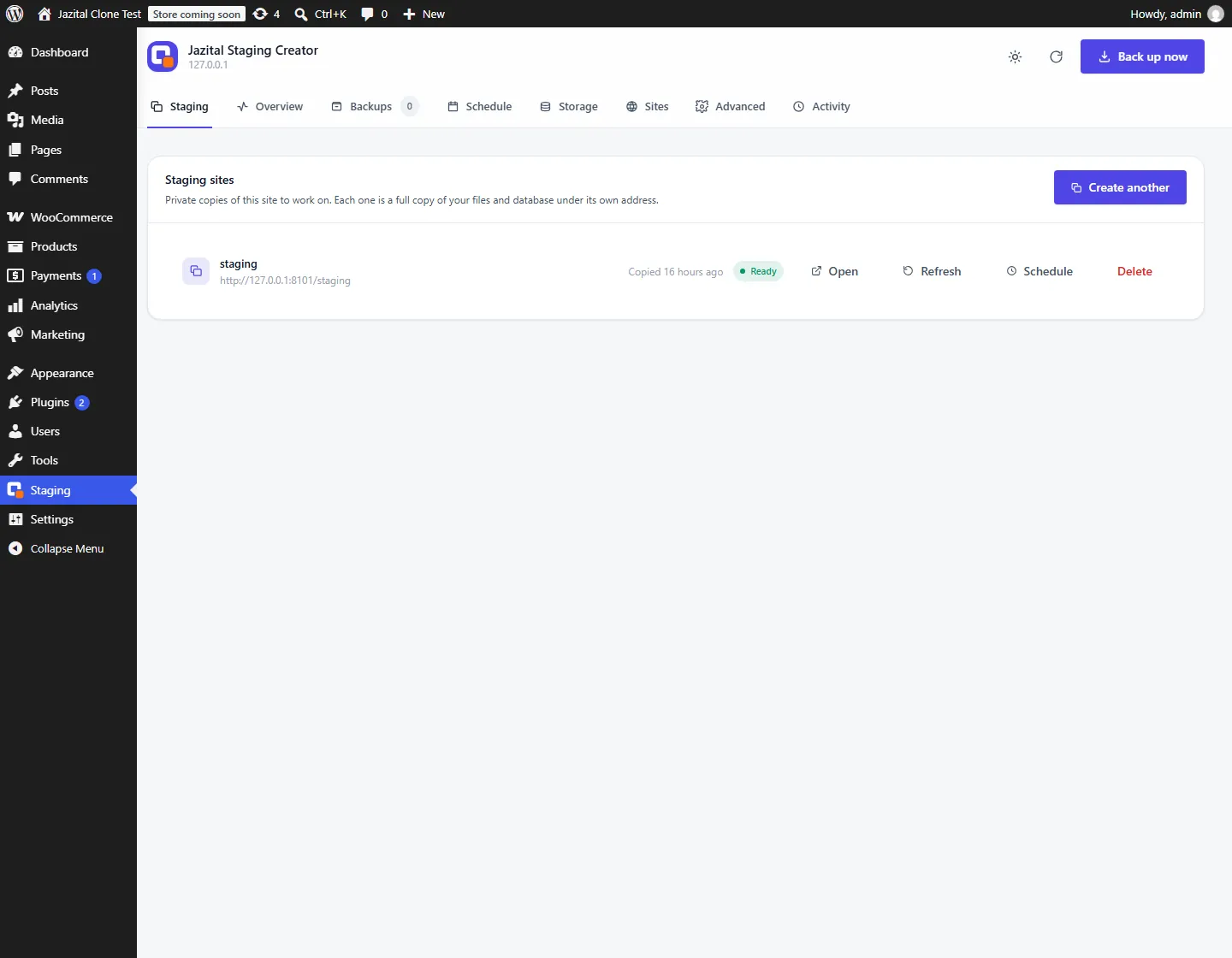
- Refresh
- Schedule
- Skip uploads
- Clean delete
WordPress staging plugin
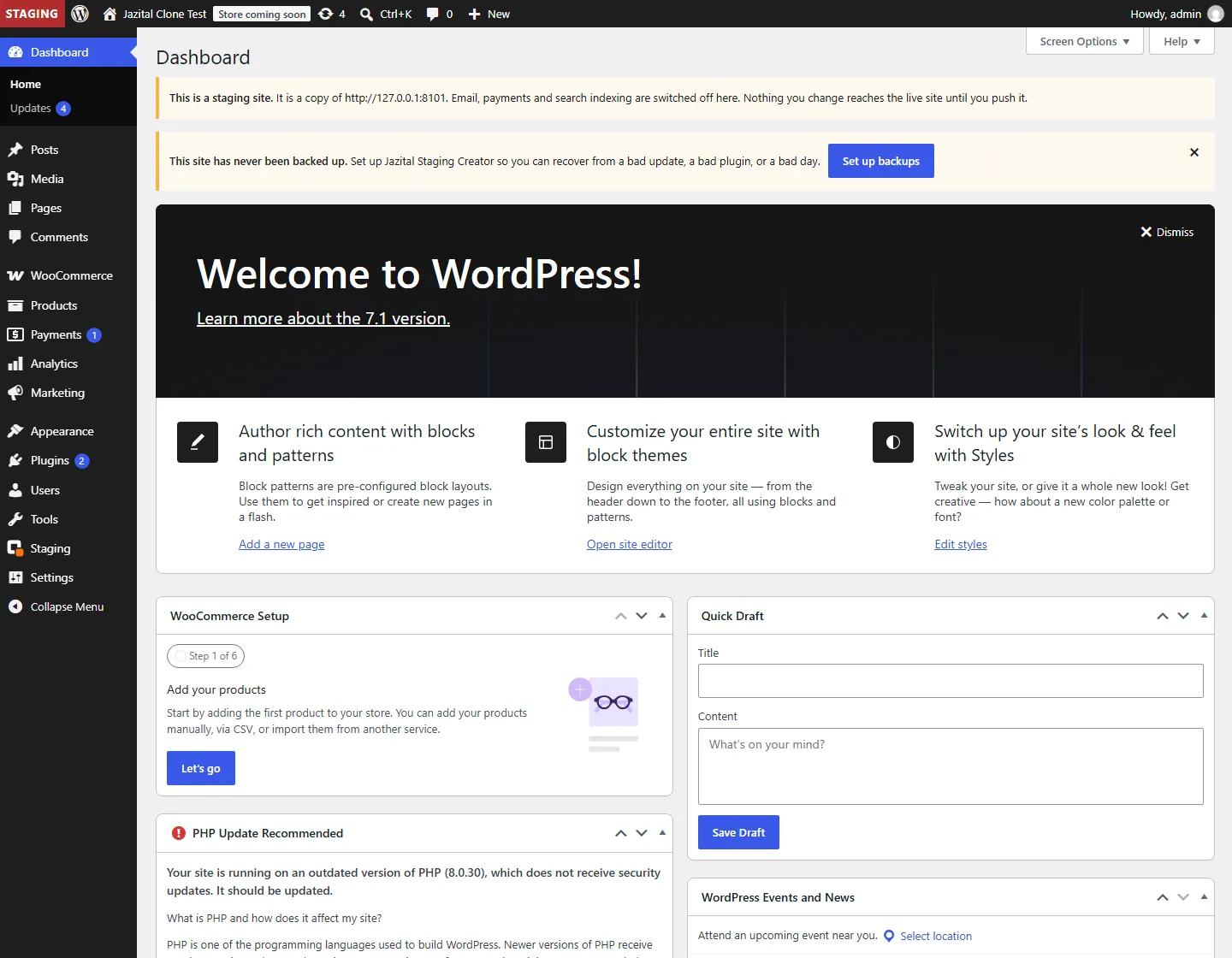
Staging Creator is a WordPress staging plugin: one click makes a private copy of your site that cannot email customers, take payments or appear in search.
One click
No FTP, no database details, no DNS. The copy lives on your server at its own address.
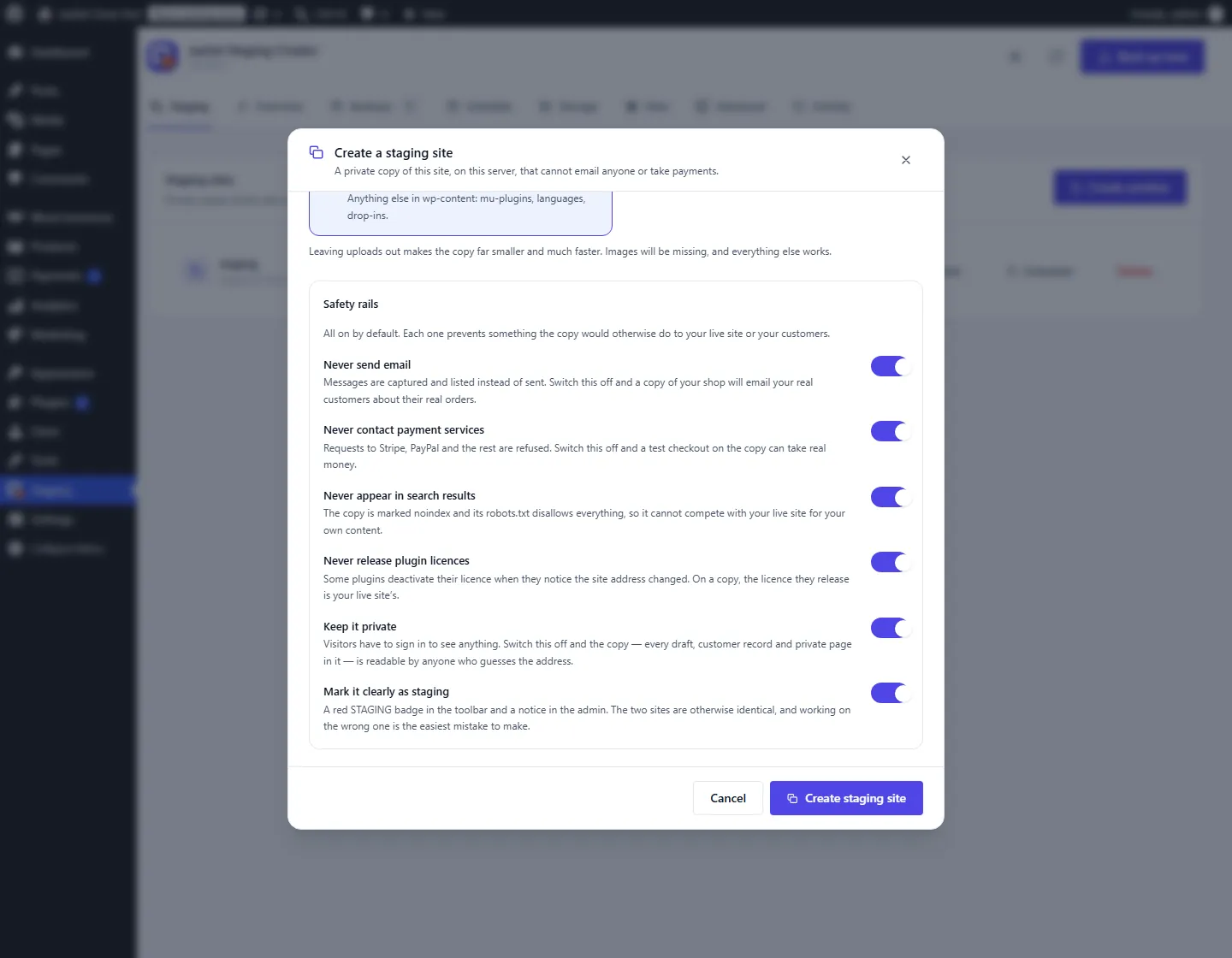
Safe by default
Made safe before it is ever reachable. Each rail can be switched off.
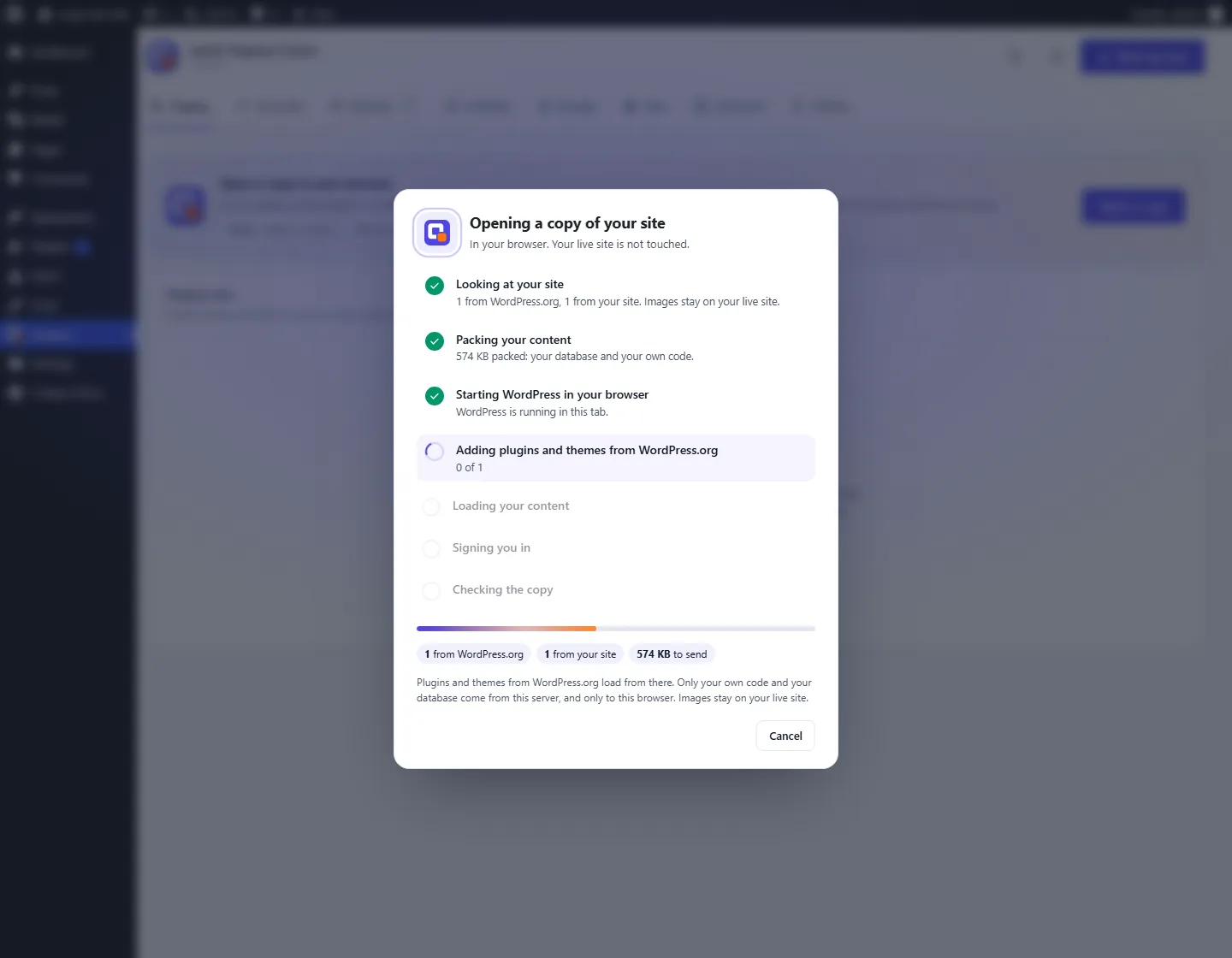
Browser sandbox
Open a copy in a tab with WordPress Playground. Close the tab and it's gone.
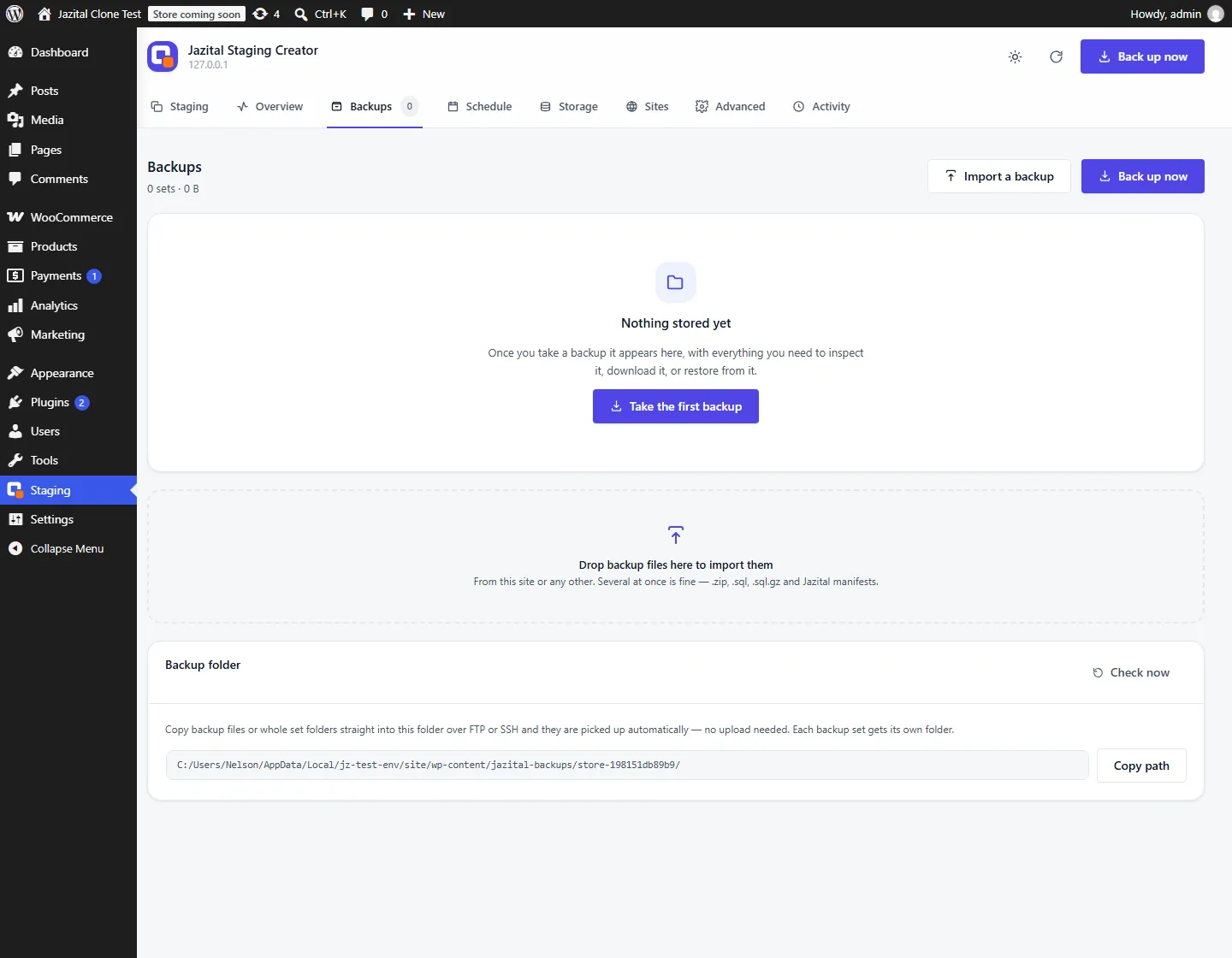
Backups included
The engine behind every copy, ready to use on its own.
And the rest
Resumes mid-file and mid-table.
Vendor staging modes, so activations aren't spent.
Refuses to start without room.
Only removes folders it can prove it made.
Rebuilds from live on a timer.
Visitors must sign in.
Pricing
$0
FAQ
Yes. Everything on this page is in the free plugin.
No. Email is off on the copy, and messages are captured so you can read what would have been sent.
No. Requests to the payment gateways are refused on the copy.
Not for licensing systems with staging support; the copy is declared through each vendor's own mechanism.
Not yet. The plugin refuses rather than guessing.
Not in this version. Take a backup on the copy and restore it where you want it.
Upload the plugin, activate it, open Staging in the admin menu and choose Create a staging site.