 Seller-Buyer Chat
WooCommerce buyer seller chat
Let buyers ask the seller
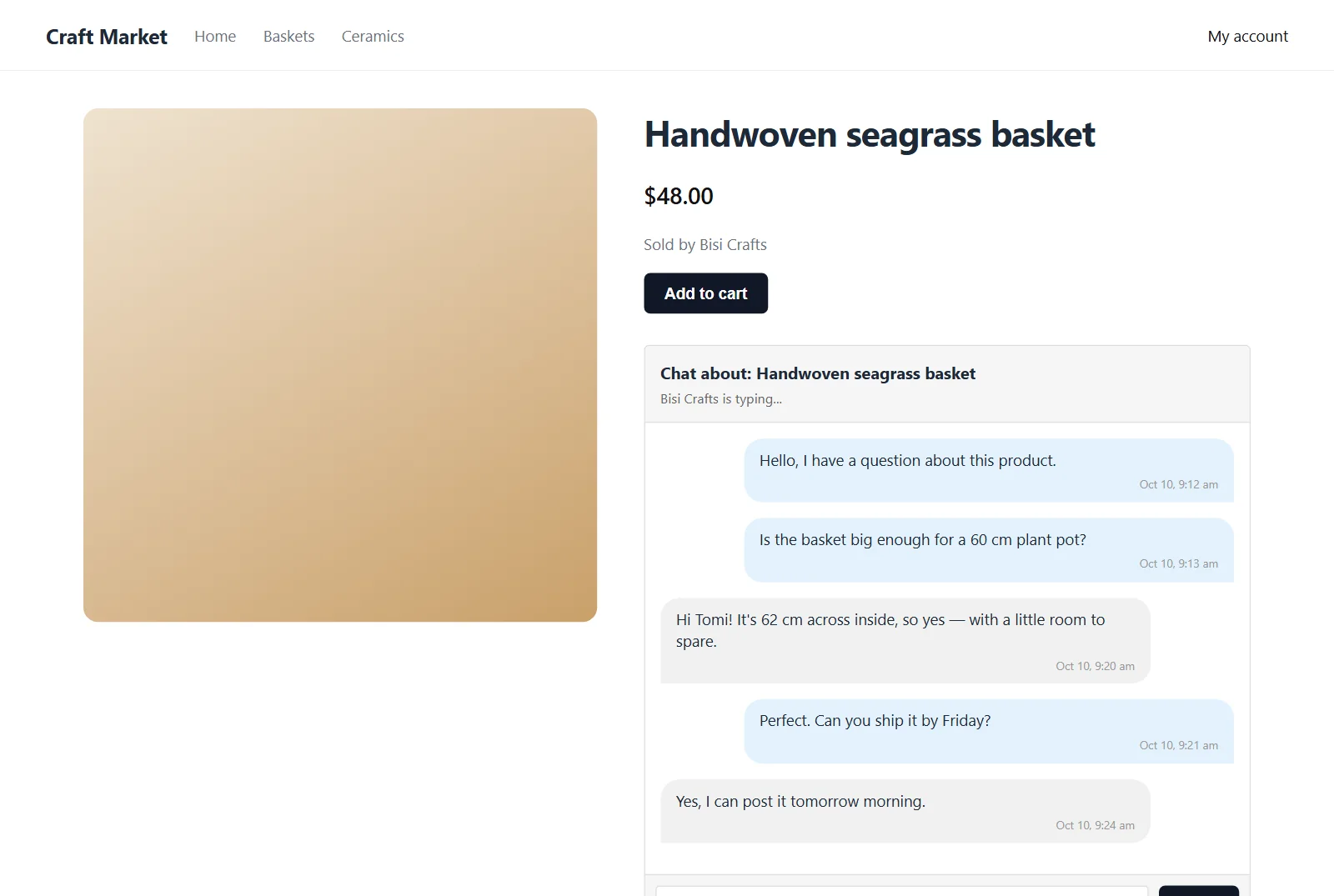
WooCommerce buyer seller chat on the product page, so shoppers get answers before they buy.
Product page
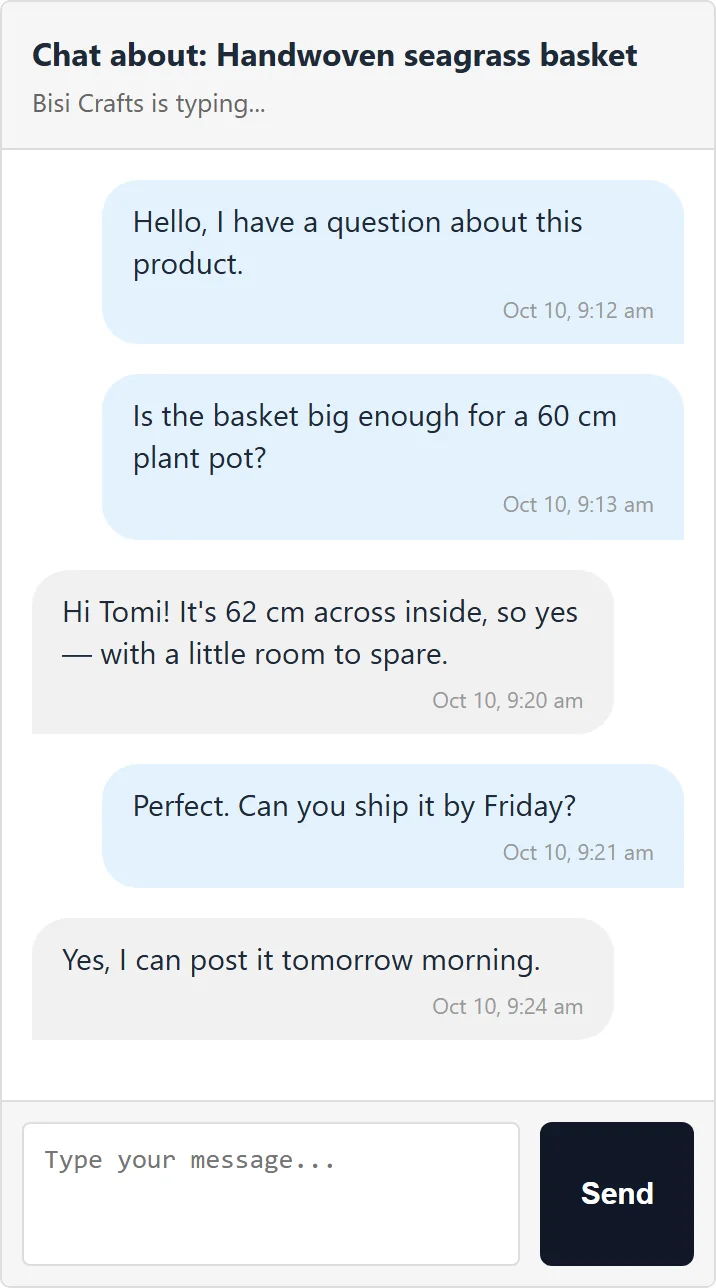
WooCommerce product chat, where the question starts
One shortcode puts a chat with the product's seller on any product page.
- [jazital_chat]
- Per product
- Typing indicator
- Live updates
My Account
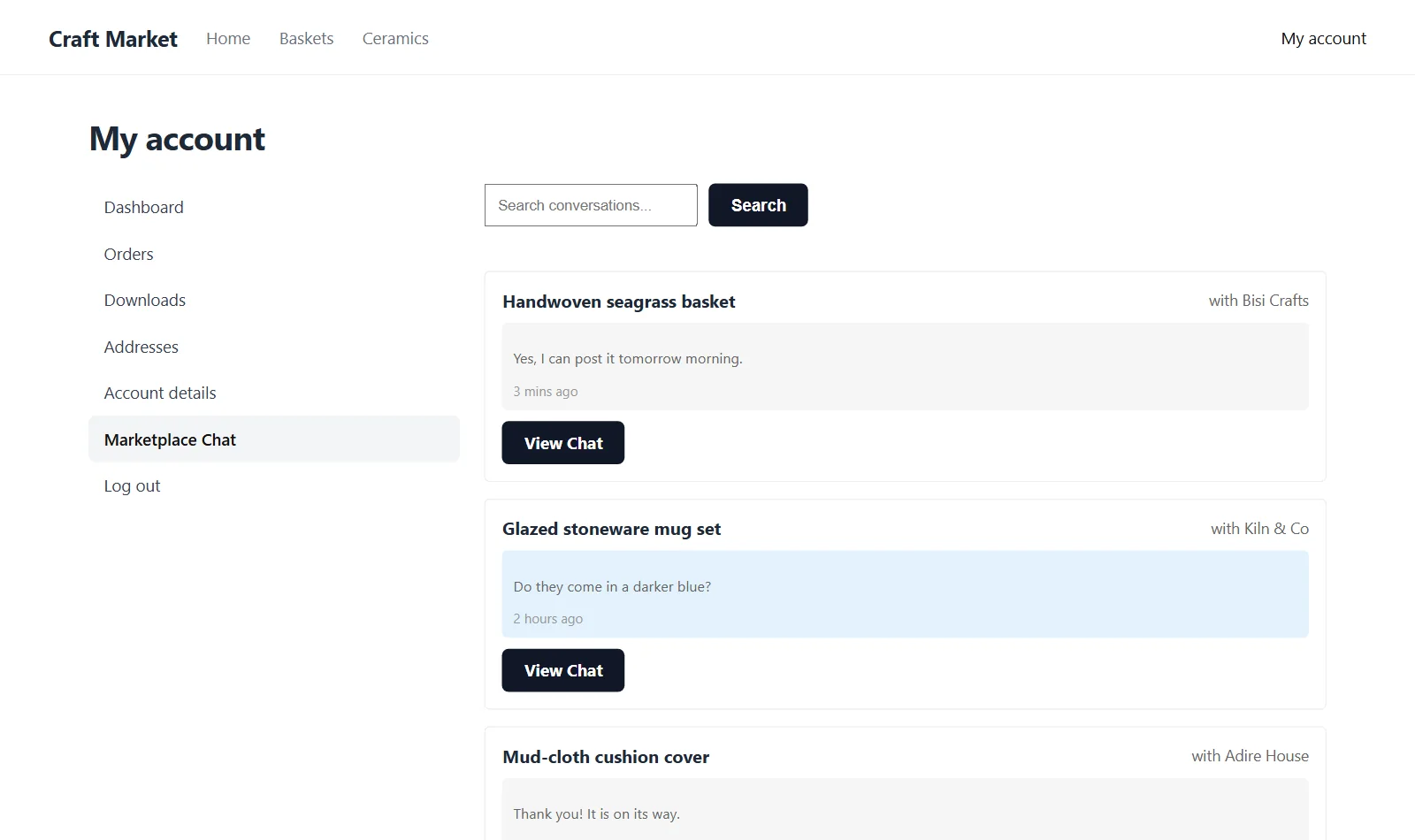
Every conversation in My Account
A Marketplace Chat tab lists each product chat with the last message. Search by product, person or text.
- Marketplace Chat tab
- Search
- Last message
- Time ago
Both sides
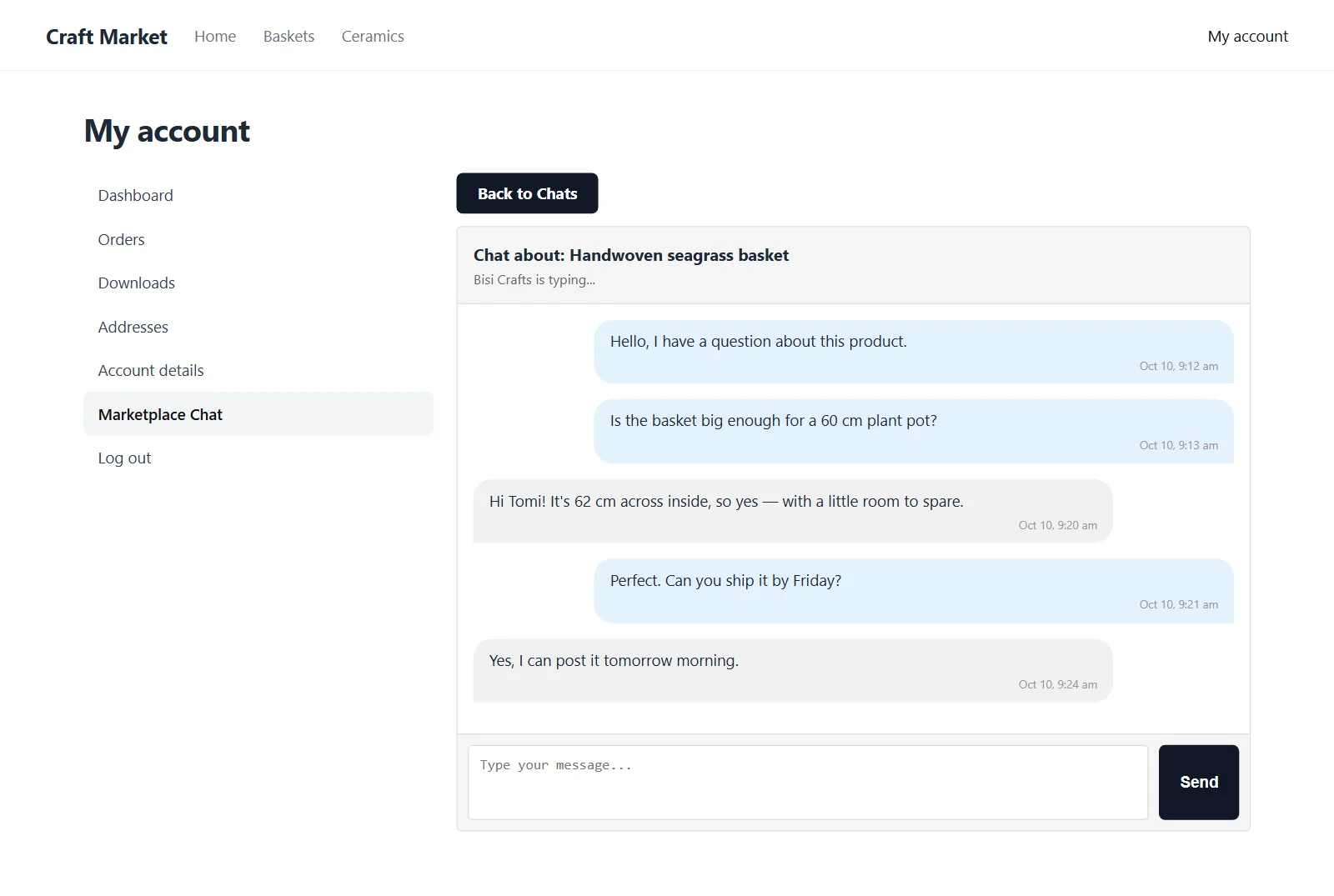
Chat with the seller, and back
Sellers reply from the same screen. Messages mark themselves read when opened.
- Buyer view
- Seller view
- Read status
Built in
A simple WooCommerce marketplace chat
Made for WooCommerce
Chats are tied to a product and its seller.
Updates by itself
New messages appear without reloading.
Typing indicator
See when the other side is typing.
Logged-in buyers
Only signed-in customers can start a chat.
One shortcode
Place the chat anywhere on the product page.
Nonce-checked
Every request is verified by WordPress.
Pricing
Free to use
Seller-Buyer Chat
Free
- Chat on any product page
- Marketplace Chat tab in My Account
- Typing indicator and live updates
- Self-hosted on your store
FAQ
WooCommerce buyer seller chat FAQ
What is WooCommerce buyer seller chat?
A chat between a shopper and the product's seller, started from the product page and kept in My Account.
Who is the seller of a product?
The WordPress user who authored the product. On a multi-vendor store, that is the vendor.
Do buyers need an account?
Yes. Buyers must be logged in to start or read a chat.
How do I add the chat to the product page?
Add the shortcode [jazital_chat product_id="…"] to your product template, passing the product's ID.
Where do buyers find their chats?
Under My Account → Marketplace Chat, with search.
Is it free?
Yes. The plugin is free.