 Jazital Live Chat
WordPress live chat plugin
Live chat that answers, even when you're away
A WordPress live chat plugin with an AI assistant that knows your site, a WhatsApp bridge and one inbox for your team.
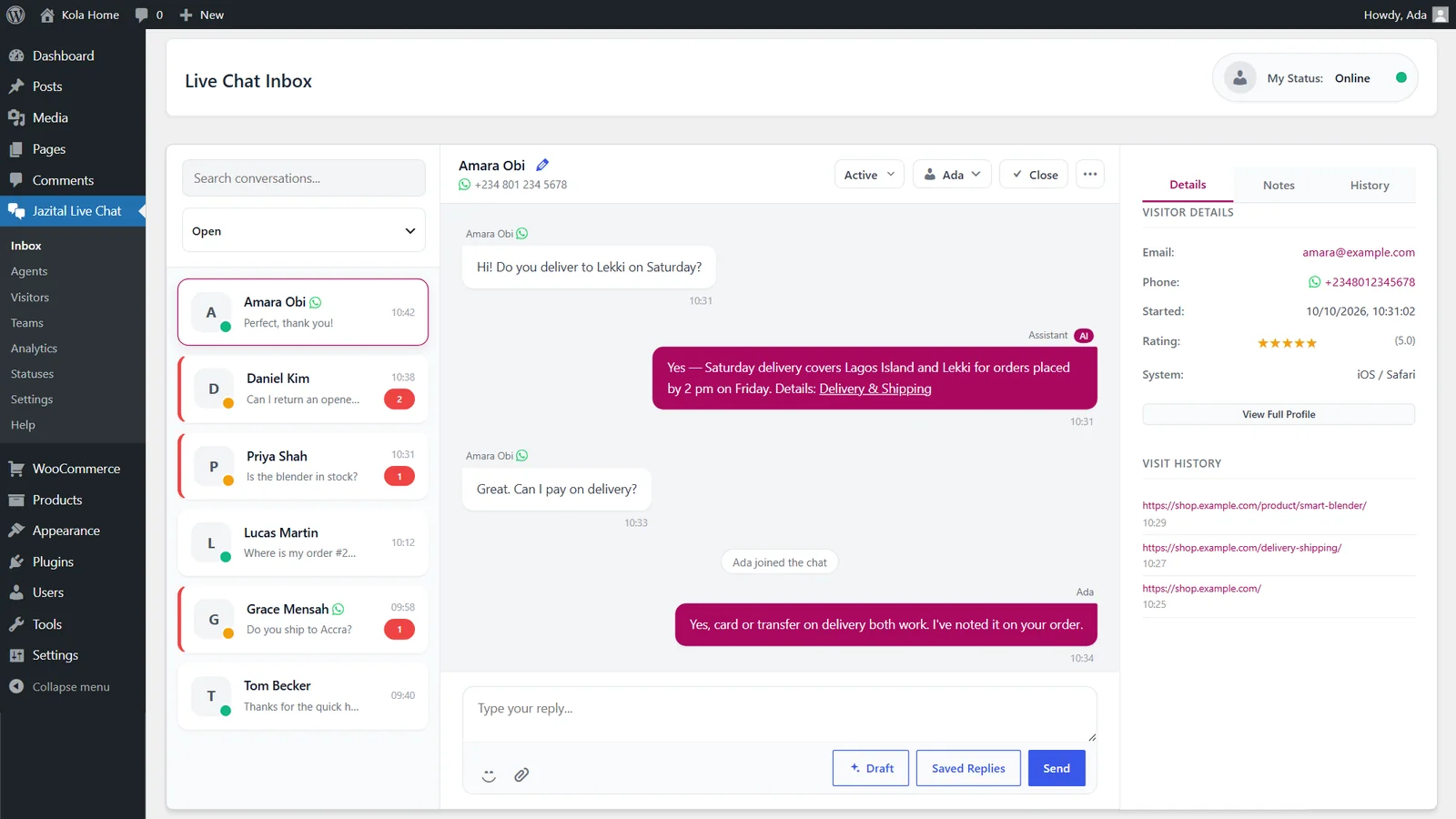
AI assistant
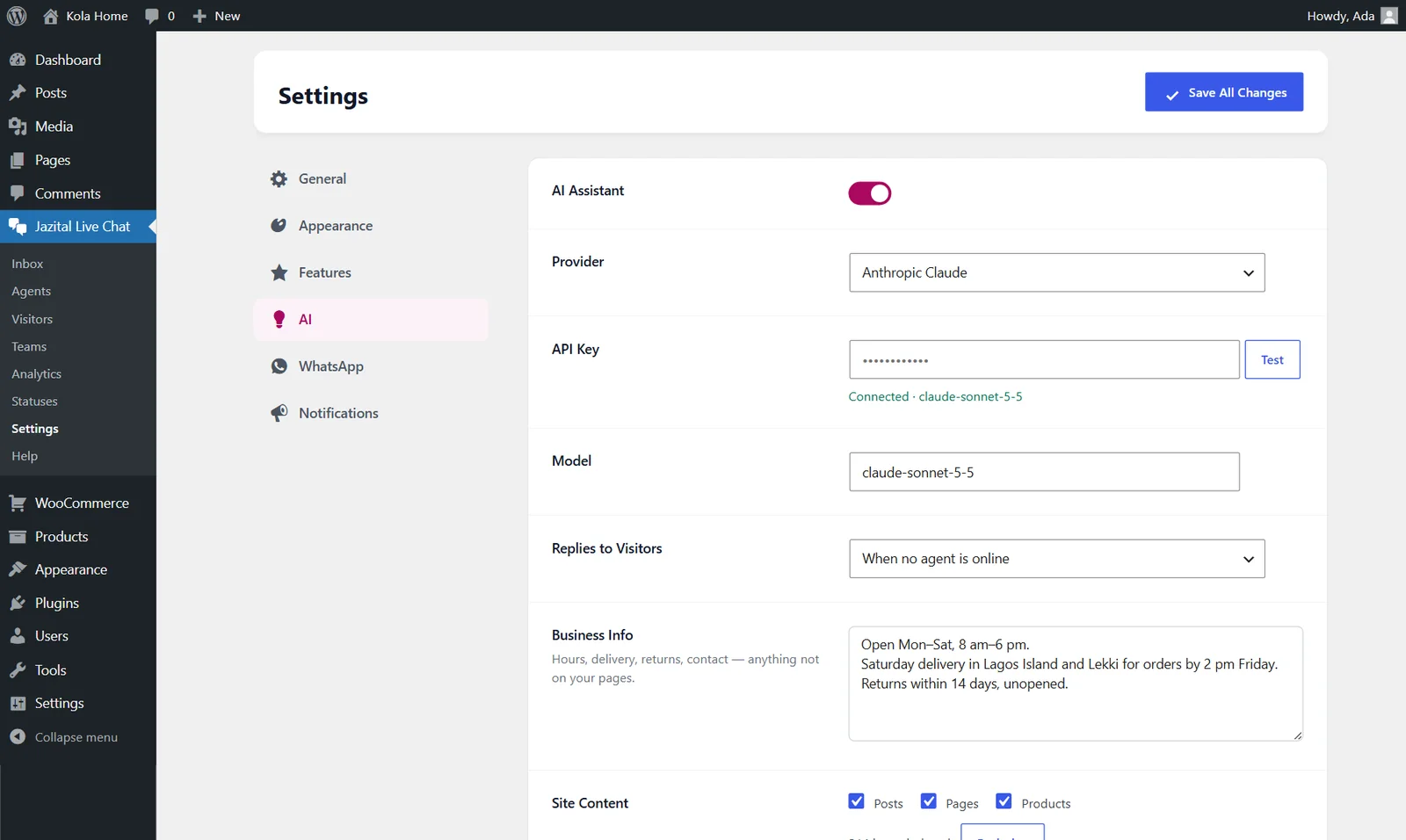
An AI chatbot for WordPress that reads your site
It answers from your pages, posts and WooCommerce products, links the source, and hands over to your team when it can't.
- OpenAI
- Anthropic Claude
- Business info
- Draft replies
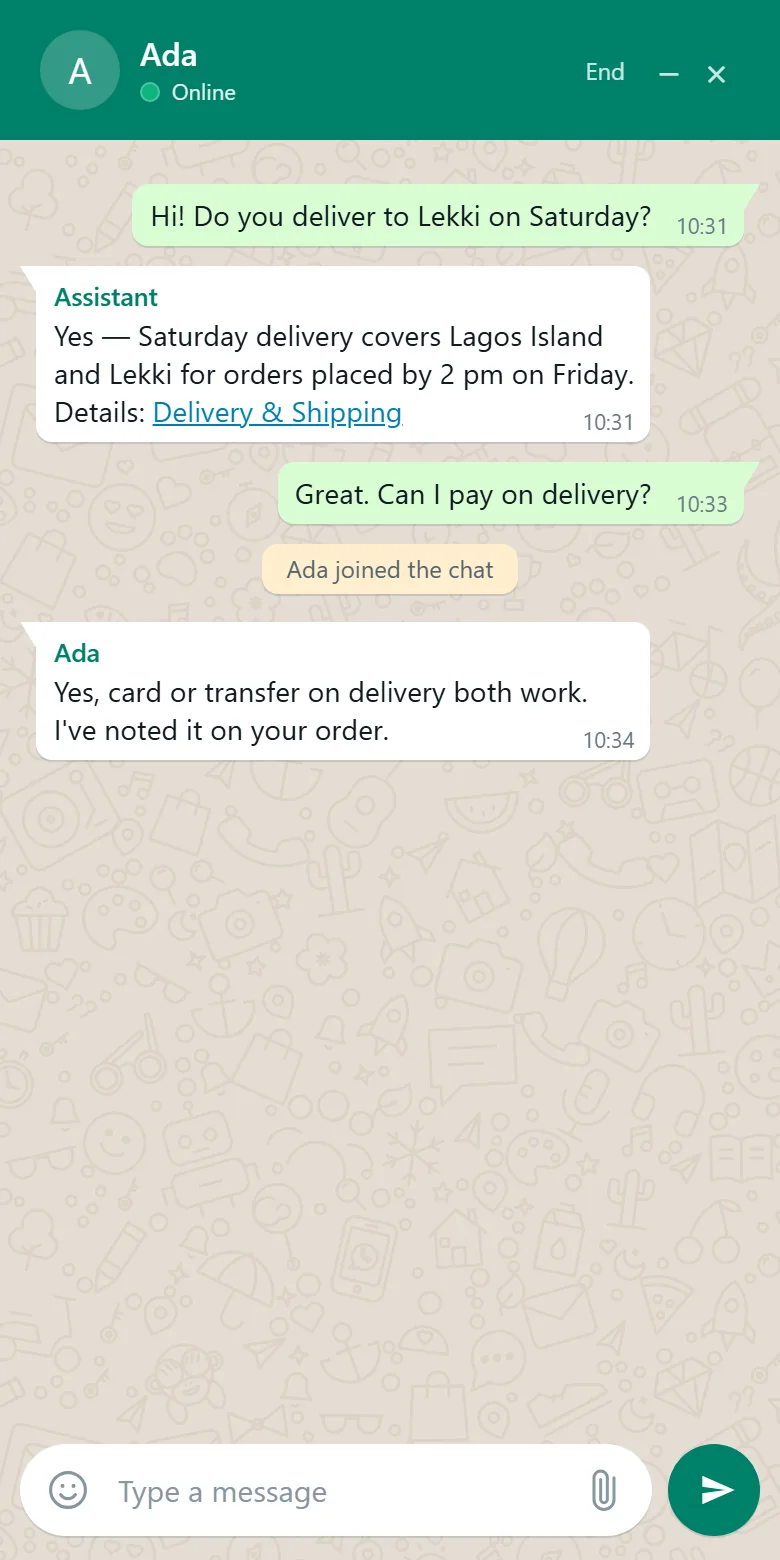
Reply from WhatsApp, on your phone
Visitor messages reach your WhatsApp. Swipe-reply and they get the answer on your site.
- WhatsApp Cloud API
- Direct WhatsApp chats
- Swipe to reply
- WhatsApp look
Your brand
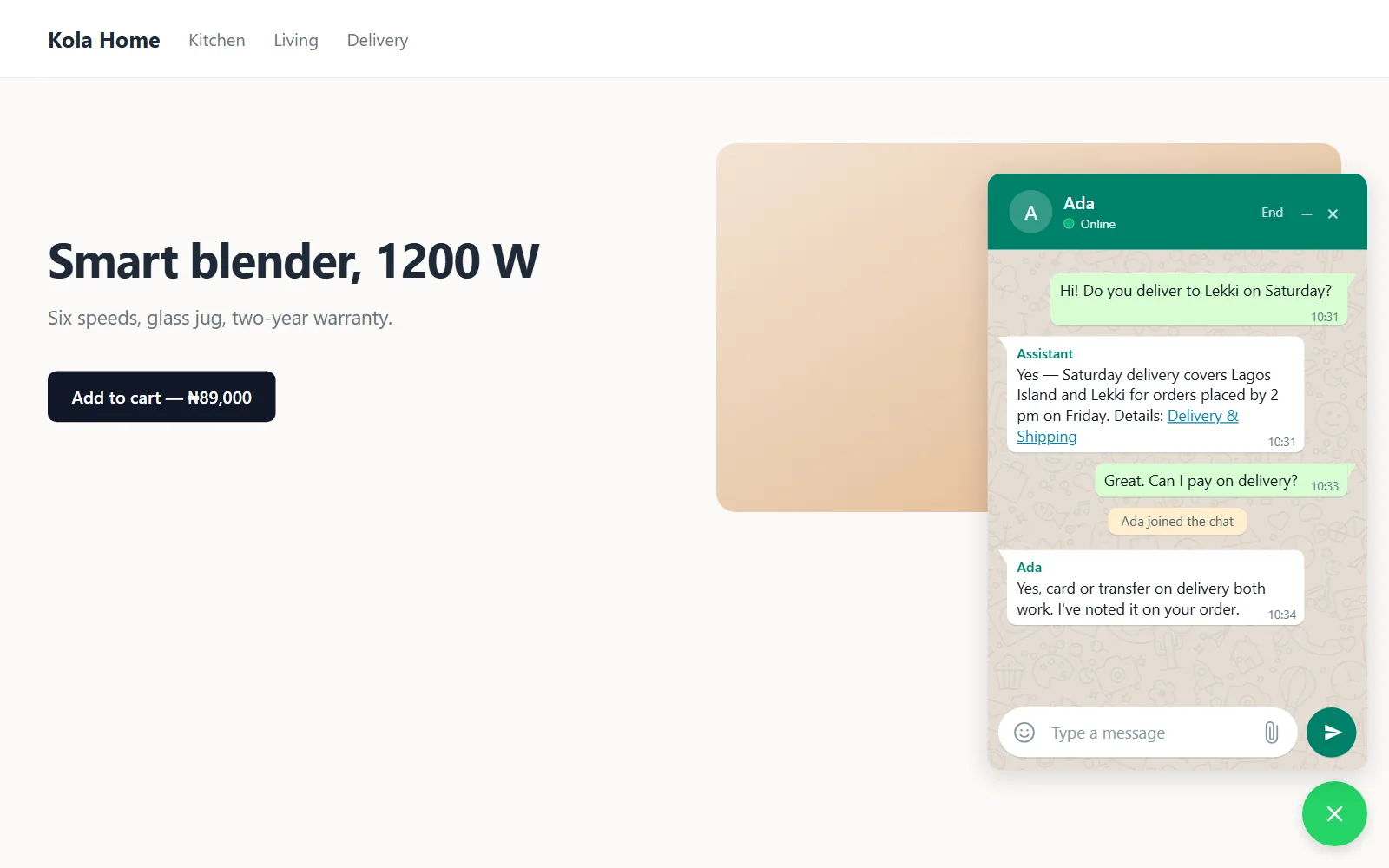
A widget in your colours
Prefer your own style? One switch, same chat.
- Brand colours
- Files and video
- Emoji
- Ratings
- Page rules
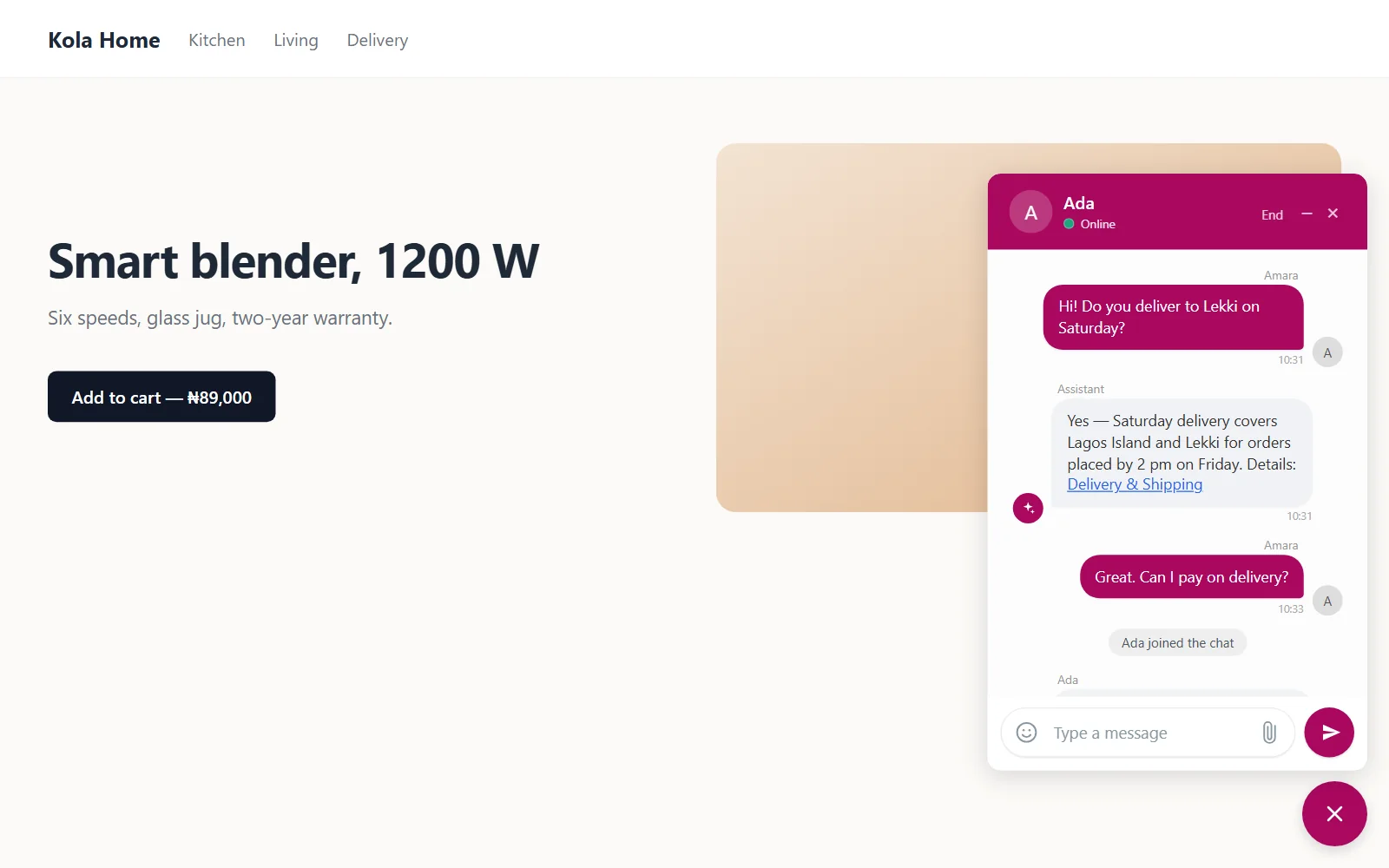
On every phone
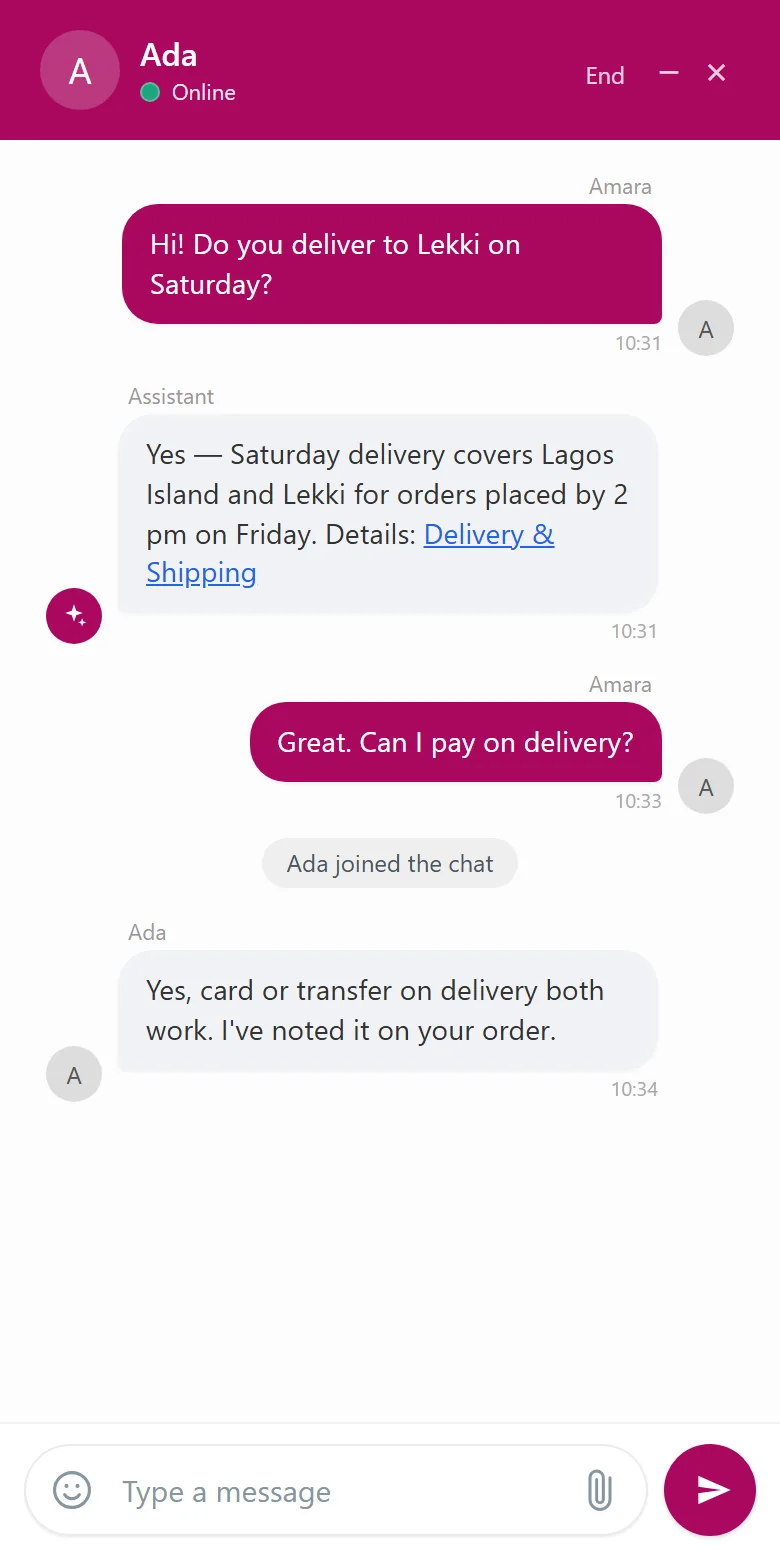
Two looks, one chat
WhatsApp or your brand. Both fit any screen.
And the rest
A complete customer support chat plugin
Agents and teams
Assign, transfer and cap concurrent chats.
Notes and saved replies
Private colour notes and canned answers.
Analytics
Response time, ratings, sentiment and devices.
Visitors
Who is on your site, and what they viewed.
Email alerts
New chats, new messages and urgent ones.
Private by design
Session tokens, rate limits and GDPR export and erase.
Pricing
Free to use
Jazital Live Chat
Free
- Unlimited chats, agents and teams
- AI assistant with your OpenAI or Claude key
- WhatsApp bridge
- Analytics and visitor history
- Self-hosted on your WordPress
FAQ
WordPress live chat plugin FAQ
Is Jazital Live Chat free?
Yes. The plugin is free. The AI assistant uses your own OpenAI or Anthropic key, billed by them.
Does the AI chatbot answer from my website?
Yes. It indexes your pages, posts and WooCommerce products, answers from them and your business info, and links the page it used.
Can I answer chats from WhatsApp?
Yes. With WhatsApp mode on, visitor messages are forwarded to your WhatsApp and your replies go back to the website chat. It needs a Meta WhatsApp Cloud API number.
Does it work with WooCommerce?
Yes. The AI can read your products, including price and stock, and the widget runs on any WooCommerce store.
What happens when the AI can't answer?
It hands the chat to your team. When an agent joins, the AI stays quiet in that chat.
Is it GDPR friendly?
It plugs into WordPress' export and erase tools, and deletes closed chats after the retention period you set.
How do I install the plugin?
Upload the zip under Plugins → Add New, activate it, then add your agents and open Jazital Live Chat → Settings.
What does it need to run?
WordPress 6.0 or later and PHP 8.0 or later. WhatsApp mode also needs HTTPS.