
Booking types
Your hours, your rules
Duration, buffer, capacity, notice, bookable window and weekly hours for each type, plus closed dates.
- Duration
- Buffer
- Capacity
- Minimum notice
- Closed dates
- People count
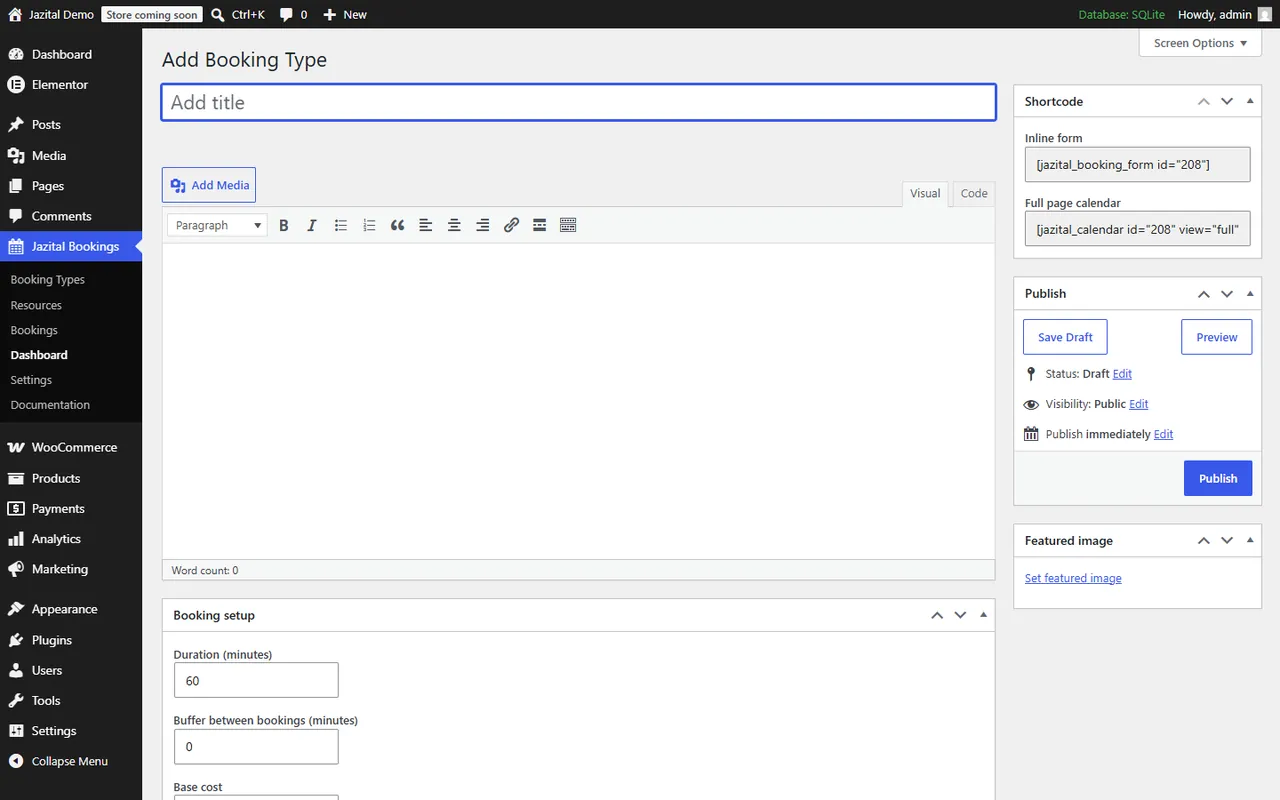
This WooCommerce booking plugin takes appointments, classes, rooms and staff, and only ever offers times you can honour.
WordPress 5.8+ · WooCommerce optional
Duration, buffer, capacity, notice, bookable window and weekly hours for each type, plus closed dates.
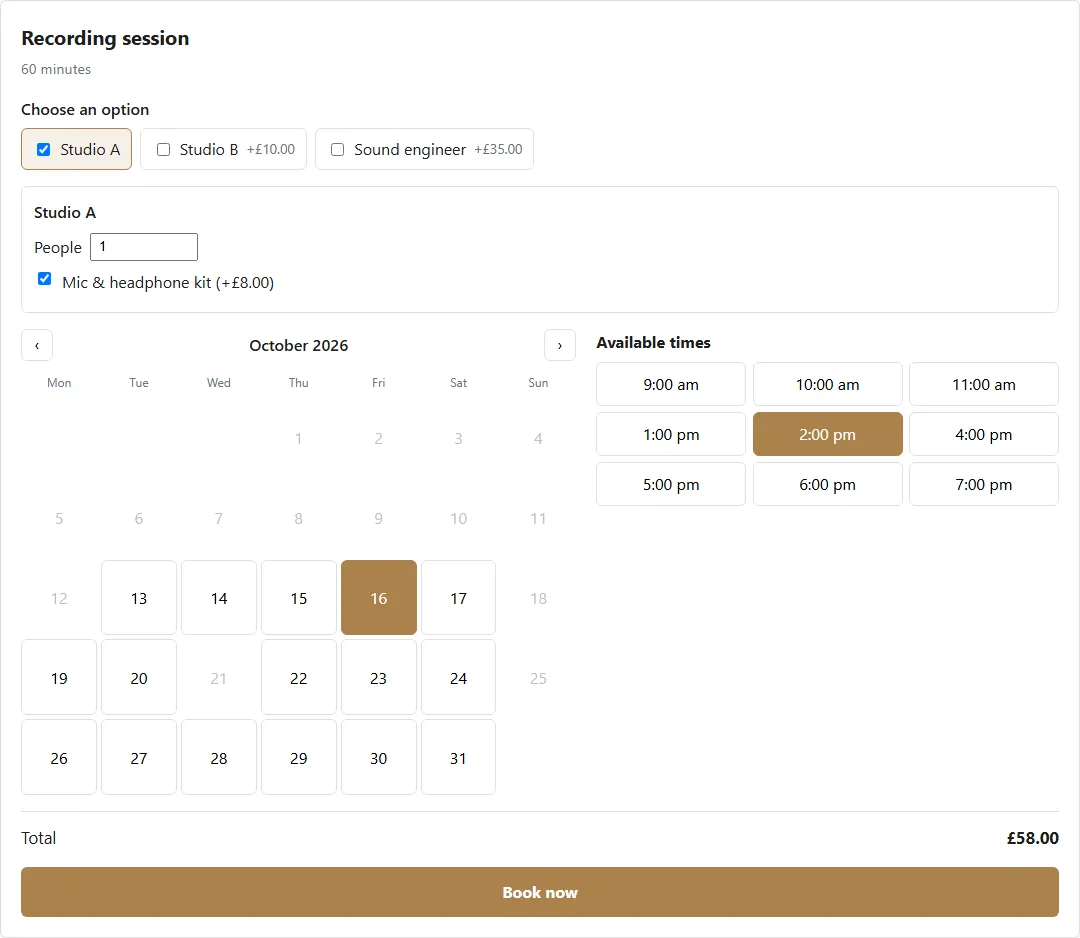
A time is offered only when every chosen resource is free. Extras are charged once or per person.
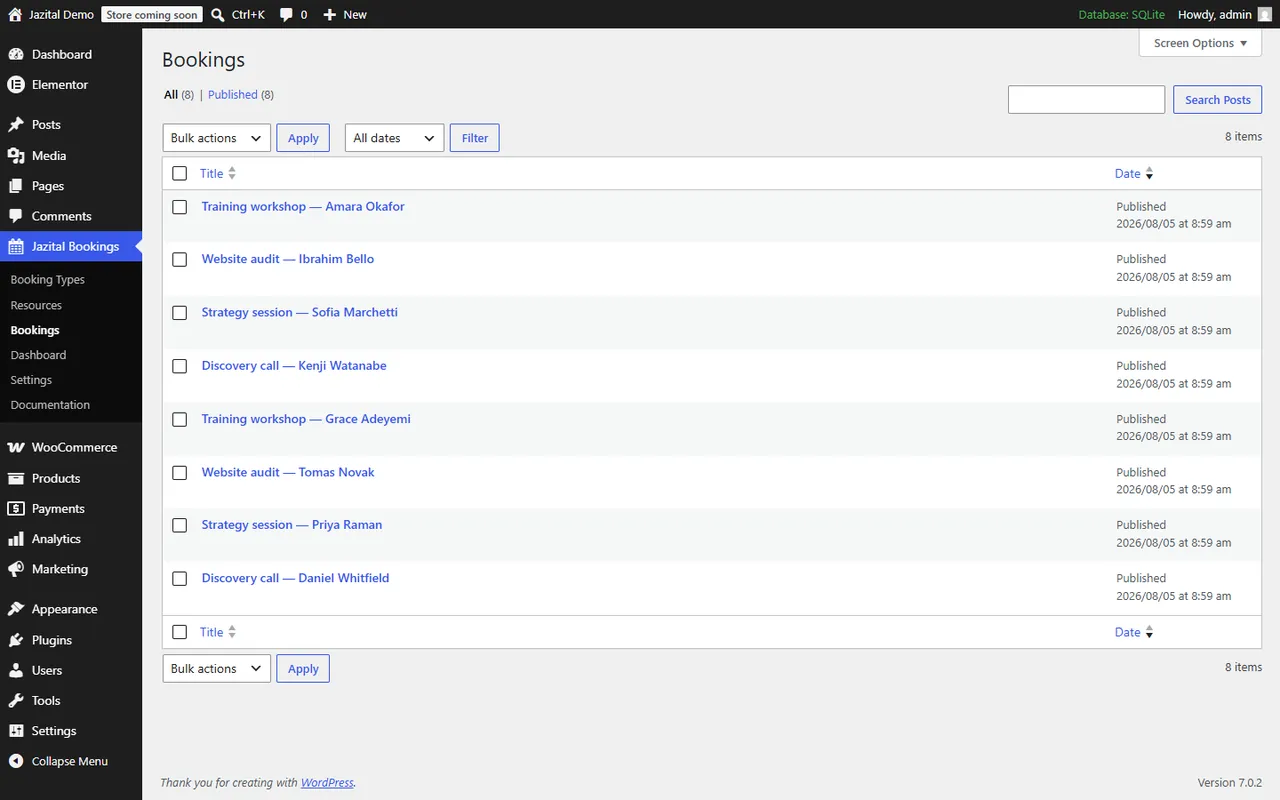
Through the WooCommerce cart, or Stripe, PayPal and Razorpay with no shop at all. Or free.
A slot taken while a customer was deciding is refused with a clear message.
Customers see their own bookings with one shortcode.
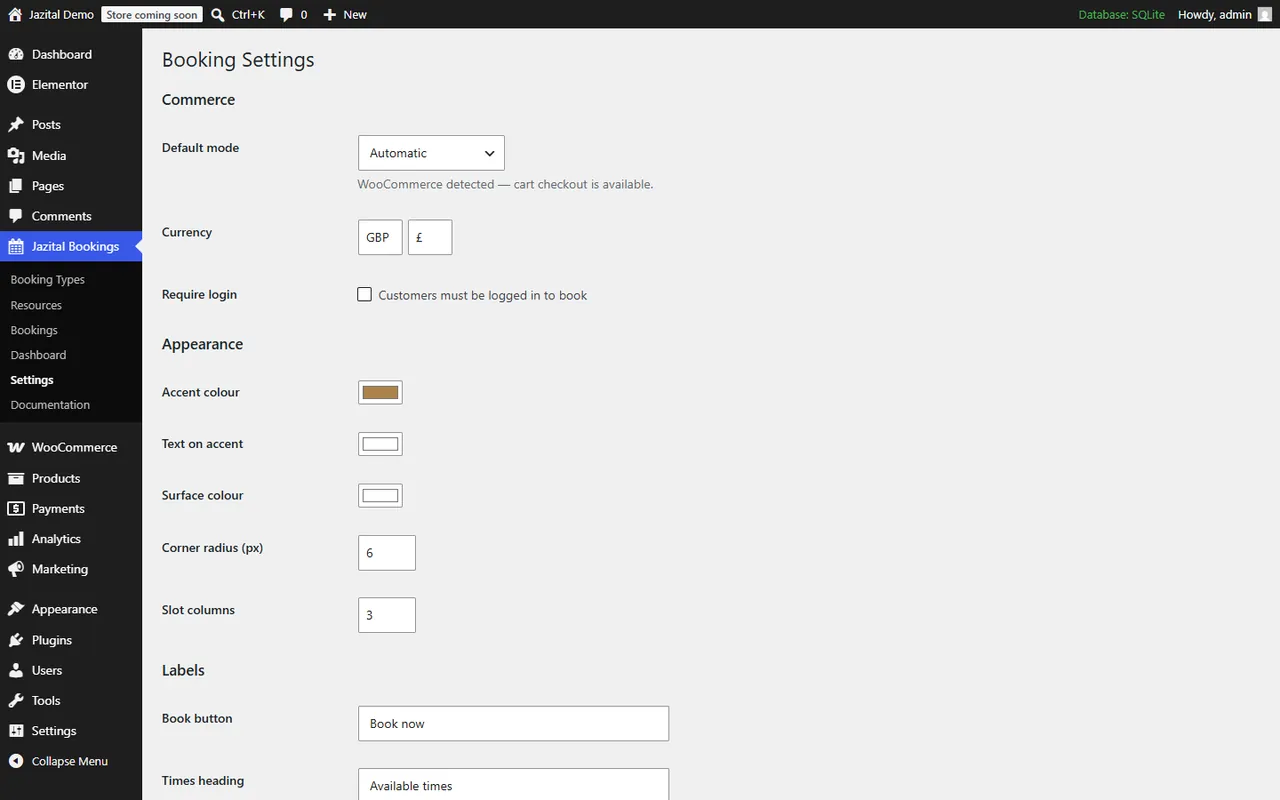
Accent, text, surface, radius and slot columns.
Override any front-end template from your theme.
Use the cart and checkout, or run it standalone.
Sandbox mode for every gateway.
A page with a full calendar is created on activation.
No. Without WooCommerce it takes payment through its own Stripe, PayPal or Razorpay gateways, or takes free bookings.
Availability is recalculated on the server when times are shown and again at the moment of booking.
Yes. Customers tick the resources they need, and a time is offered only when all of them are free.
Yes. Put the [jazital_my_bookings] shortcode on a page.
Create a booking type, then paste its [jazital_calendar] or [jazital_booking_form] shortcode into any page.
Yes. Labels, accent, text and surface colours, corner radius and slot columns are all settings.