
Video editor for WindowsCut video to the beat.
A fast, offline video editor for Windows: set a tempo, split to the grid, and every cut lands on the beat.
Windows 10 and 11, 64-bit
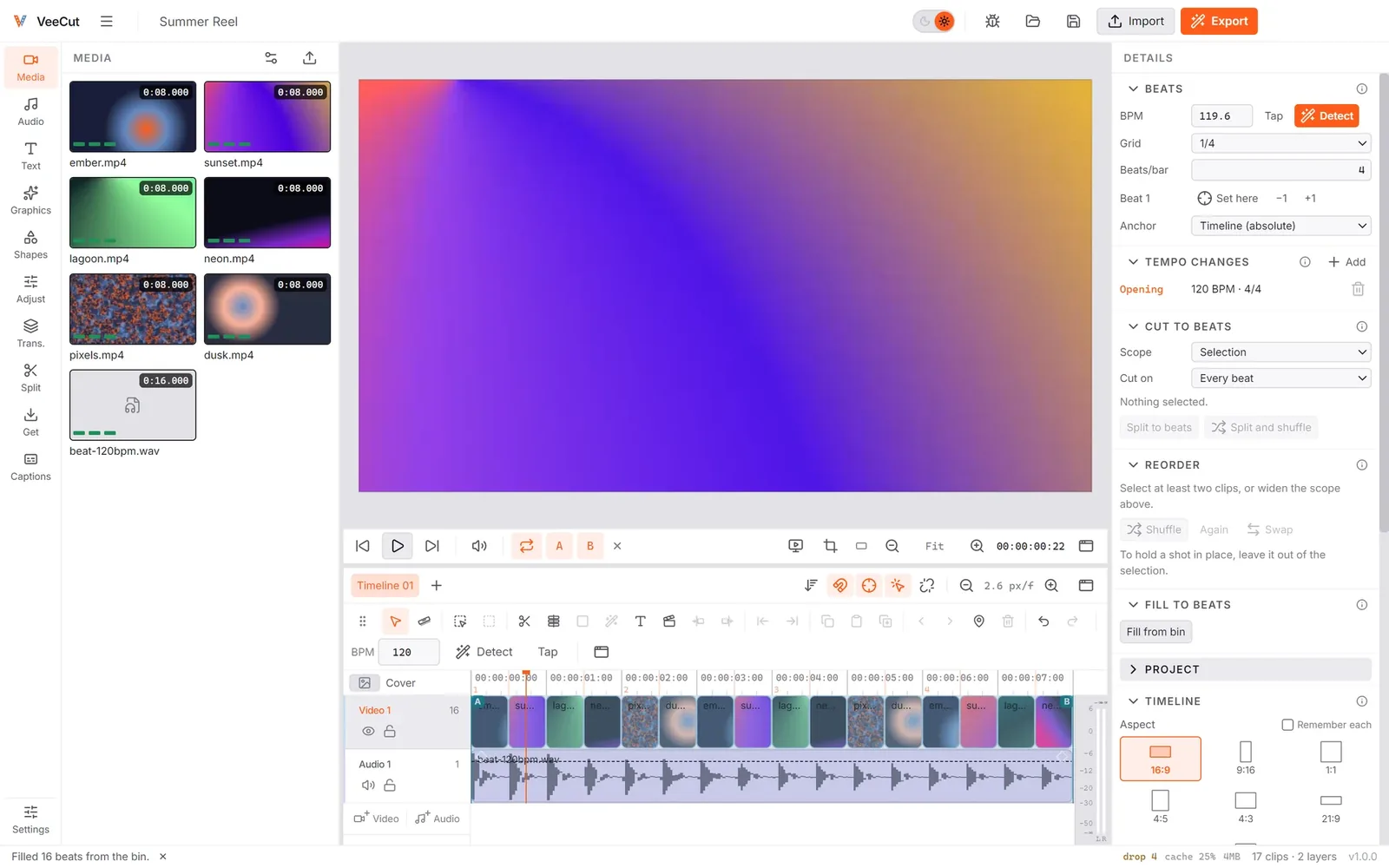
Beat sync: every cut on the beat
Detect the tempo, then split or fill a whole stretch to the grid in one move.
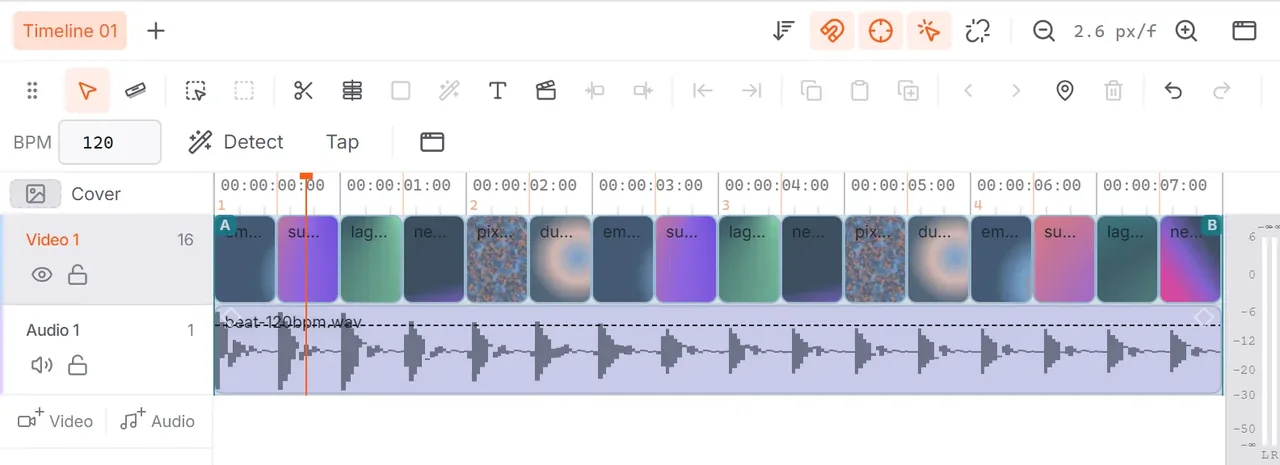
Edit once. Deliver 16:9 and vertical 9:16.
Each aspect keeps its own framing. Switch to 9:16 and back — nothing to redo.


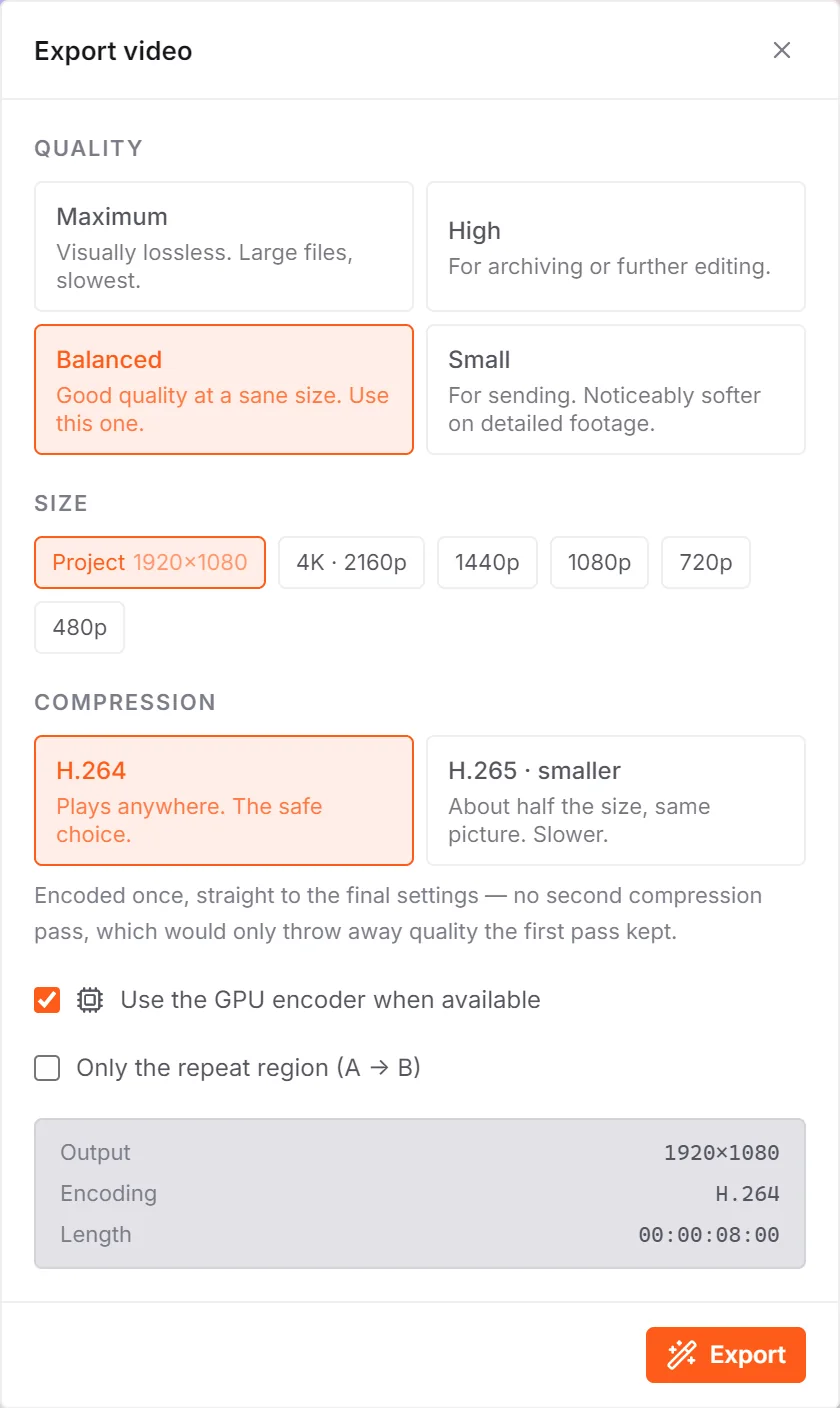
Small files, full quality
Up to 4K, H.265 at about half the size, and your GPU when it can help.
Keeps up with fast cuts
Proxies and a frame cache keep playback smooth, even on the densest edits.
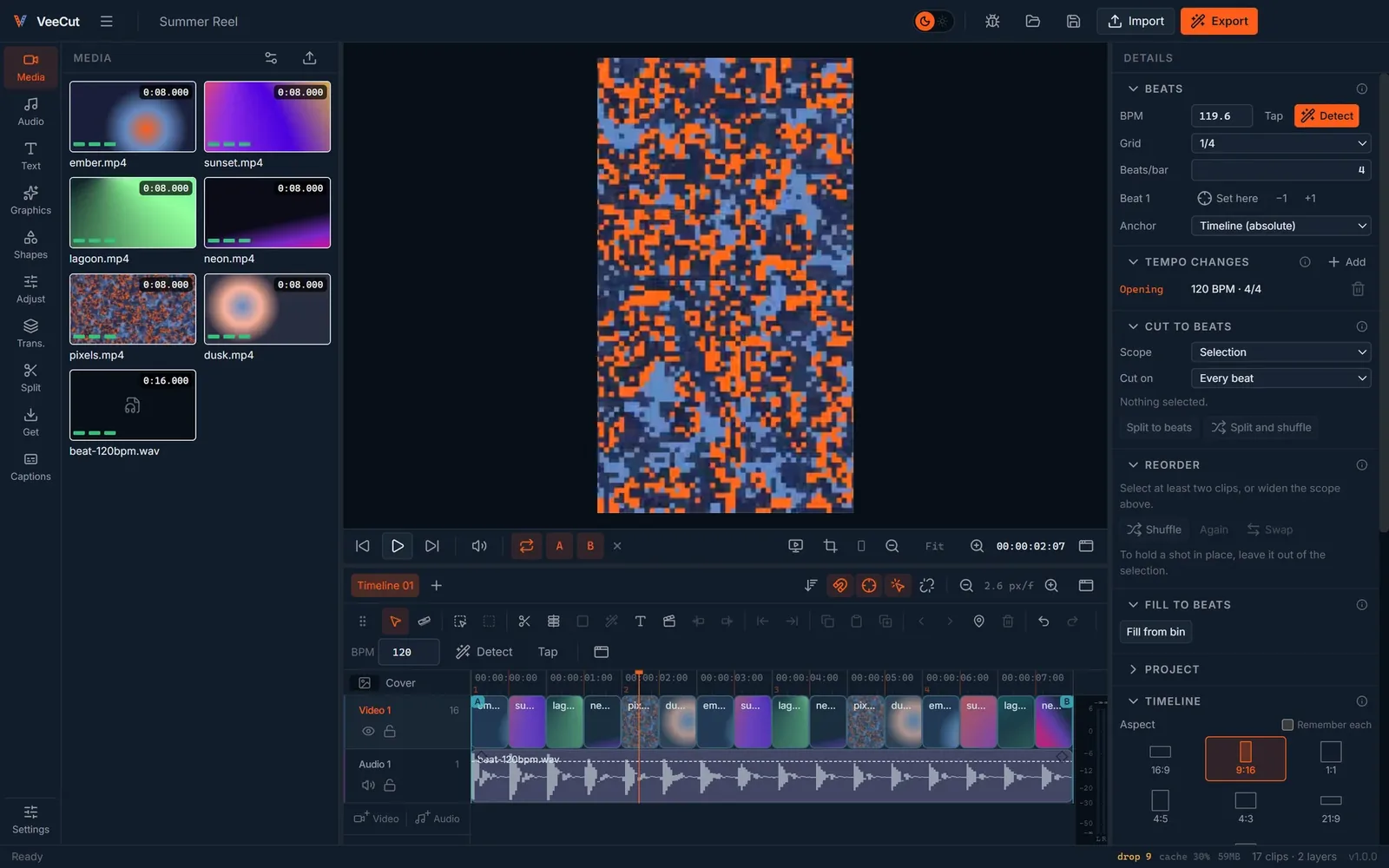
Auto captions, green screen and the rest
Undo that lasts
Close the app, restart, reopen — every step is still there.
Auto captions
Transcribed on your PC, word by word.
Green screen
Key out a colour, clean edges included.
Motion tracking
Pin a layer to anything that moves.
Templates
Start the next video from this one, framings and all.
Almost any format
Over 70 video, audio and image types, HEIC included.
Simple pricing
Video editor for Windows: questions
Do I need to be online?
No. Editing, preview, captions and export all run on your PC.
Does it copy my footage?
No. Media stays where it is; VeeCut makes small preview copies to keep playback smooth.
Can I make vertical videos?
Yes. Switch the project to 9:16, 1:1 or 4:5 and the edit is reframed — your 16:9 framing is kept.
Does it use my graphics card?
For export, when an NVIDIA encoder is available. Otherwise it falls back automatically.
Can it add captions automatically?
Yes. Captions are transcribed on your PC, word by word.
Which files can I edit?
Over 70 video, audio and image types, HEIC included.
Which Windows?
Windows 10 and 11, 64-bit.