
Media storage APIStore it. Transform it. Serve it.
A media storage API: upload any file, resize images with a URL, and serve them anywhere.
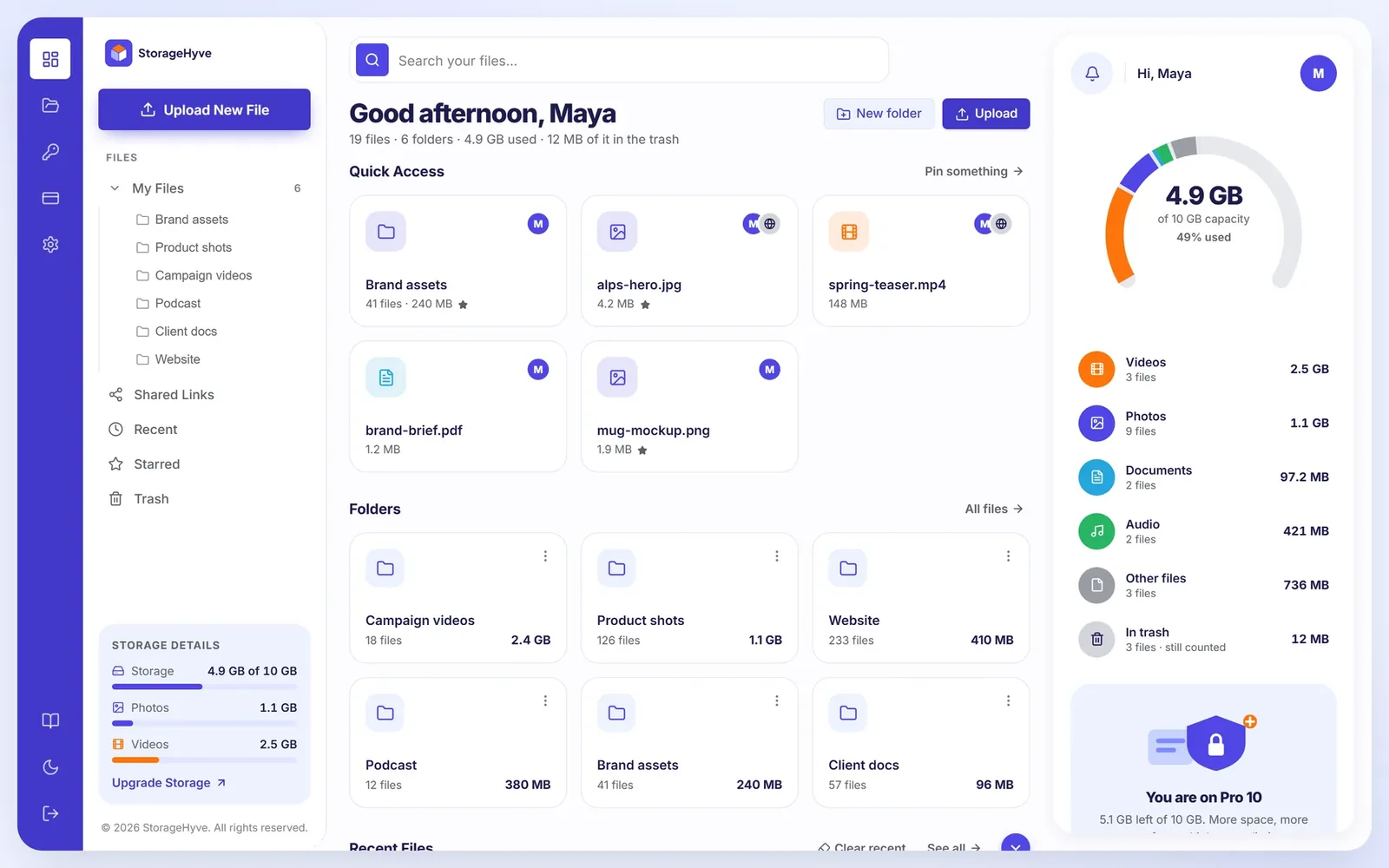
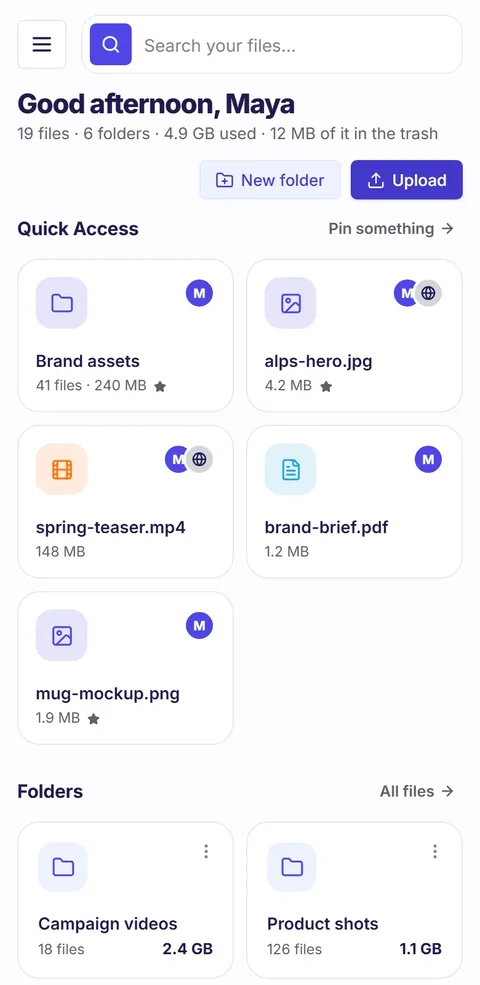
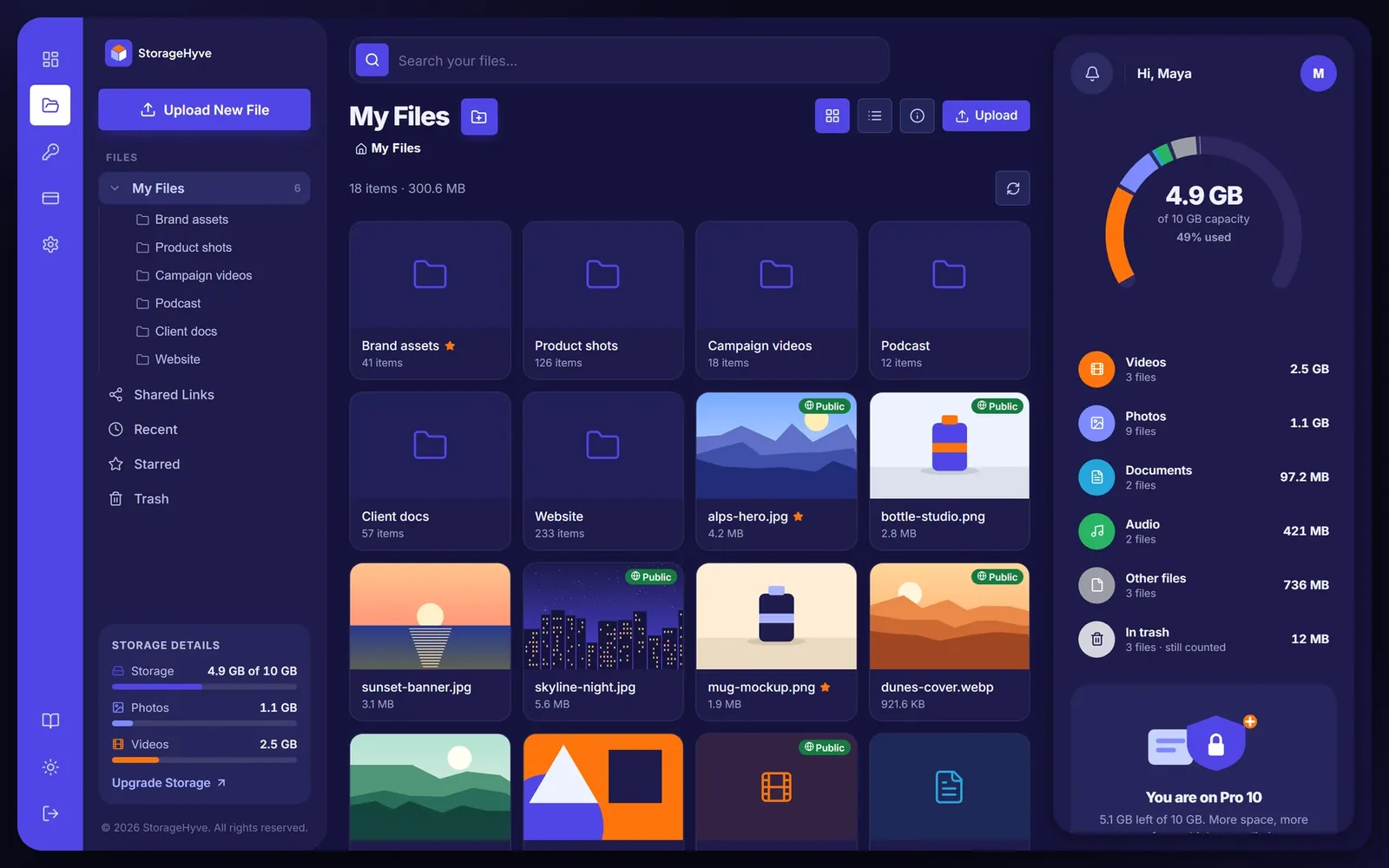
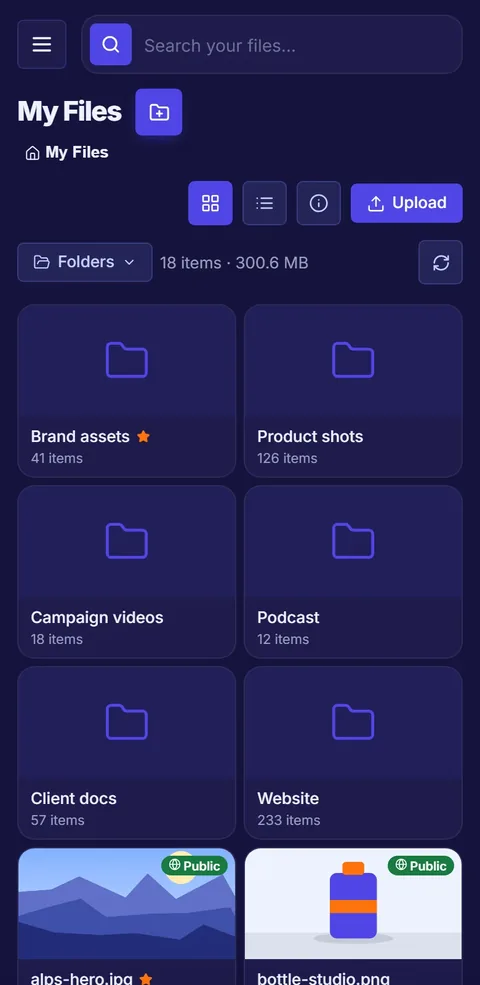
A file manager that feels native
Drag, drop, right-click, multi-select. Any file type.

Image resize API: resize with a URL
Size, crop, format and quality in the path. Cached after the first request.

A file storage API key for every job
Scoped, revocable, shown once. Upload and fetch from any stack.

Desk or phone. Light or dark.
Everything you reach for
Share pages
A link that previews and downloads. No account needed.
Private by default
Make a file public in one click.
Web-ready video
Uploads convert to MP4 in the background.
Trash with restore
Deleted files wait in the trash until you're sure.
Two-factor sign-in
Authenticator codes, with backup codes.
Usage at a glance
Storage by type, live, right beside your files.
Start free. Grow when you need to.
Media storage API: questions
What can I store?
Any file type: images, video, audio, documents and archives — up to 20 files per upload.
How do transforms work?
Put the options in the URL, like /t/w_400,h_400,c_fill/{file}. The result is cached, so repeat requests are instant.
Who can see my files?
Only you. Files are private until you make one public or share its link.
What happens when I delete something?
It goes to the trash and can be restored. The space comes back when the trash is emptied.
Is there a free plan?
Yes. Free includes 500 MB of storage and 350 API calls a month. Pro 10 adds 10 GB and unlimited API calls.
Which formats can a transform return?
WebP, AVIF, PNG or JPG. Set it with f_ in the URL, alongside width, height, crop and quality.
Can I use it from my own app?
Yes. Create an API key with only the scopes it needs — upload, read, delete or transform — and revoke it any time.