Offline POS software for shops and restaurantsThe till that keeps selling.
Offline POS software: products, staff, receipts, kitchen and reports on the machine at your counter — synced the moment the internet is back.
Windows · Free plan, no card
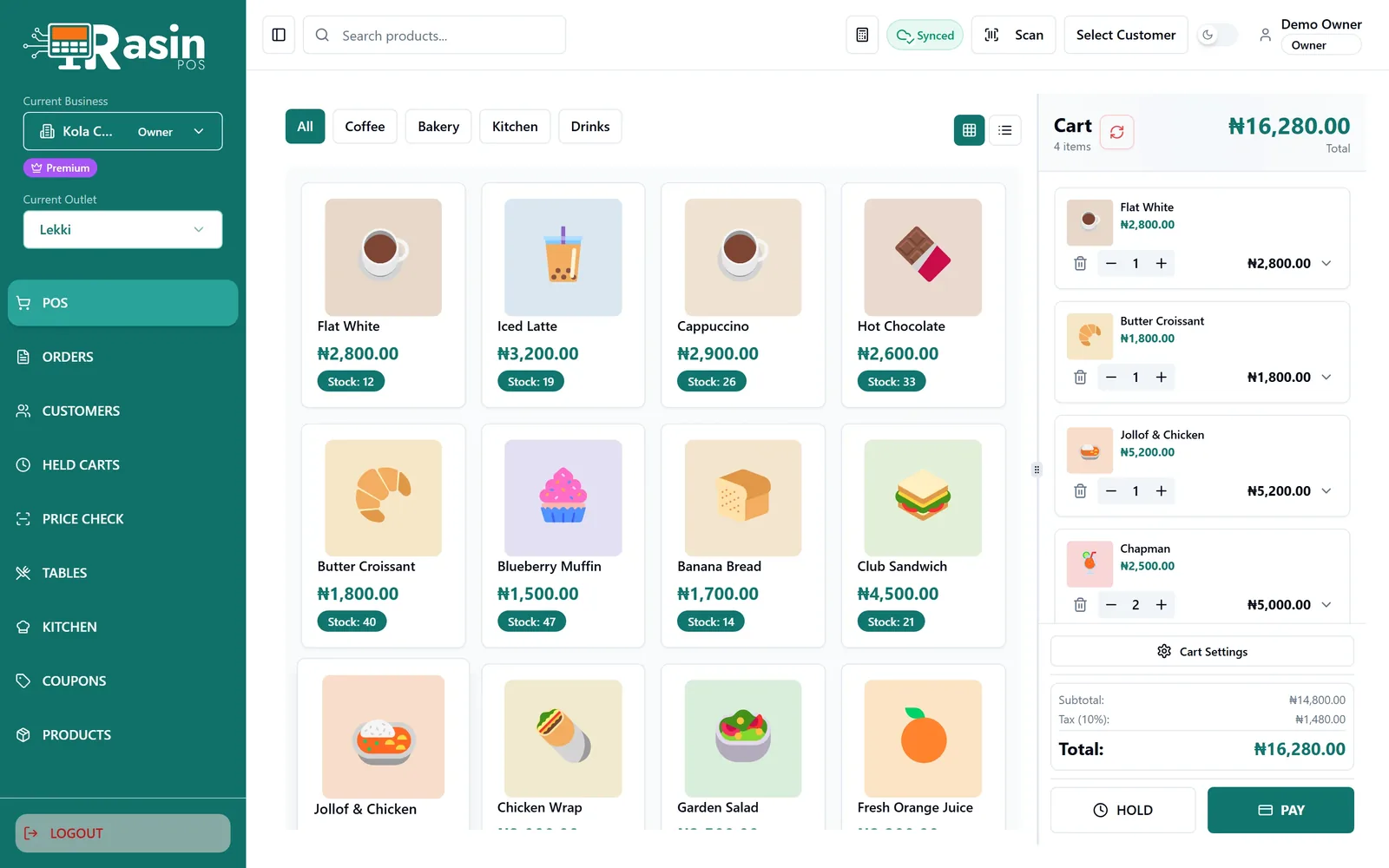
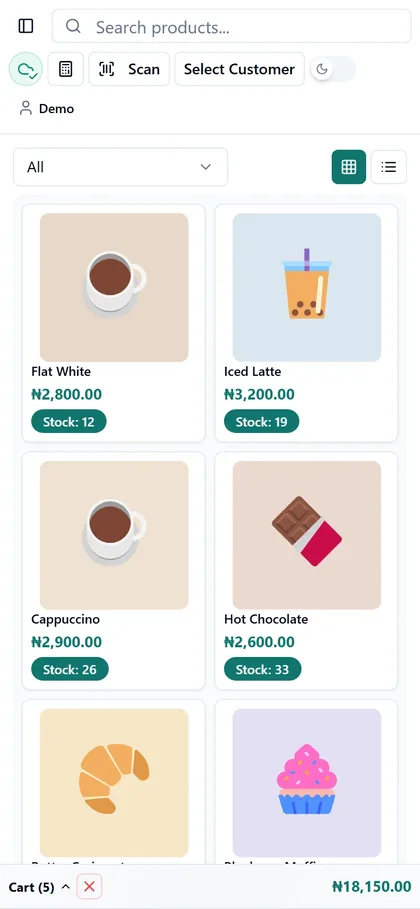
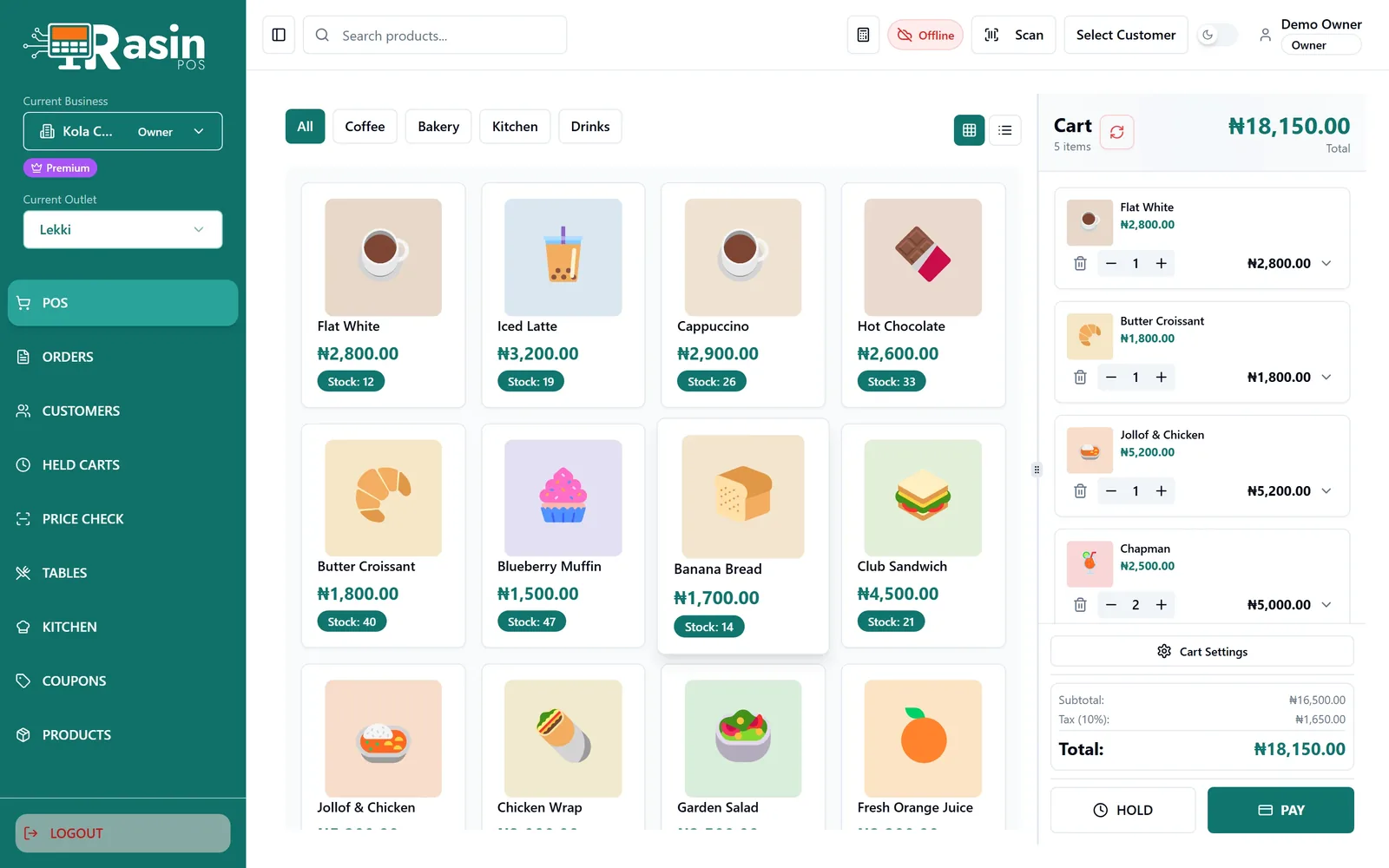
A sale in seconds
Tap, scan or search. Park a cart, take any payment, print the slip.
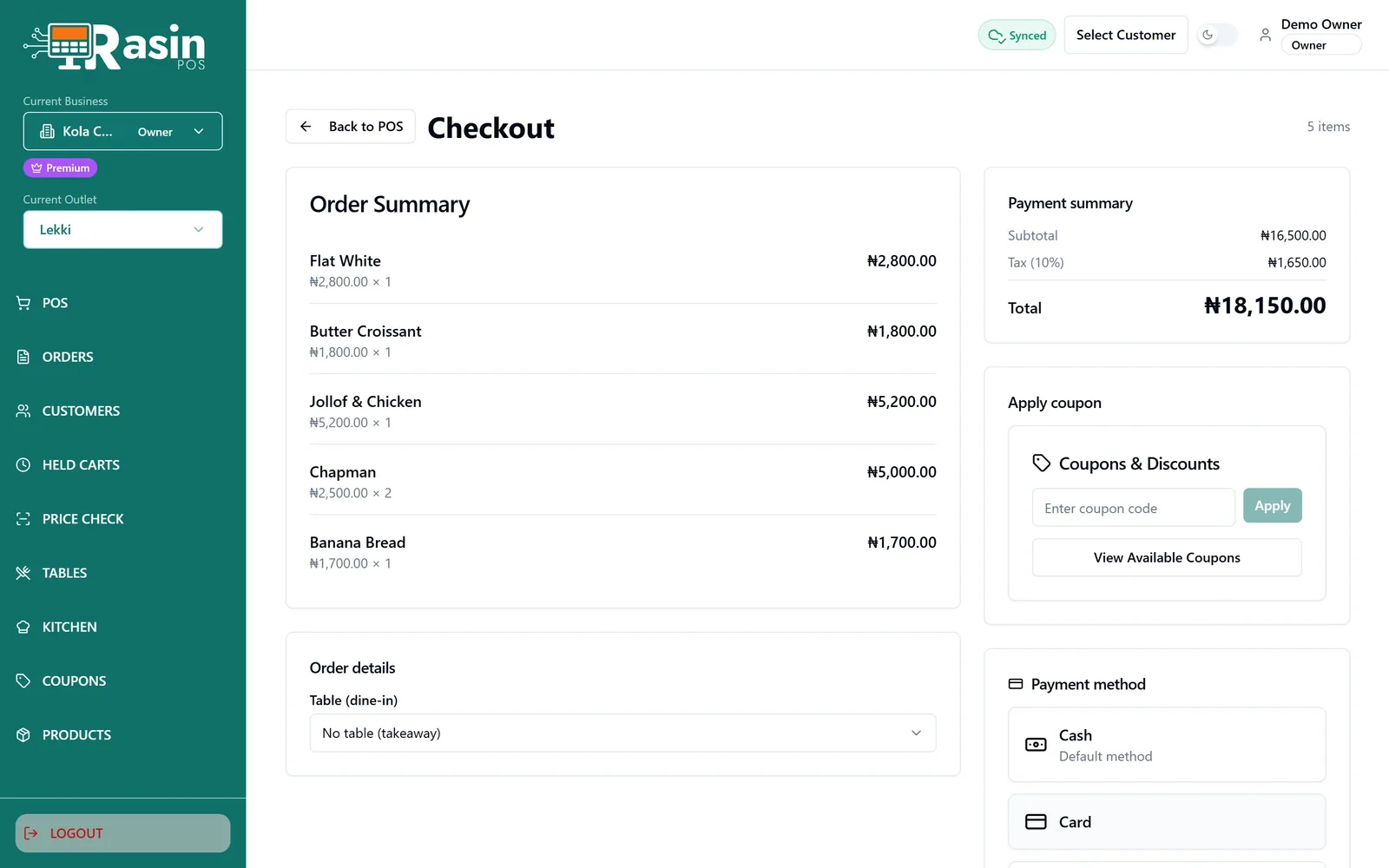
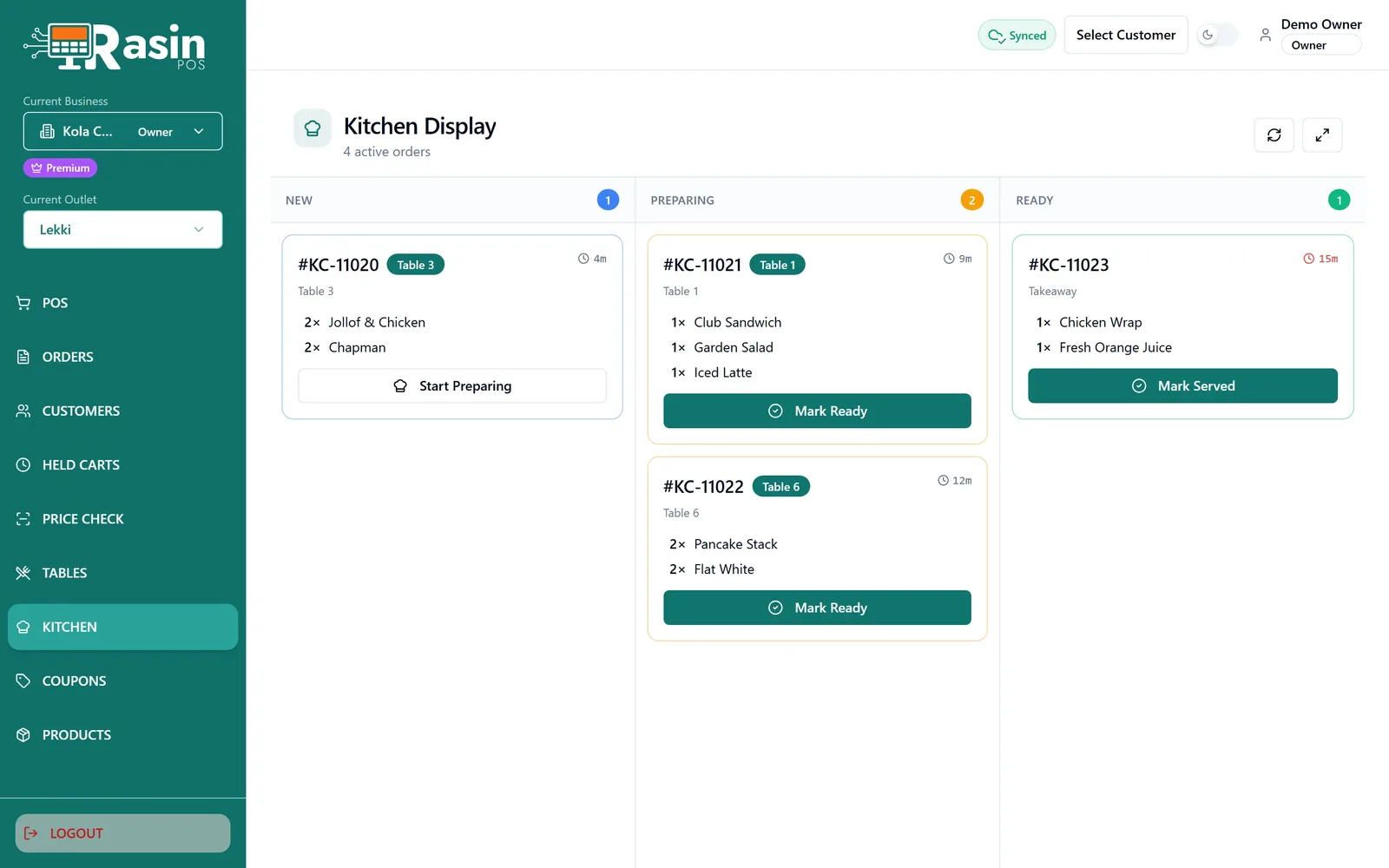
Restaurant POS, counter to kitchen
Orders land on a kitchen board by table, and are marked off as they go out.
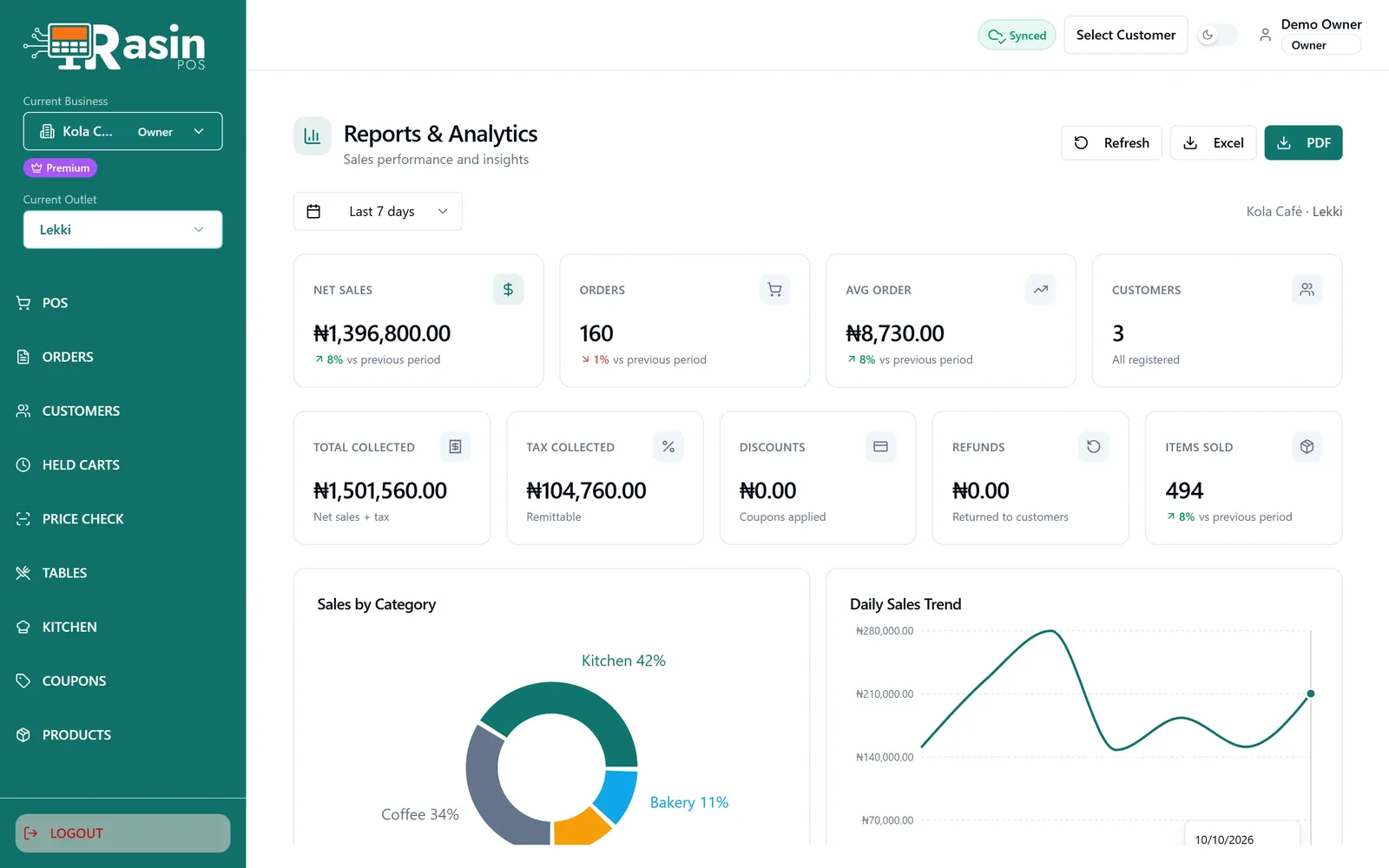
Sales reports: know what sold
Takings, products and staff over any date range.
Internet down? Keep selling offline.
Sales queue on the till and sync themselves, in order, when the connection returns.
POS software for Windows, built for the counter
Every outlet, one account
Switch business and branch from the sidebar.
Roles that fit the job
Owner, manager, cashier — each sees only their screens.
The right slip
Bill, receipt, duplicate, collection ticket, refund slip.
Any USB scanner
No driver, no setup. Barcode, SKU or name.
Import from Excel
Bring your catalogue in from CSV or Excel.
Refunds
Full or partial, against the original sale.
Free POS software. Premium to grow.
Starter
₦0
- Outlets 1
- Staff accounts 3
- Products 50
- Sell offline; syncs when back online
- Barcode, SKU and name search
- Multiple payment methods
- Held carts
- Reports on takings, products and staff
- Bill, receipt, duplicate, collection ticket and refund slip
PremiumMost popular
₦69,999.99/year
14-day free trial
- Everything in Starter
- Unlimited outlets
- Unlimited staff accounts
- Unlimited products
- Kitchen display
- Tables and seating
- Coupons and promotions
- Combo products
- Export reports and audit log
- Priority support
Offline POS software: questions
Does it really work without the internet?
Yes. Sales, receipts, held carts and customers all work on the till itself. Anything done offline syncs in order when the connection returns.
Can I run more than one till or outlet?
Yes. Every till shares the same products, customers and takings, and a cart held on one till can be picked up on another.
Does it suit a restaurant as well as a shop?
Both. Shops use barcodes and stock; restaurants switch on tables and the kitchen board. Each outlet decides for itself.
Can I bring my products in from a spreadsheet?
Yes — import a CSV or Excel file with names and prices; categories, barcodes and stock come across too.
Do I need a card to start?
No. You need an account, not a card. Starter is free.
Is there a free version?
Yes. Starter is free for 1 outlet, 3 staff accounts and 50 products, and it sells offline too.
What does it run on?
Windows. Install it on the PC at your counter, plug in any USB barcode scanner, and start selling.