 Fast Downloader
Download accelerator for WindowsDownloads, at full speed.
A free download accelerator for Windows: every file split across up to 32 connections — started before you even press Download.
Free · Windows 10 and 11
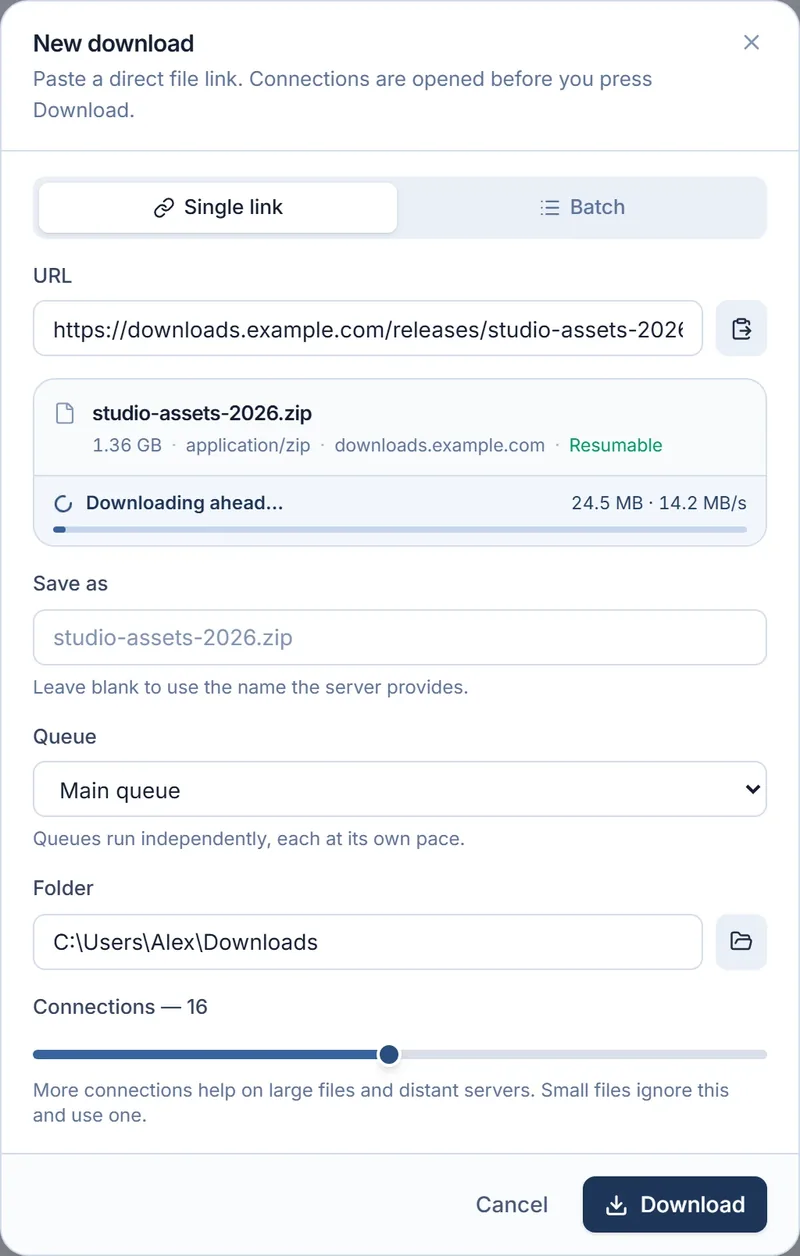
Starts before you click
Copy a file link anywhere. The name, size and type appear at once — and the first bytes are already on disk.
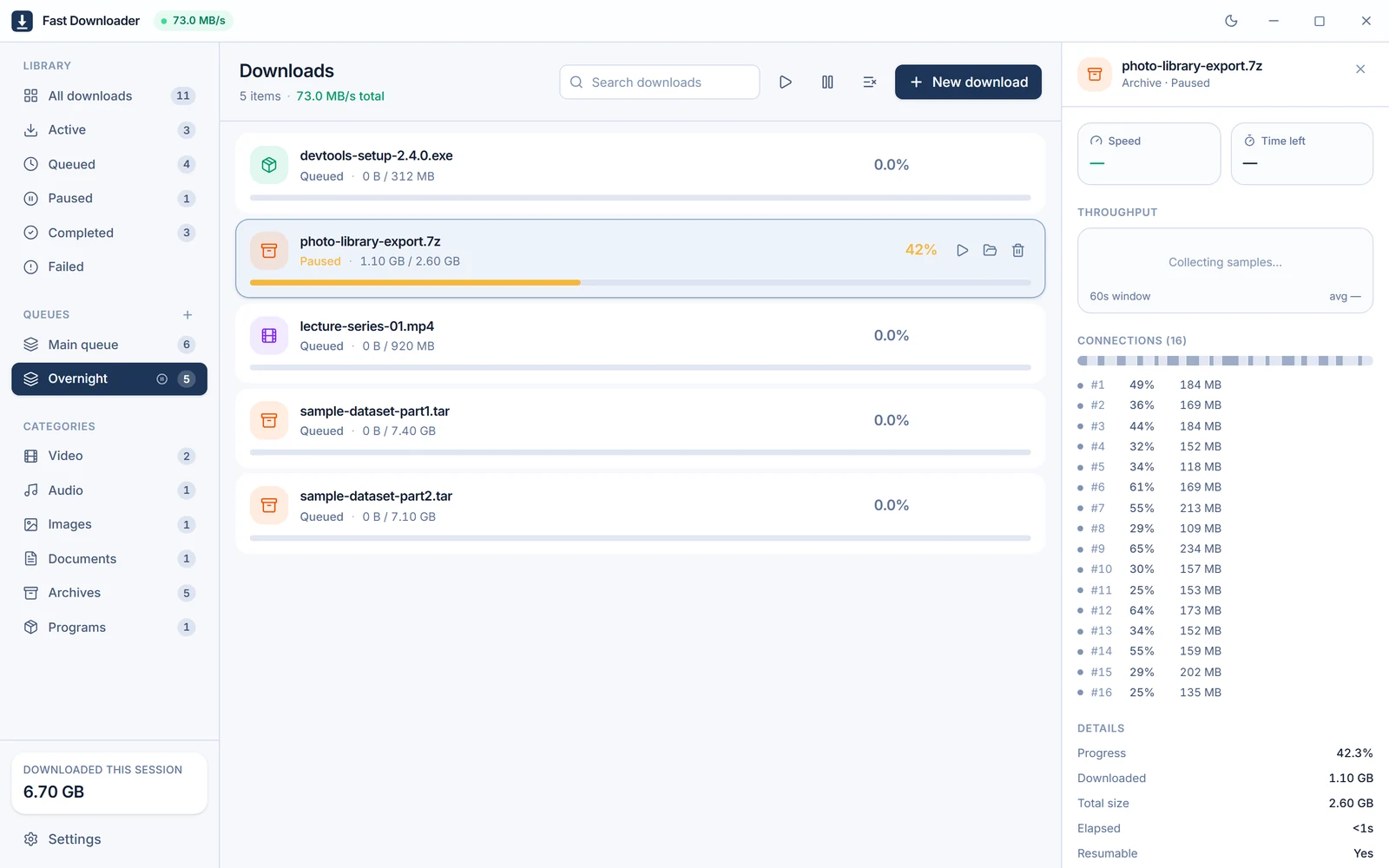
Download queues: line it up, hold it back
Named queues, each at its own pace. Hold one for tonight while the rest keep running.
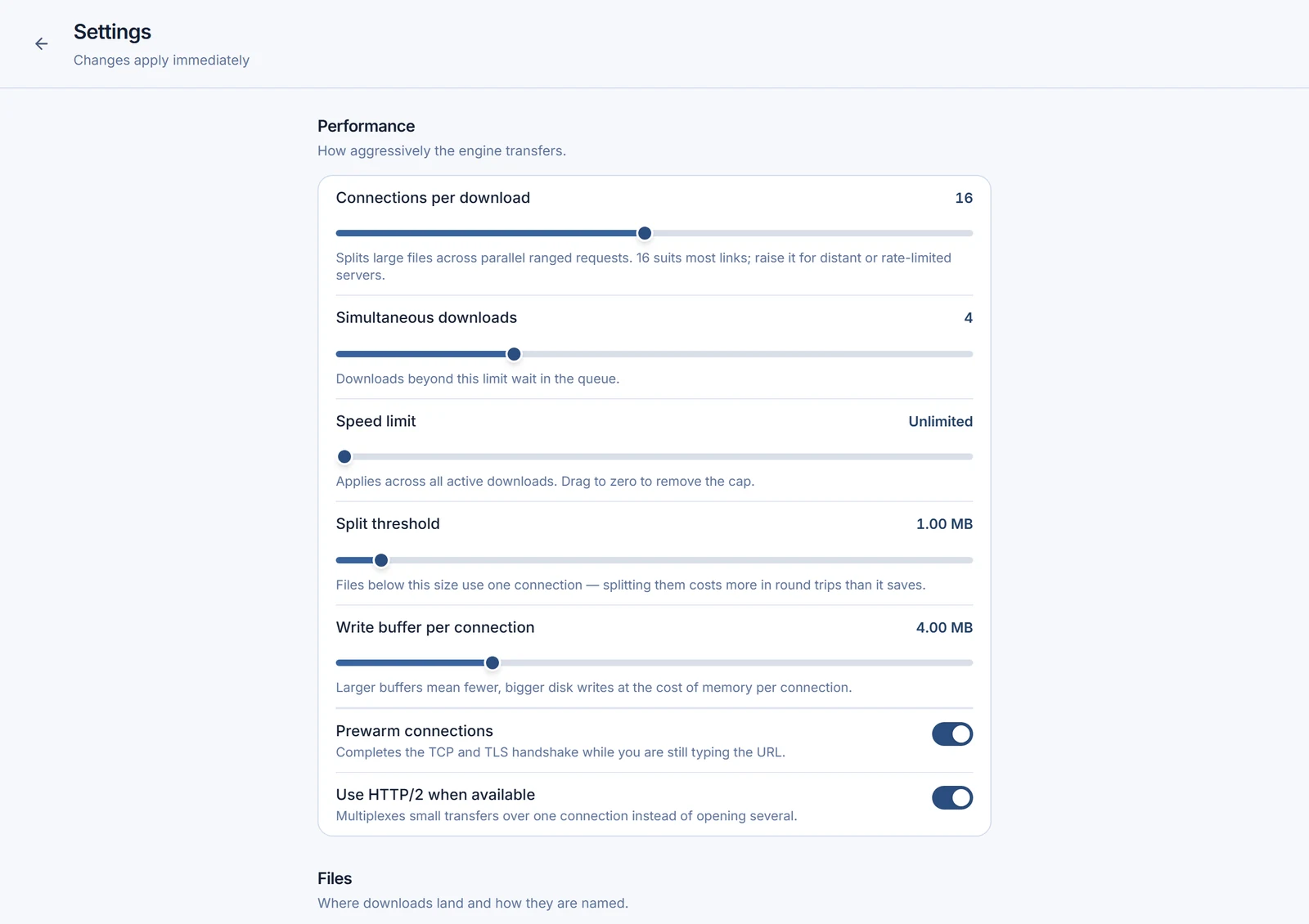
Tuned to your line
Connections, parallel downloads and a speed cap — applied the moment you change them.
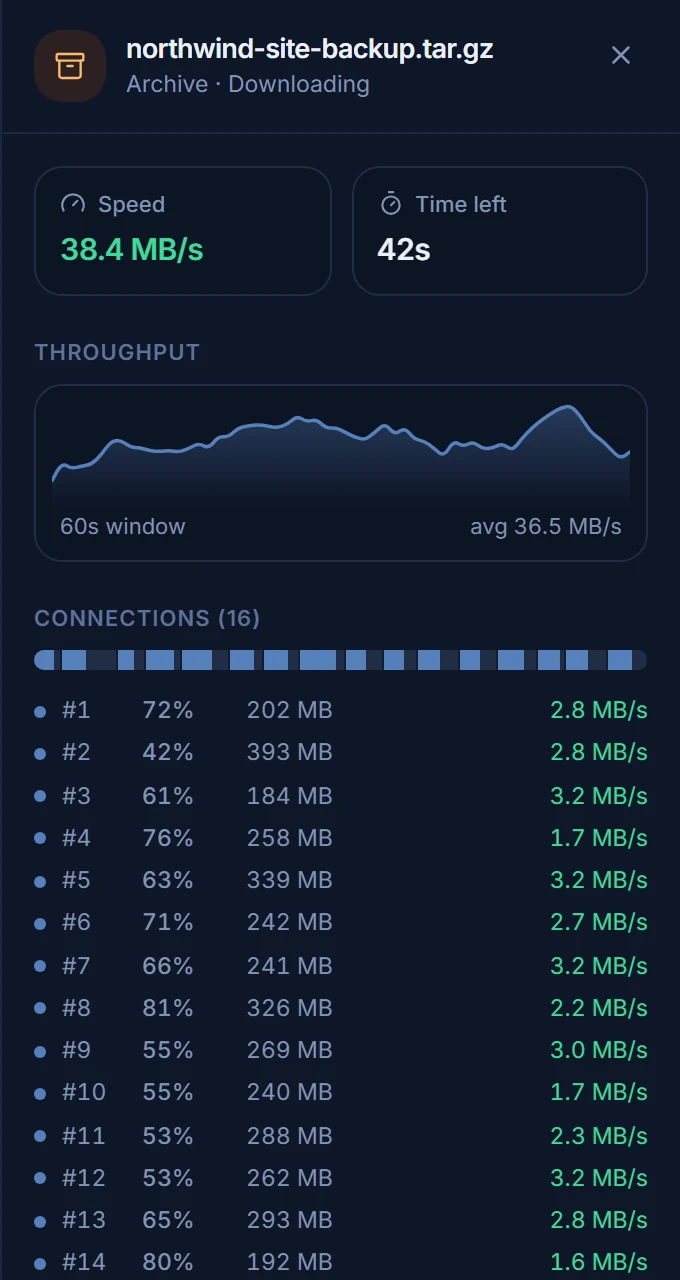
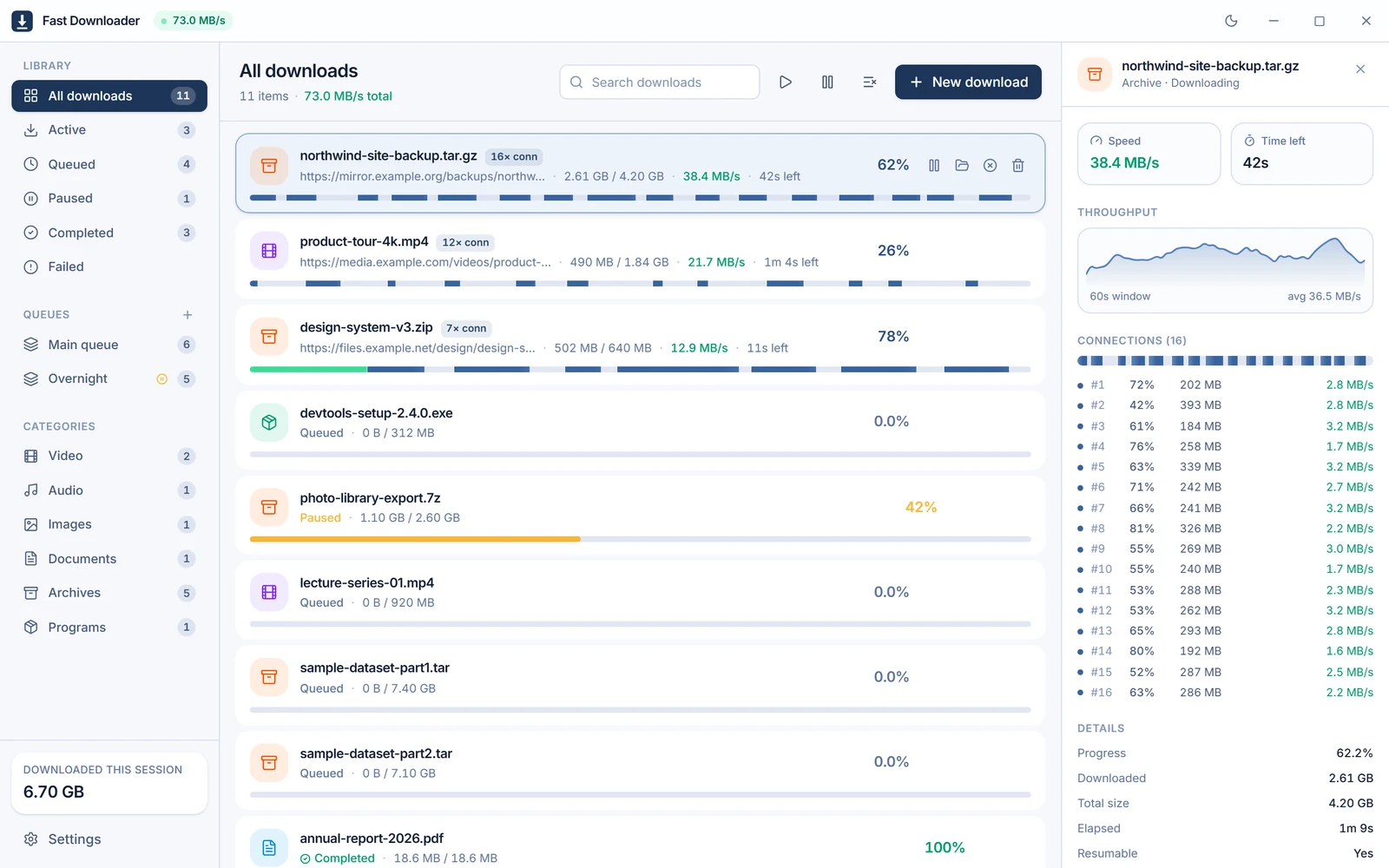
Busy to the last byte
When a connection finishes, it takes over half of the slowest one's work.
No probe request
The first request already brings bytes.
No merge step
Each connection writes straight into place. Finishing is a rename.
Work stealing
Fast connections take over from slow ones.
Warm sockets
The handshake starts while the dialog is still open.
Resumes broken downloads. Finishes the job.
Resumes anything
After a pause, a crash or a restart — and never from a file that changed.
Real file names
The server's name wins over an opaque link.
Sorted by type
Video, audio, images, documents, archives and programs.
Starts with Windows
Quietly, in the tray — and carries on where it stopped.
Done, notified
A desktop notification the moment it lands.
Light and dark
Follows Windows, or your pick.
A free download manager. All of it.
Download accelerator for Windows: questions
Is Fast Downloader free?
Yes. Every feature, with no account and no ads.
How many connections does it use?
Up to 32 per file. Choose any number from 1 to 32 in Settings.
Will every download get faster?
Most gains come from servers that slow down each single connection. Nothing can go past your own line, so a server that already fills it stays the same.
What can it download?
Direct file links over HTTP and HTTPS. Only download files you have the right to.
Does it read my clipboard?
Only to spot file links you copy, and it can be switched off. While head start is on, it contacts those links to fetch their first bytes.
What if it crashes mid-download?
Open it again and the download picks up where it stopped. If the file changed on the server, it starts clean instead.
Why does Windows warn when I install it?
The installer isn't code-signed, so SmartScreen asks once. Choose More info, then Run anyway.