
Electronic signature software with a tamper-evident audit trailSend it. Sign it. Prove it.
Electronic signature software that turns any document into a signed PDF — with a record of every step.
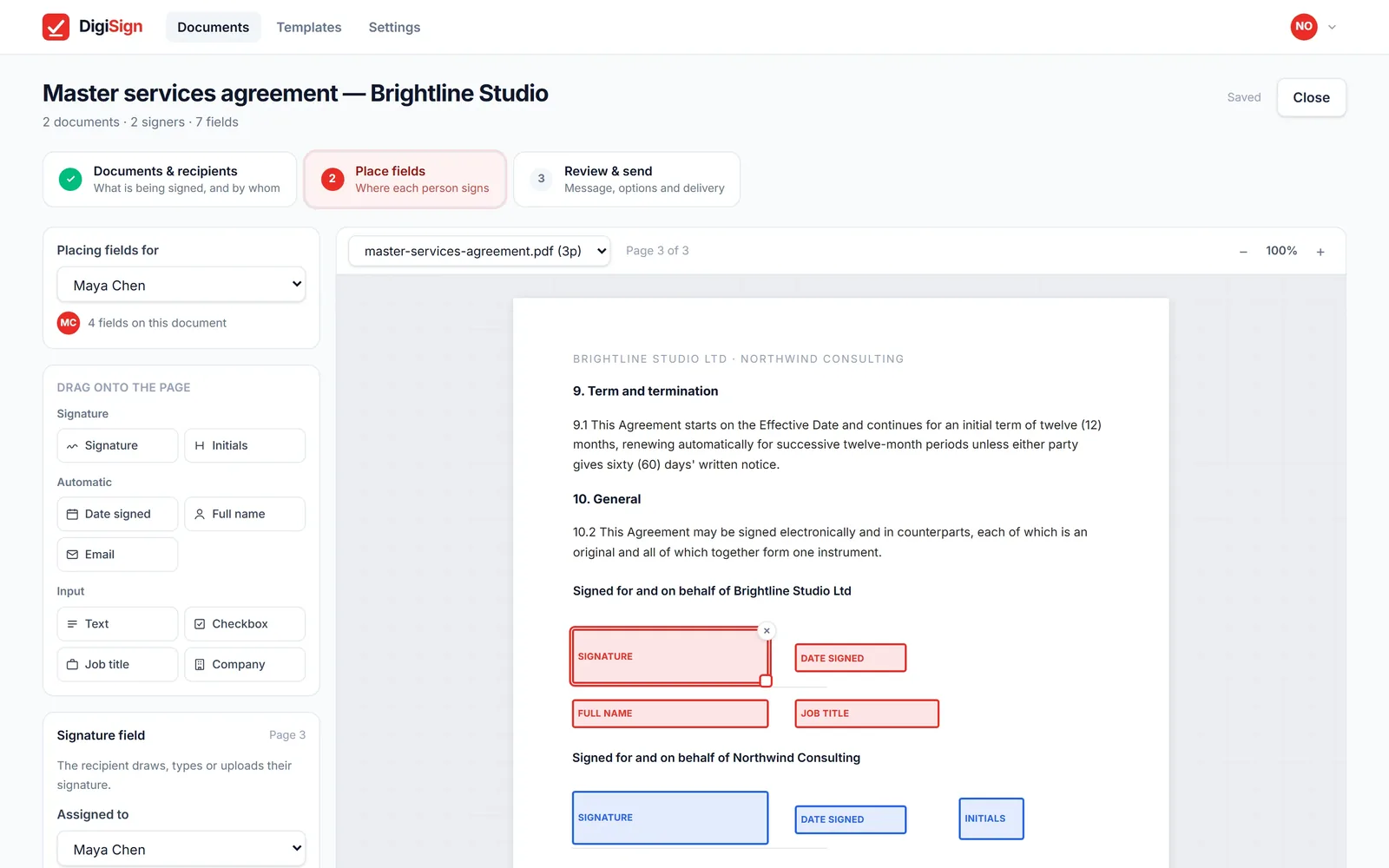
Fields exactly where they go
Drag fields onto any page and give each one to the right person.
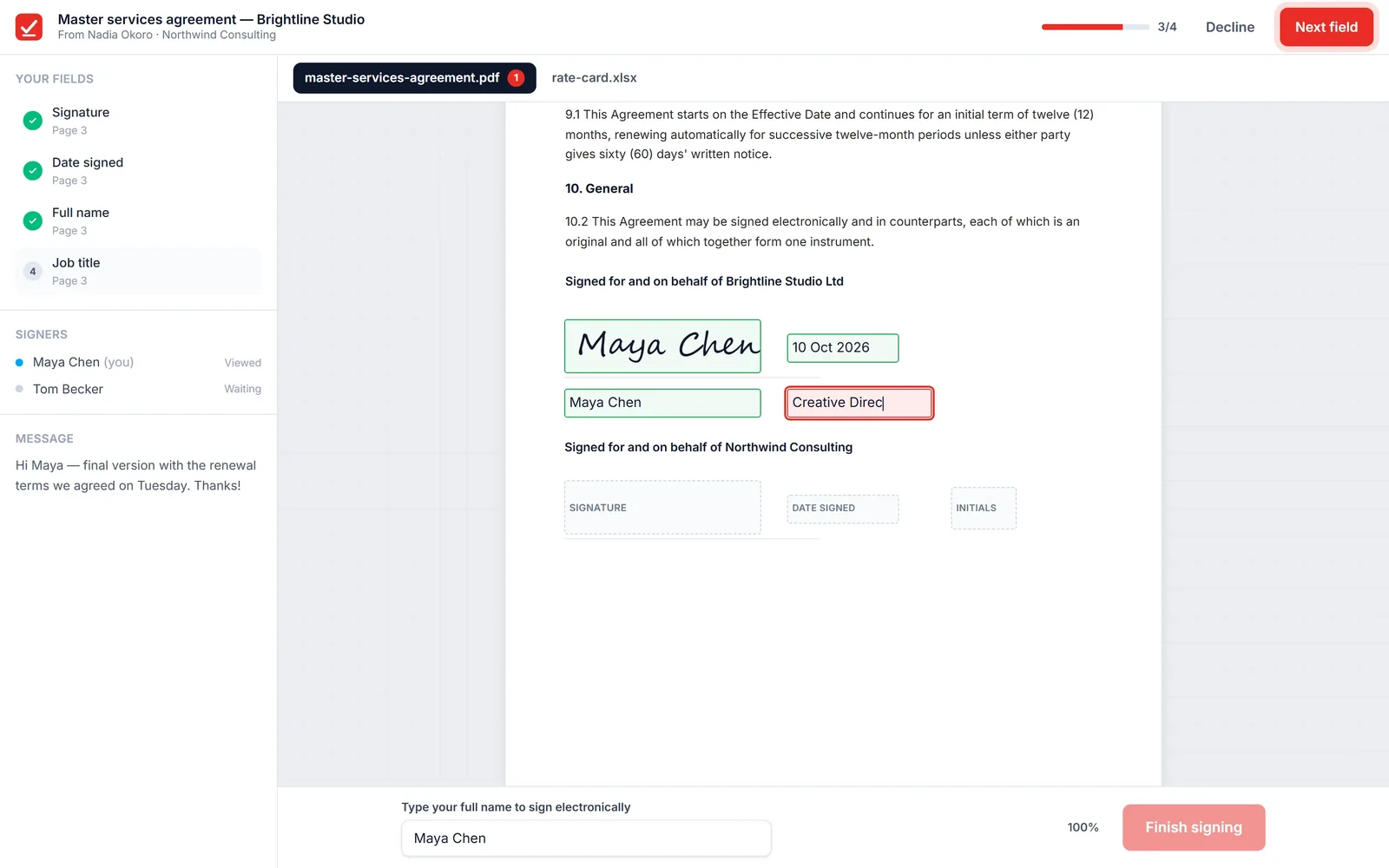
Sign documents online in a minute
A private link, a checklist of their fields, and done. No account needed.
An e-signature audit trail that checks itself
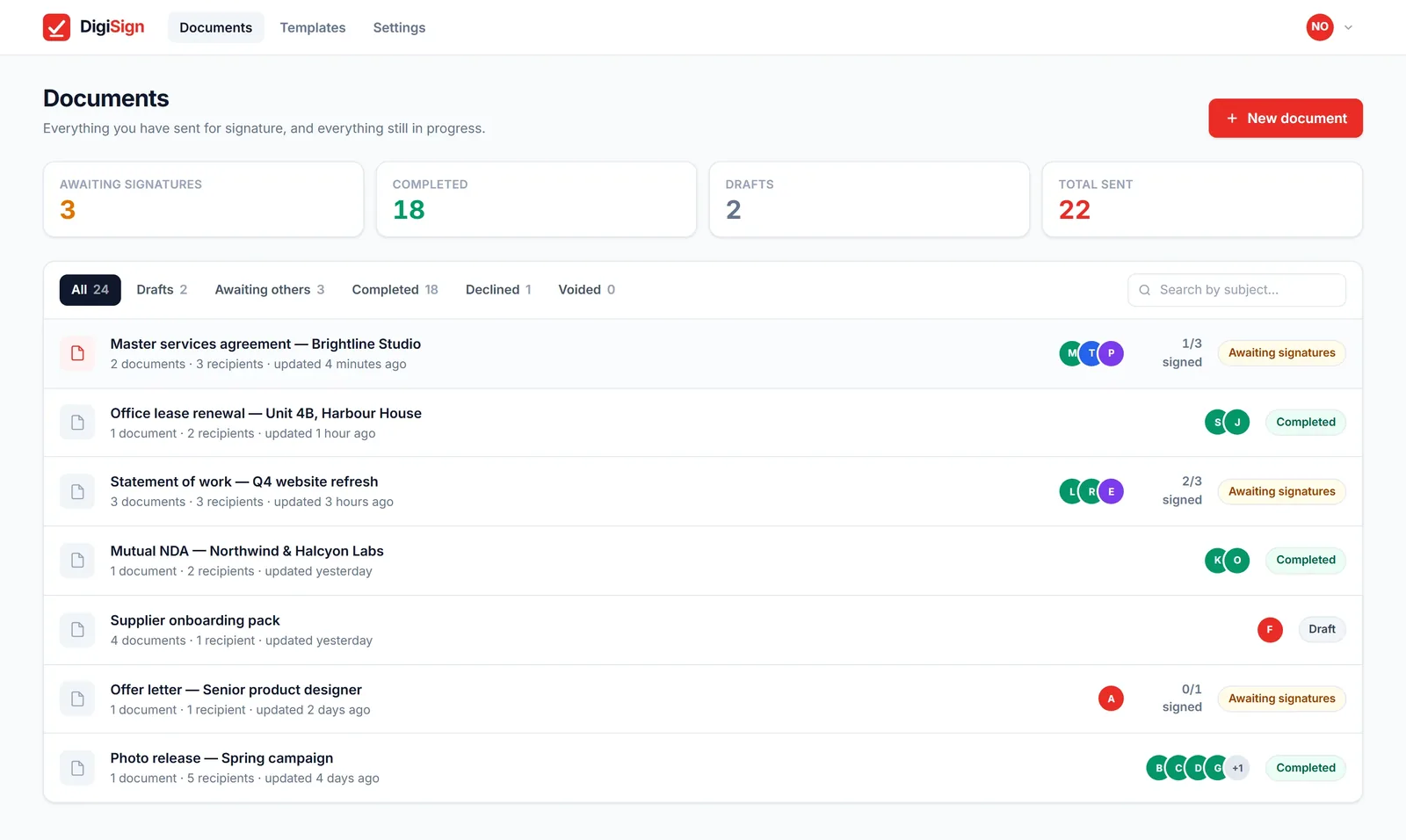
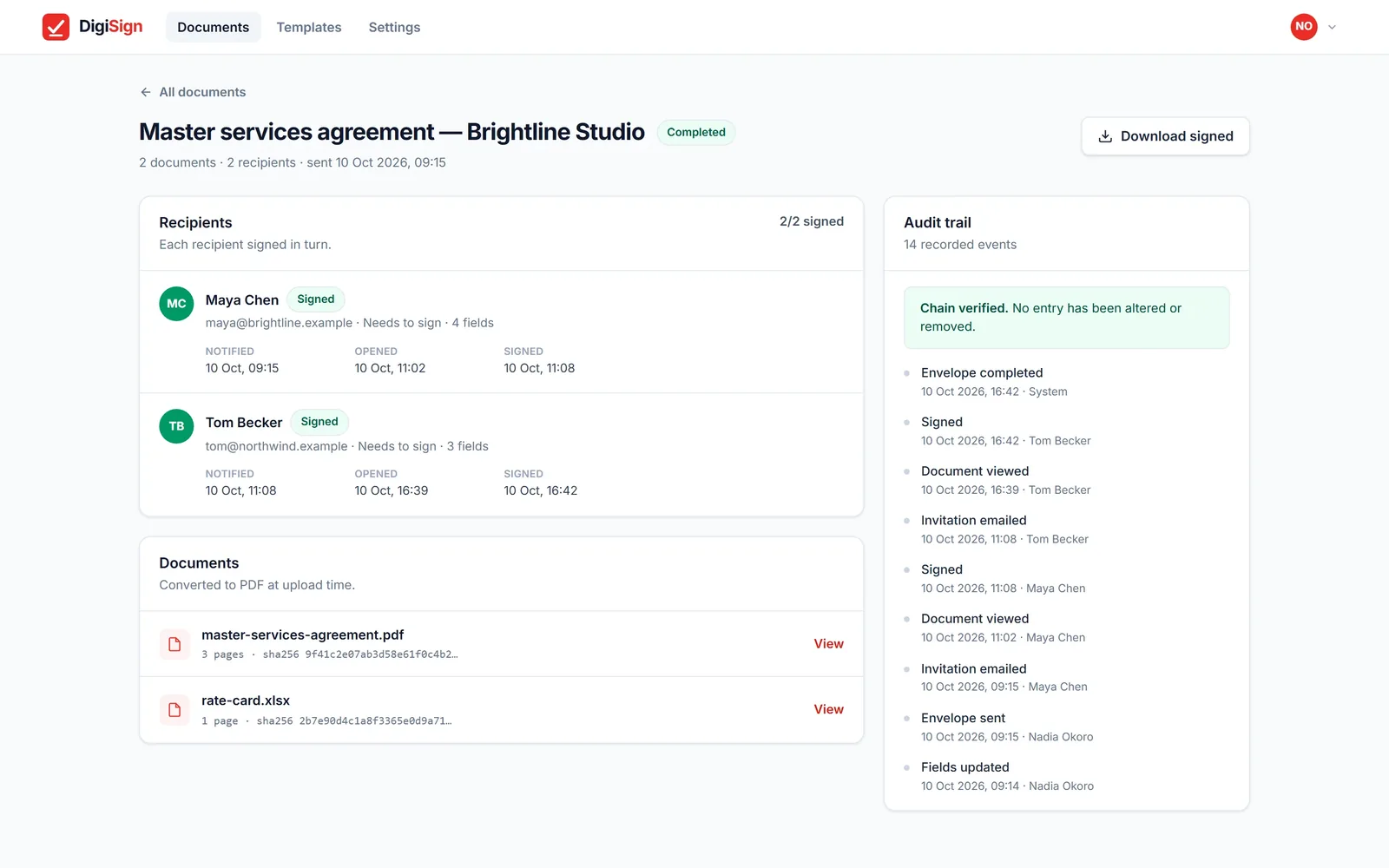
Every view, signature and decline is hash-chained. Alter one, and the chain breaks.
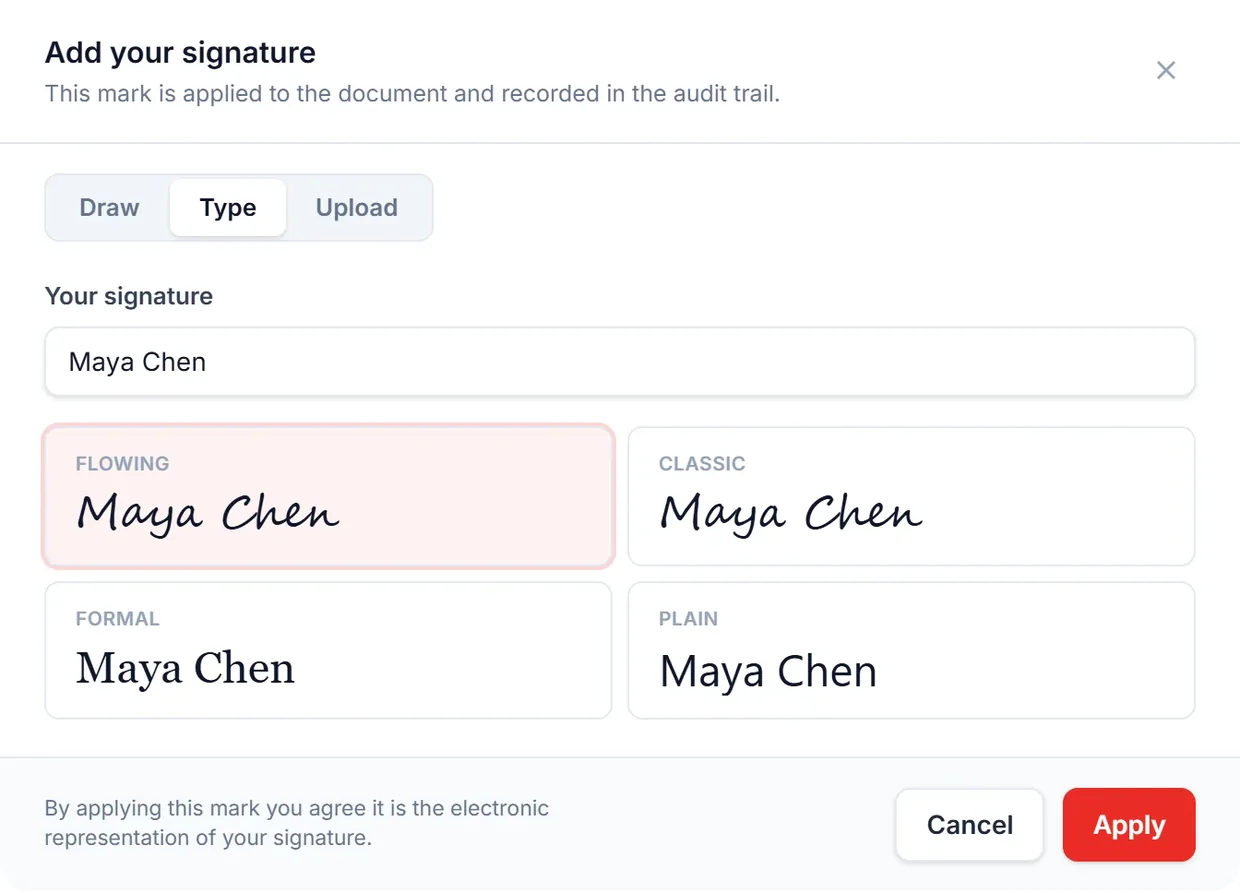
Draw it. Type it. Upload it.
However your signers prefer — stamped into the PDF.
Everything a signing needs
Any file
PDF, Word, Excel, CSV, images, text and HTML.
In order, or all at once
Route step by step, or send to everyone together.
Access codes
A second lock when a link alone isn't enough.
Four roles
Signer, approver, viewer or copied.
Templates
Save a prepared document, reuse it in a click.
Reminders
Nudge anyone who hasn't signed. Void any time.
Send a document for signature in four steps
Upload
Drop in a PDF, Word file, spreadsheet or photo.
Prepare
Add recipients and place their fields.
Send
Each recipient gets a private link by email.
Done
The signed PDF and certificate go to everyone.
Electronic signature software: questions
Do my signers need an account?
No. Each one gets a private link by email and signs in the browser.
What can I upload?
PDF, Word, Excel, CSV, images (PNG, JPEG, WebP, GIF, BMP, TIFF), text, Markdown, RTF and HTML. Everything becomes a PDF before it is signed.
What does everyone get at the end?
One signed PDF with a certificate of completion attached, emailed to every party. Recipients can also download it from their link.
How do I know nothing was changed?
Every event is chained to the one before it with SHA-256, and each document's fingerprint is recorded. The certificate is generated from that log and shows whether the chain is intact.
Can several people sign in order?
Yes. Route the document step by step, or send it to everyone at once. Each recipient can be a signer, approver, viewer or copied.
Can I protect a document with a code?
Yes. Add an access code as a second lock when a link alone isn't enough.
Can someone refuse to sign?
Yes. They can decline with a reason, and you are notified straight away.