 Dash Recorder
Screen recorder for WindowsRecord it. Mark it up. Share it.
A screen recorder for Windows: your screen, a region, one window, or every screen at once — with screenshots and annotation built in.
Windows 10 and 11
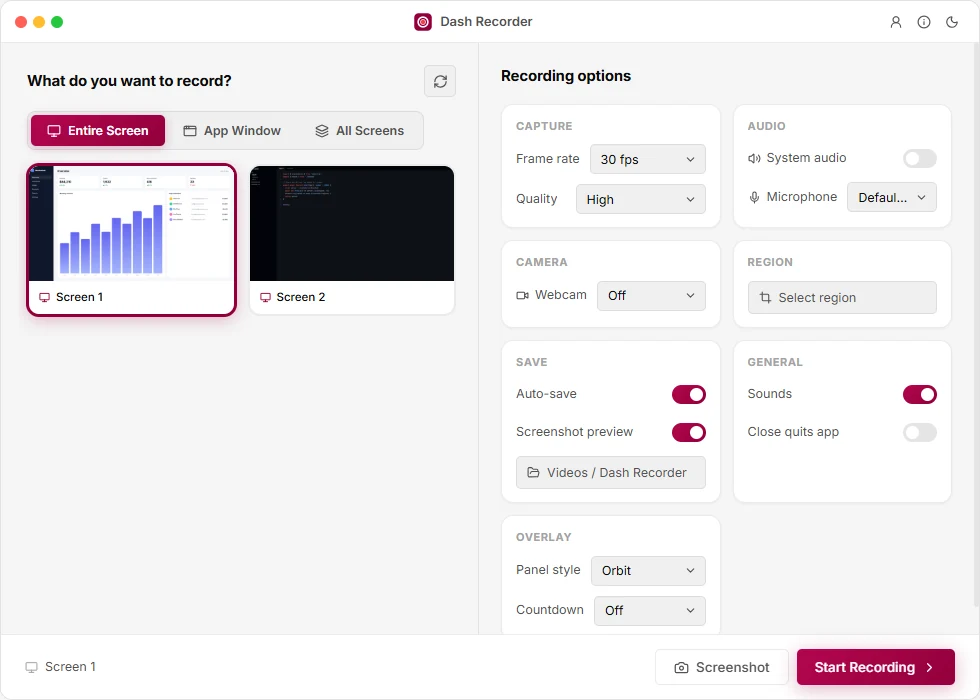
Record your screen, a region or a window
The whole screen, a region you draw, a single app window — or every screen at once.
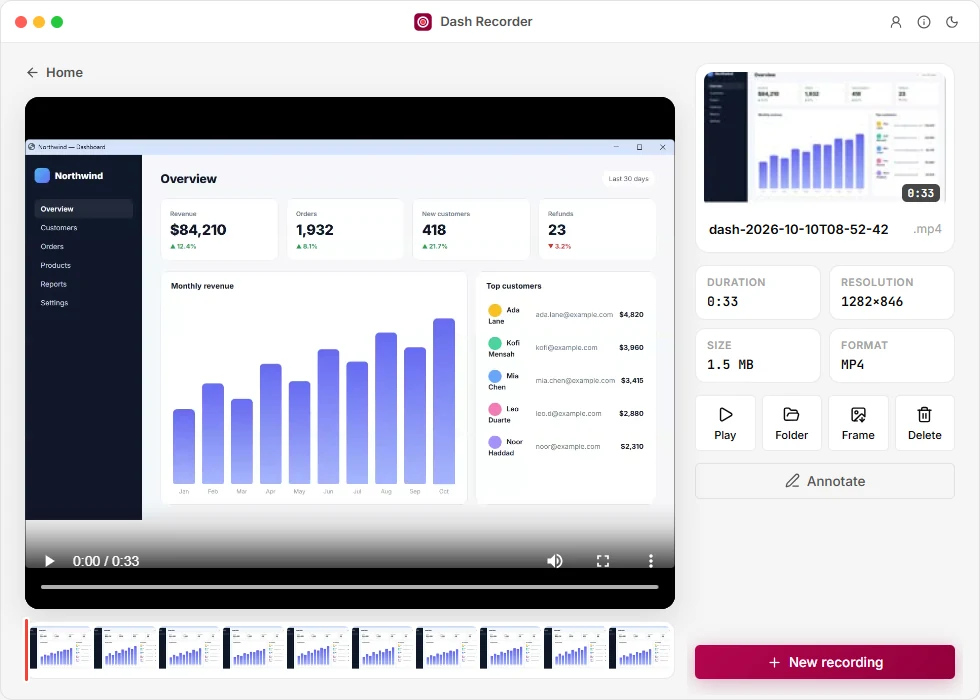
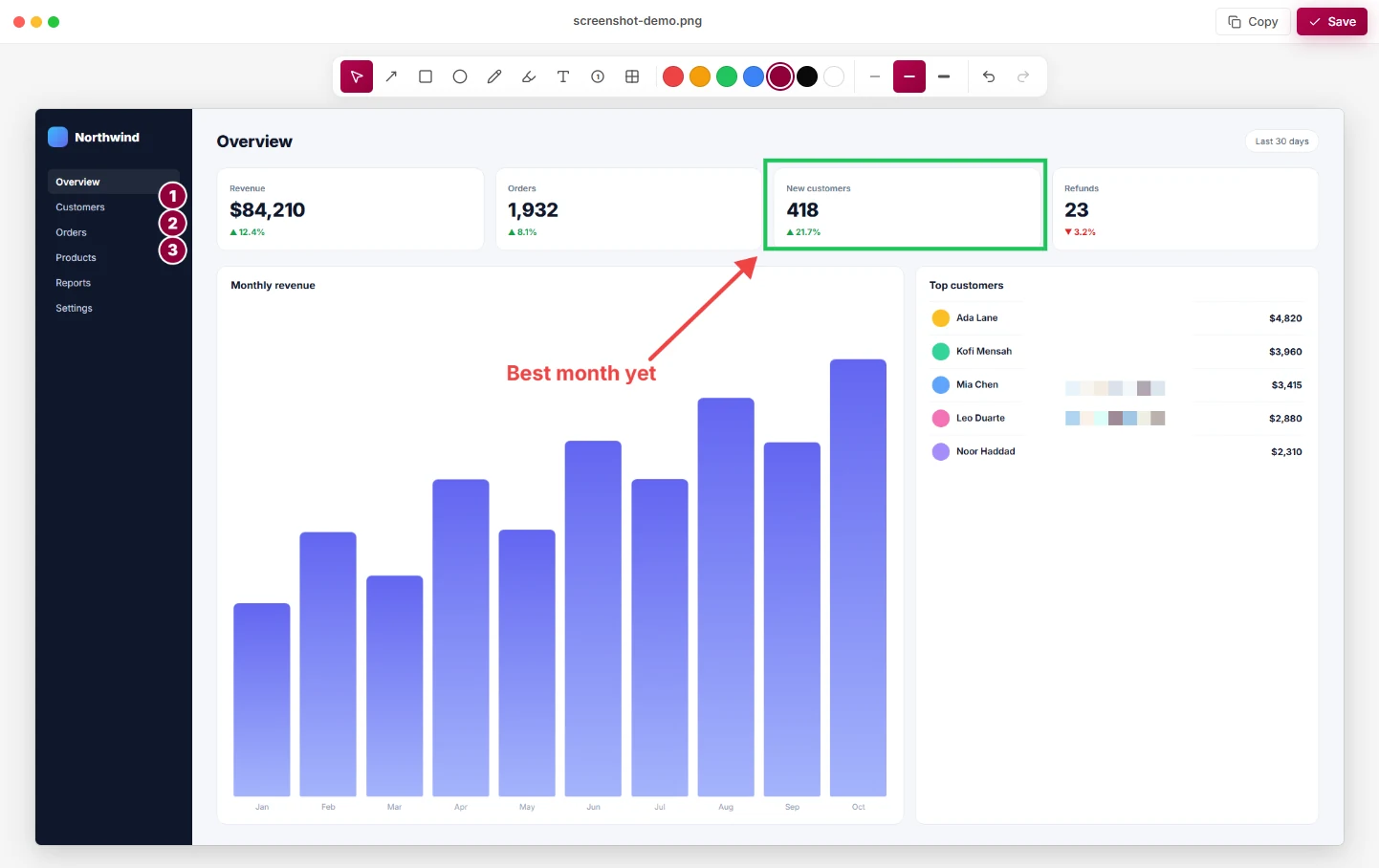
Screenshot annotation in seconds
Snap, then point, number, label and blur — right where you took it.
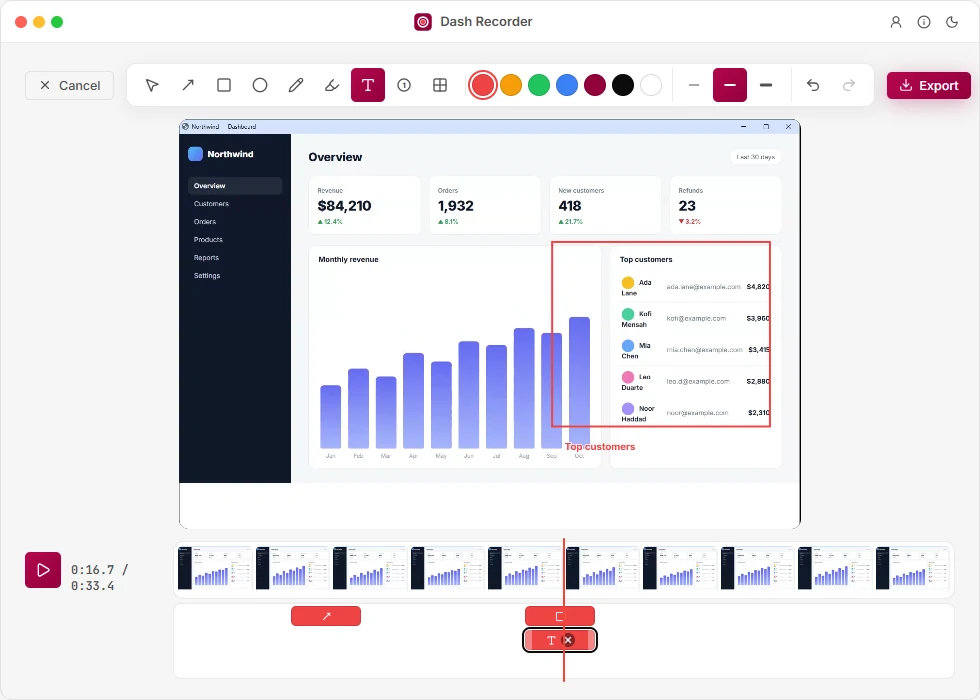
Annotate the screen recording, too
Pause on any moment and draw. Every mark sits on a timeline you can drag and stretch.
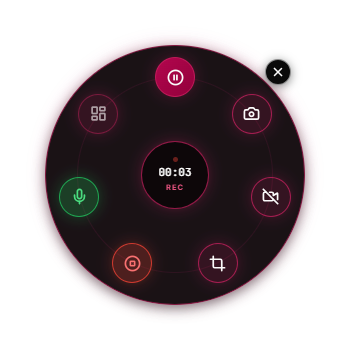
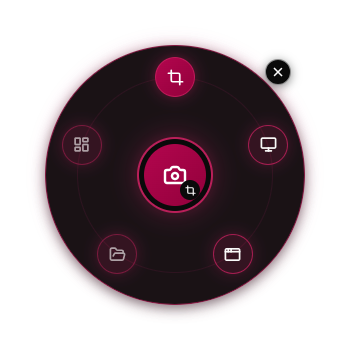
Never in your video
Pause, snap, mute and stop from a widget the recording can't see. Six styles.

Record your screen with audio and webcam
System audio + mic
Both, mixed, with mute on the fly.
Webcam bubble
Your face in the corner, drag it anywhere.
Pause & resume
One file, no gaps to edit out.
Drag to share
Drop the finished MP4 straight into chat or email.
Frame grabs
Save any moment of a video as a PNG.
Starts instantly
Lives in the tray, ready when you are.
Free screen recorder. Pro when you need it.
Free
$0
- Screen, region and window
- Recordings up to 8 minutes
- Screenshots
- System audio and mic
- Floating widget, six styles
Pro
$39.99/year
- Everything in Free
- Unlimited recording length
- Annotate screenshots and videos
- Webcam bubble
- Several screens or regions at once
Screen recorder for Windows: questions
Does the floating widget show up in my recording?
No. The widget, the region outline and the selection overlay are hidden from every recording and screenshot.
What happens at 8 minutes on Free?
The recording stops and saves as normal. Pro removes the limit.
Do I need to be online?
Only to sign in or buy. Pro keeps working offline for two weeks between checks.
Can I cancel?
Any time, from your account. Pro stays on until the end of the period you paid for.
Where do my recordings go?
Your Videos folder, as MP4 — or any folder you choose. Nothing is uploaded.
Is Dash Recorder free?
Yes. Free records your screen, a region or a window with audio, up to 8 minutes per recording. Pro removes the limit and adds annotation and the webcam bubble.
Which versions of Windows does it run on?
Windows 10 and Windows 11.